
Landing pages
Build a landing page without writing code.
A text has room for a quick note, not your whole product line, event details or how-to guide. Landing pages give you a full web page, built with drag and drop from a template or a blank page, that you send in a text, post on social media or print as a QR code. And when a contact opens it from your text, you see who looked… and can tag them for follow-up.
Landing pages in use
Fill a workshop, start to finish.
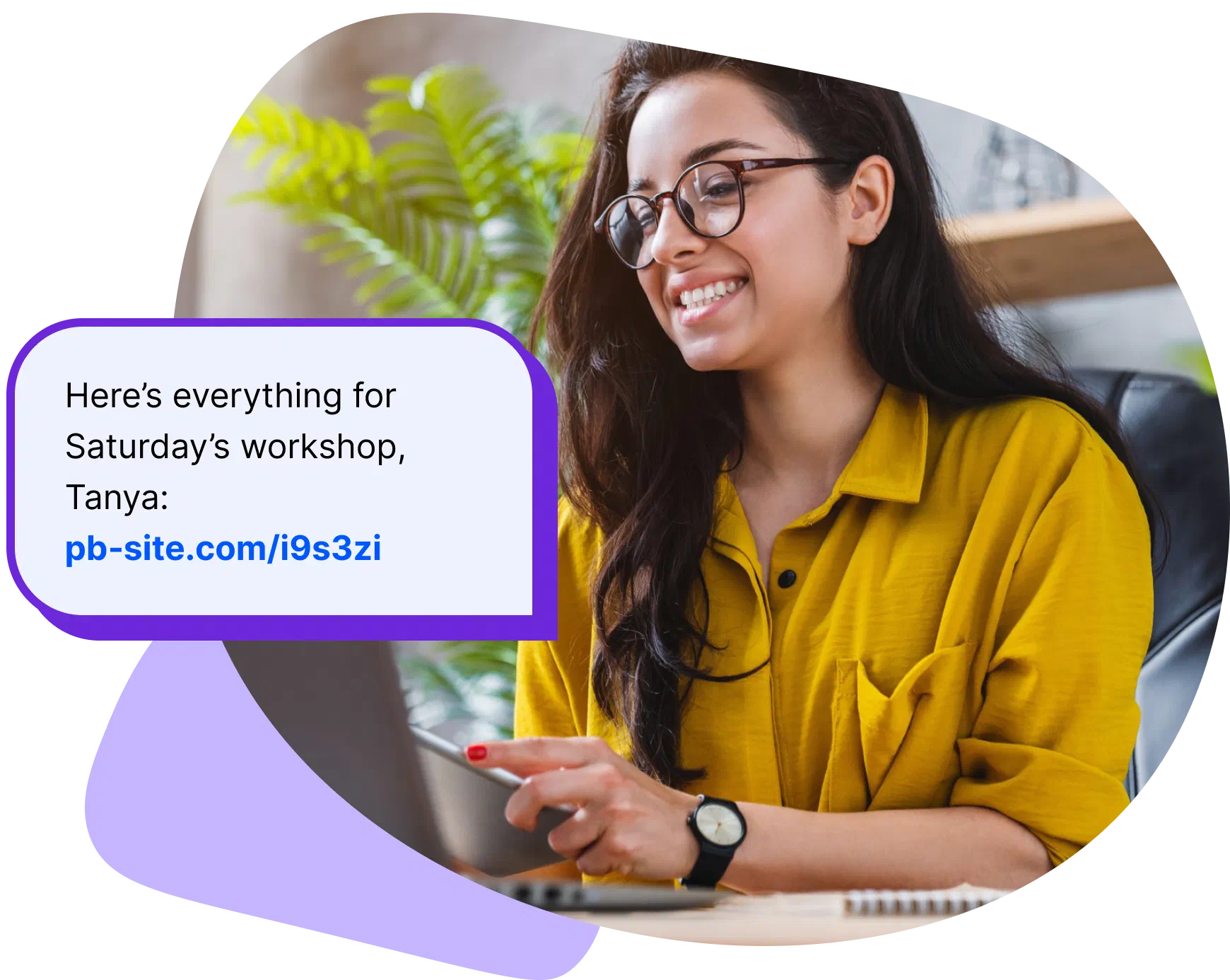
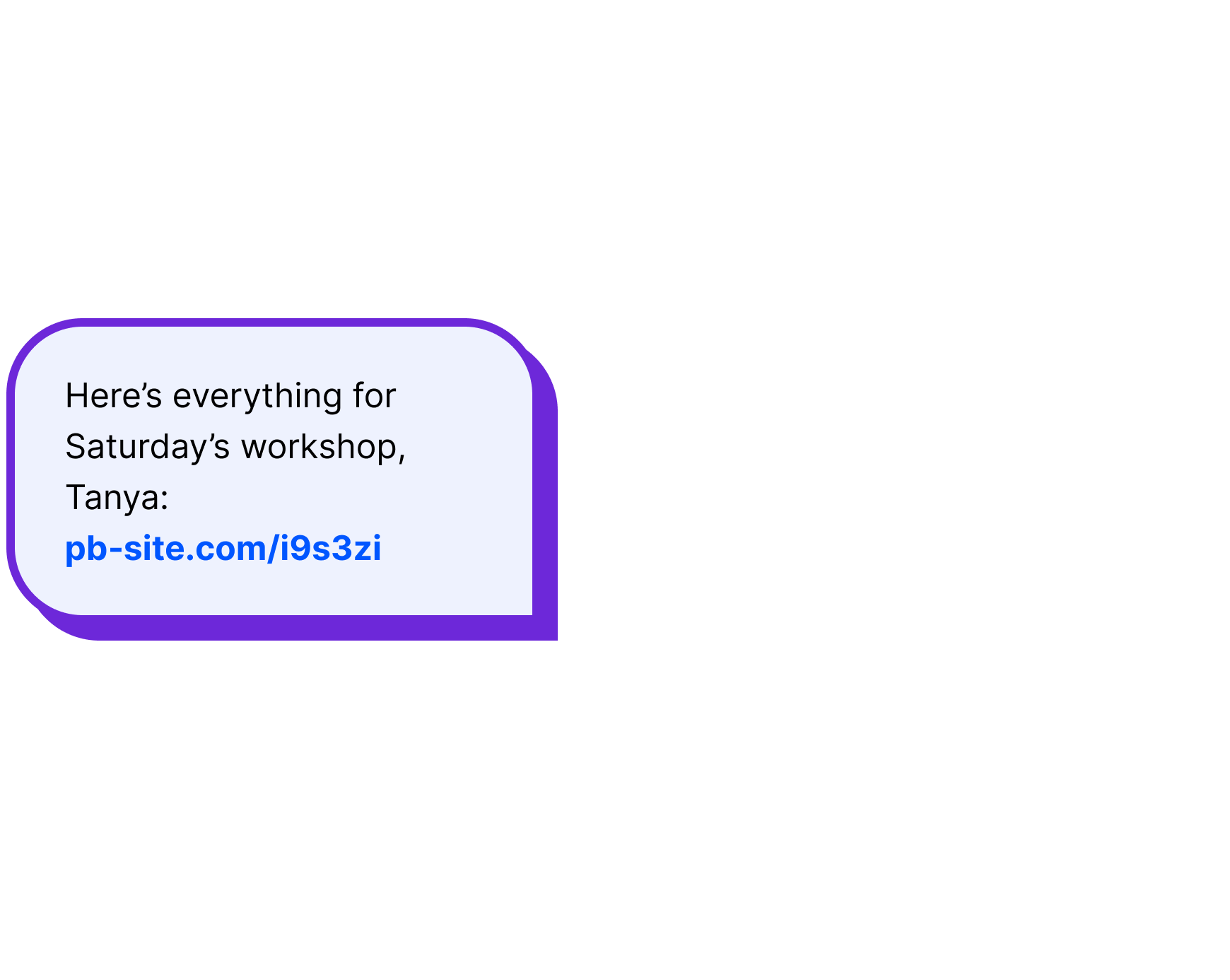
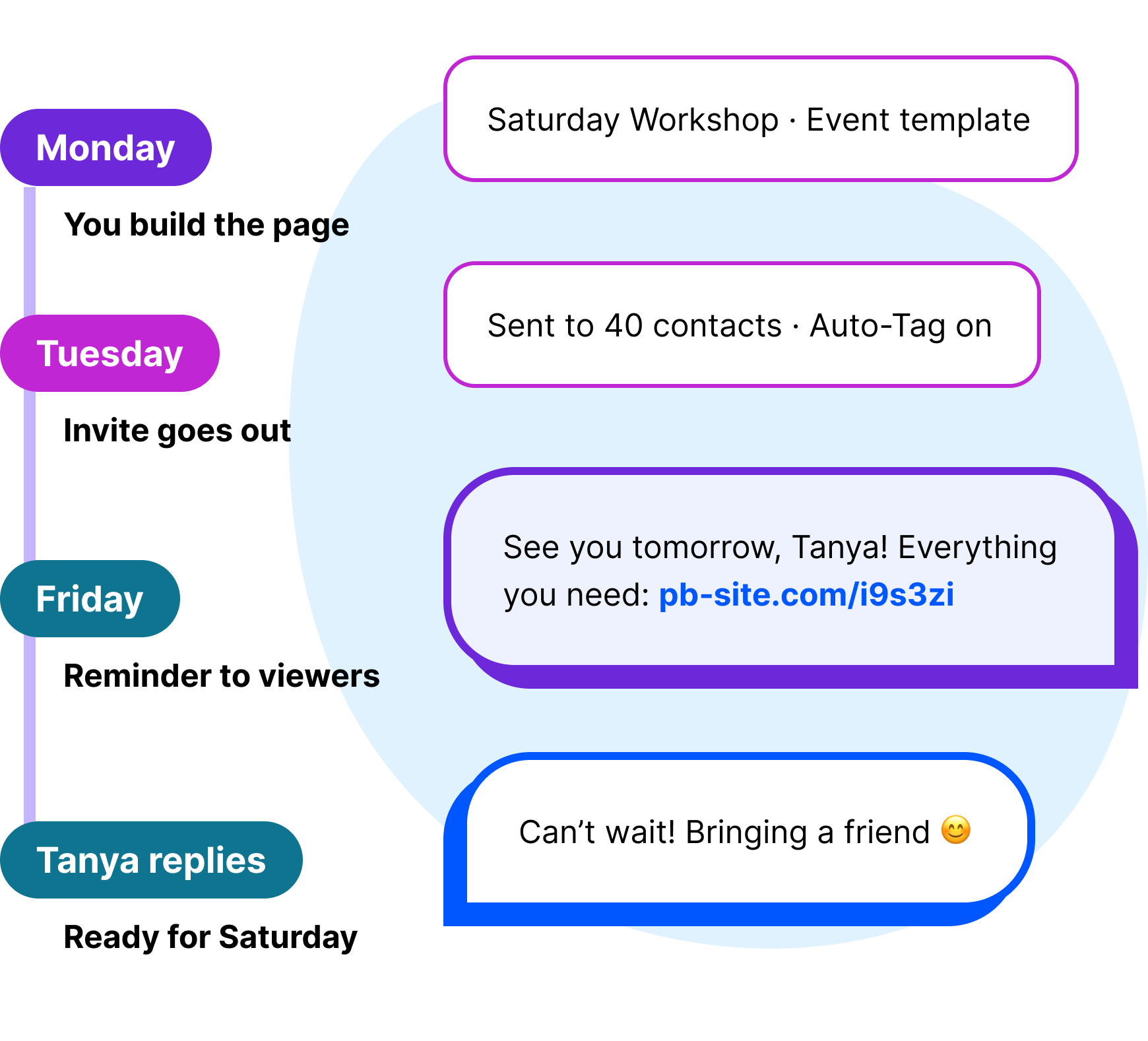
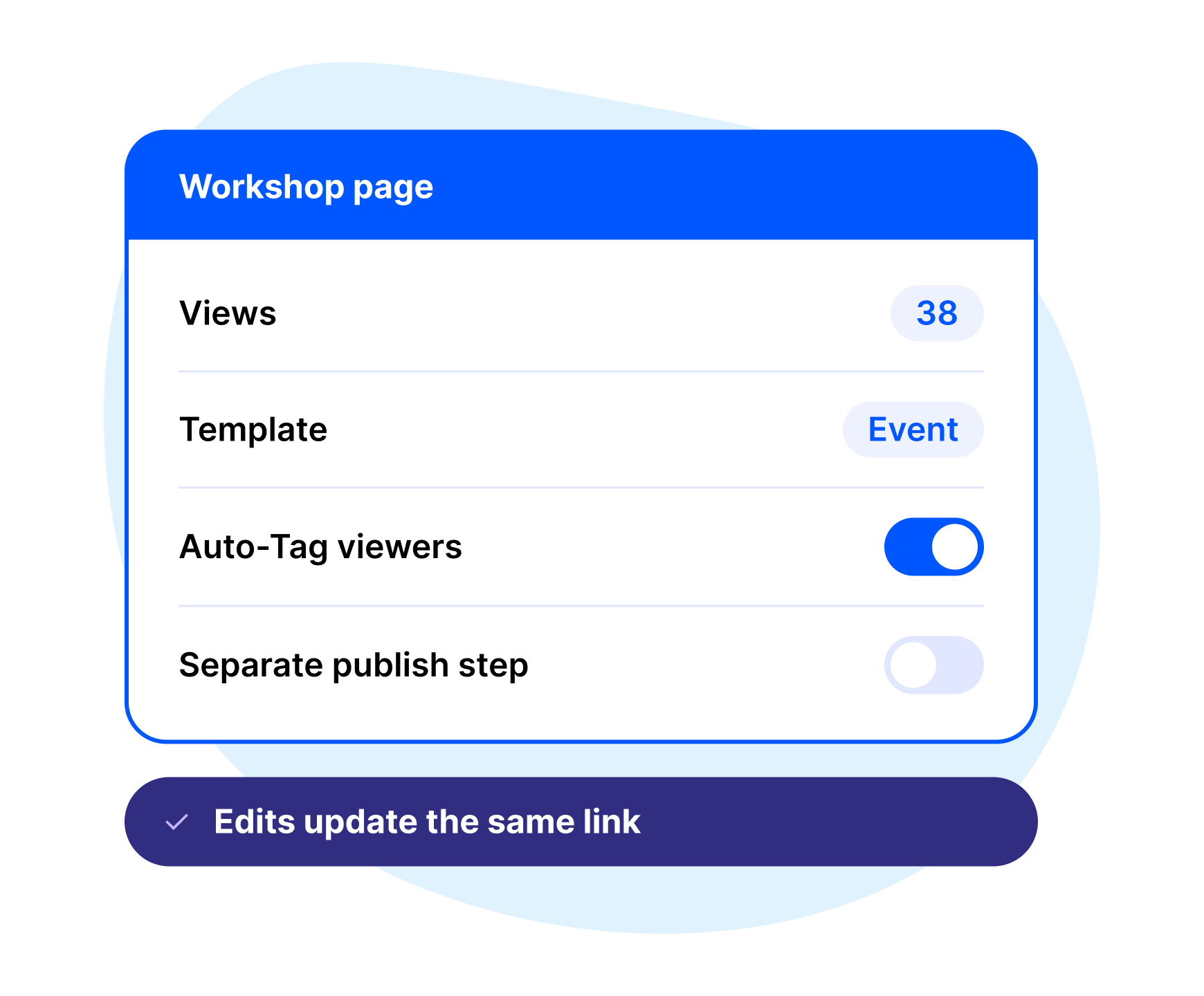
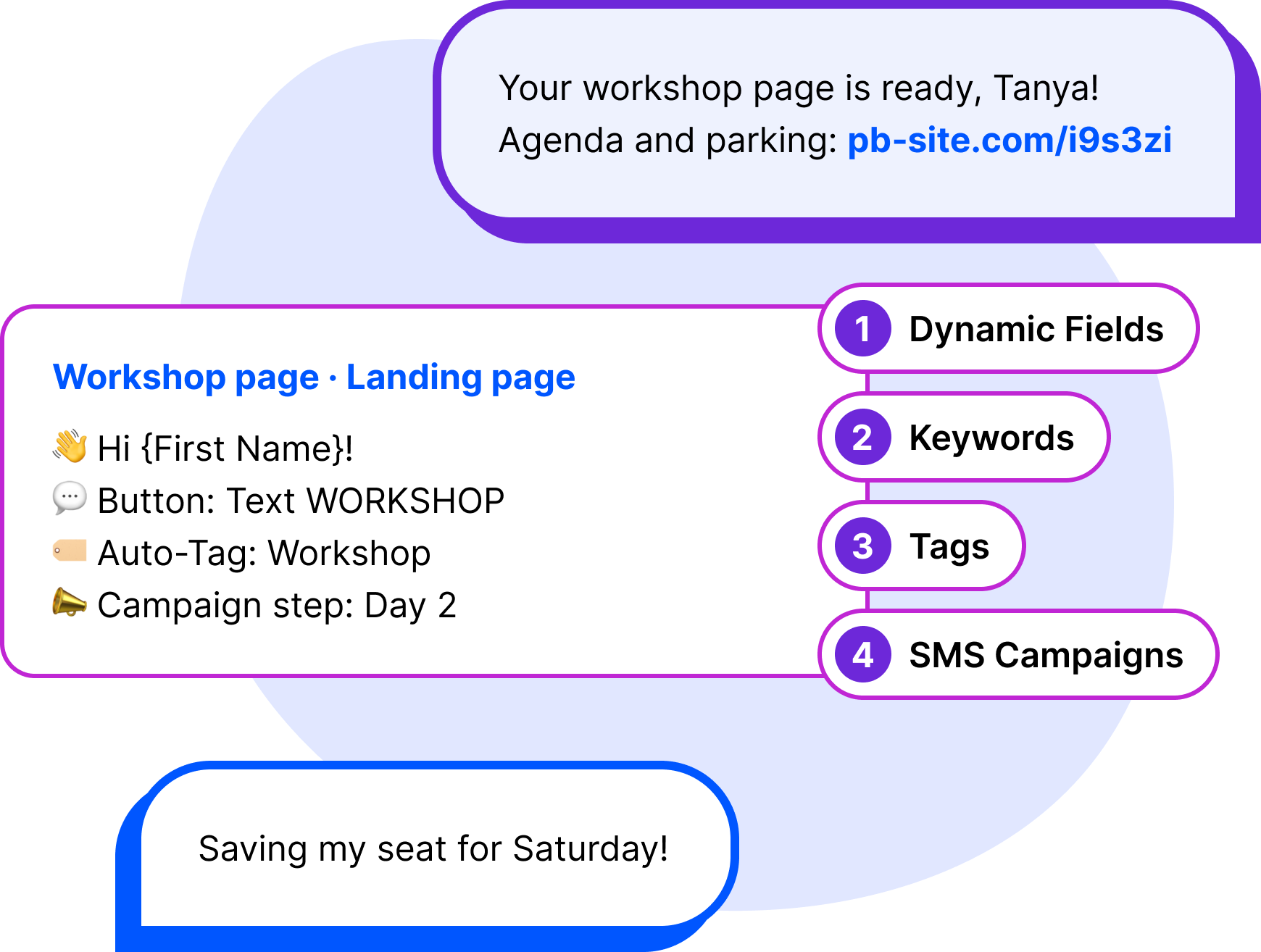
If you share the same details over and over, in texts, in posts and at events, this is for you. Say you’re hosting a workshop. You build one page with the date, location, agenda and a “Text me” button, then add it to your invite broadcast. Each contact gets their own link, so their first name shows at the top and you can see who opened it. Turn on Auto-Tag, and everyone who viewed the page is tagged for your reminder. After the workshop, you add the recording to the same page.
How it works
How landing pages work.
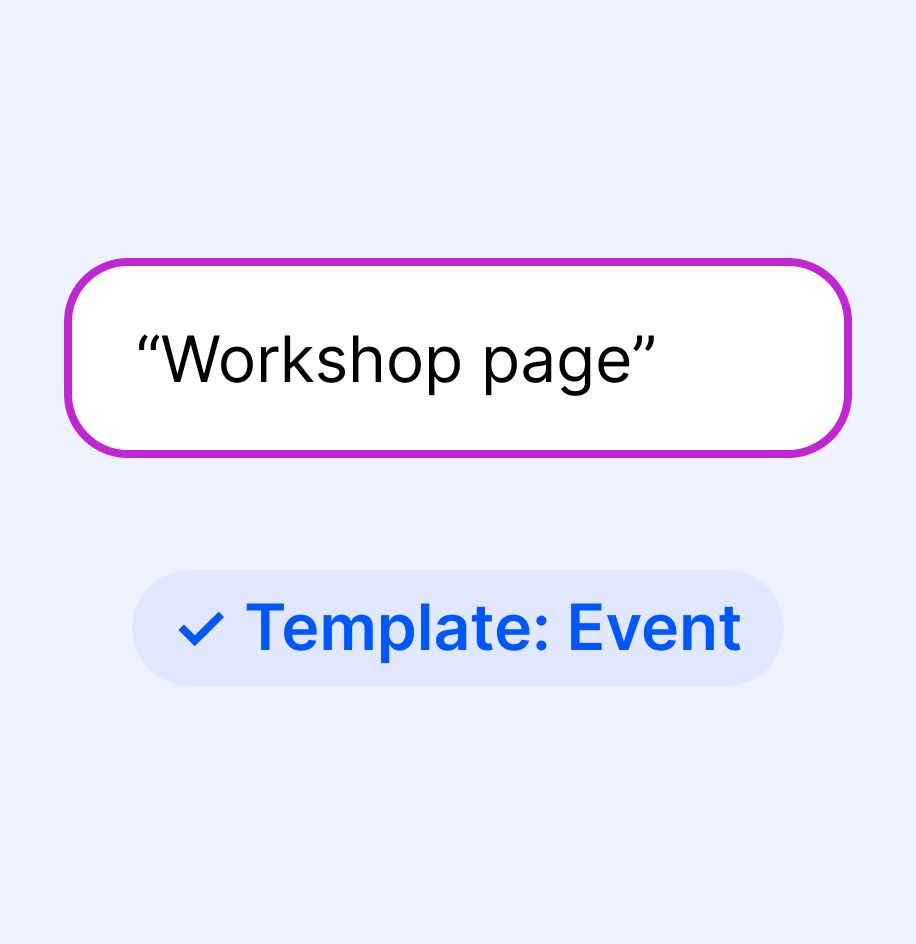
Start from a template.
Pick a ready-made template or a blank page, then drag text, images, buttons, videos and more into place. No code needed.
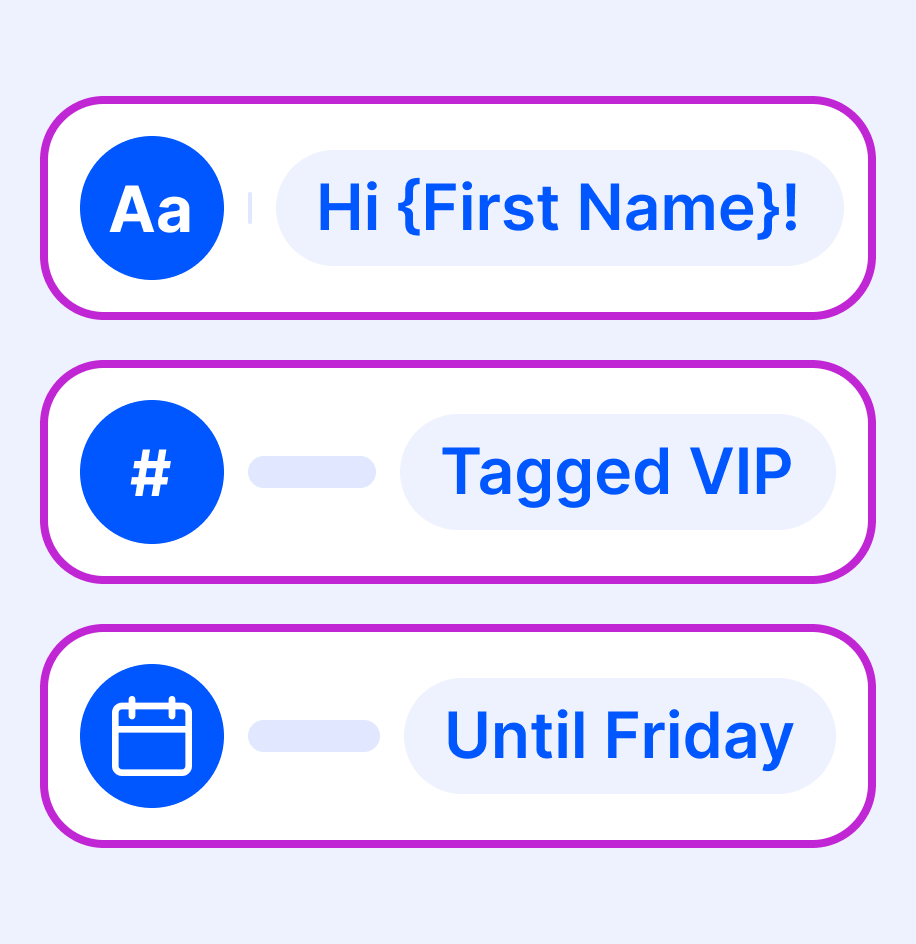
Make it personal.
Add a contact’s first name or your own saved details, and show sections only to people with a certain tag or between certain dates.
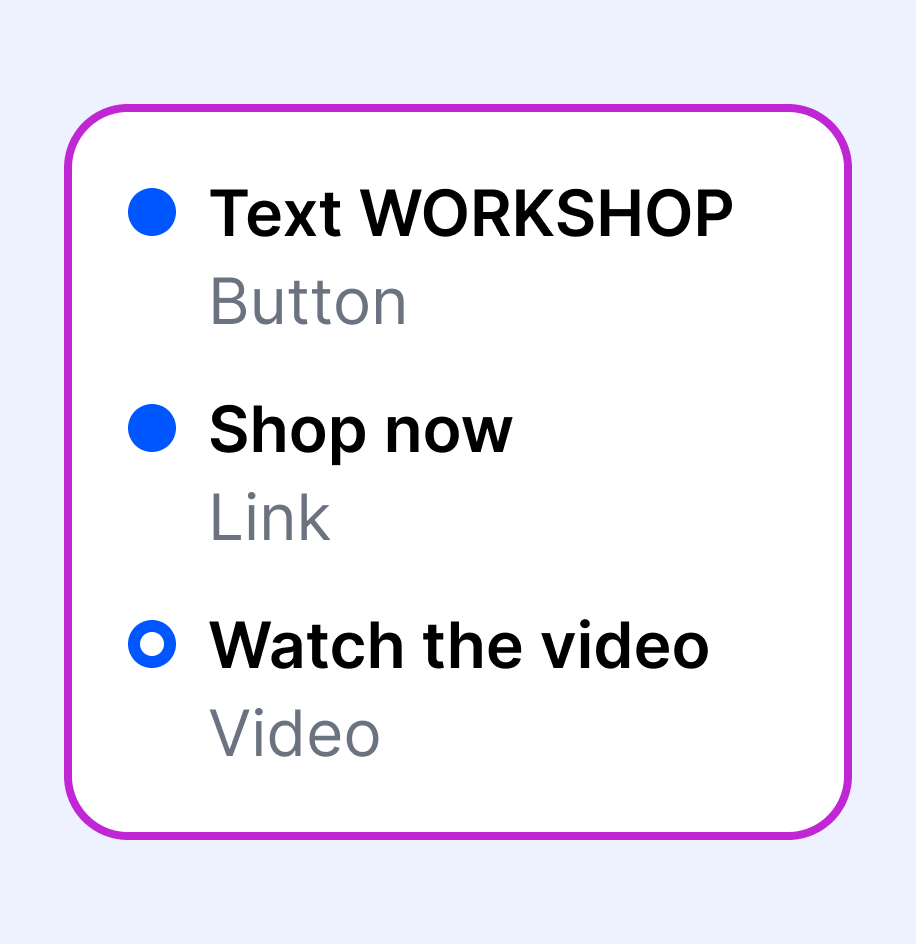
Add a way to reply.
Add a button that starts a text to your number with your keyword already filled in, so interested visitors reach you in one tap.
Share it anywhere.
Insert the page into a chat, a campaign, a keyword reply or a broadcast, or copy its link and QR code for social media and print.
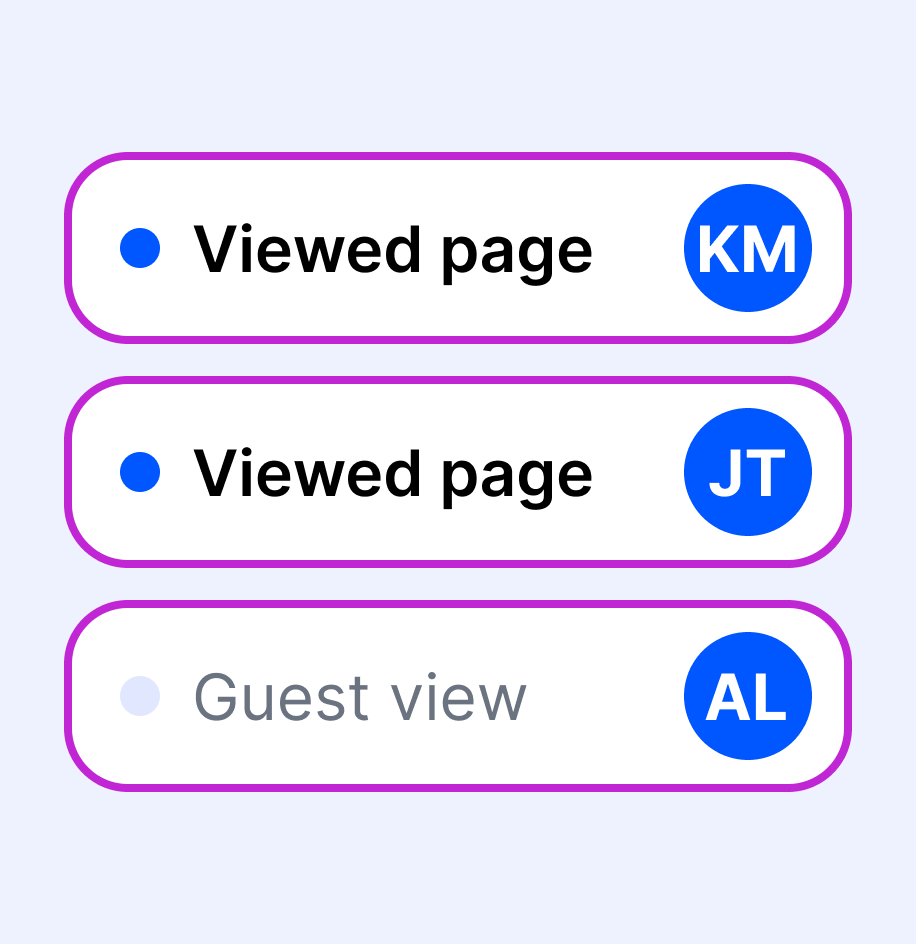
See who viewed it.
Open Views to see which contacts looked and when. Turn on Auto-Tag to tag them for follow-up.
See it in Project Broadcast
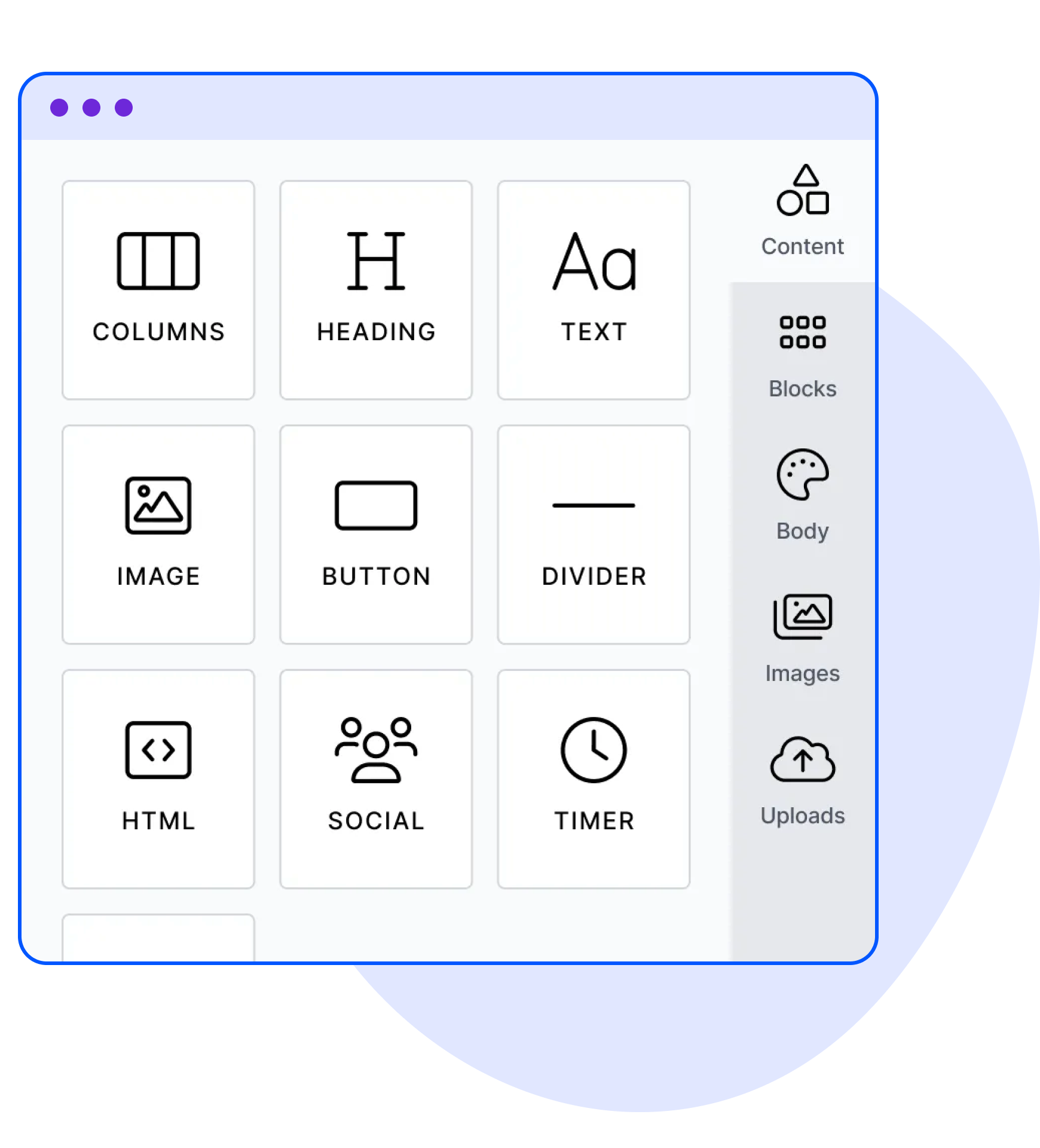
Build it with drag and drop.
Pick a template, then drag in columns, headings, images, buttons, social links or a countdown timer. No code needed. Save, and your page updates at the same link.
Ways to use it
One page for the things people keep asking about.
Build it once, then send it whenever someone asks.
See plans
Product showcase
Link a page for each product, and Views shows which ones each contact opened.
Great for
- New collections
- Gift guides
Event page
Date, location, agenda and a way to text you, all in one place.
Great for
- Workshops
- Open houses

Resource library
Recipes, how-tos and videos people can bookmark and come back to.
Great for
- Tips
- Tutorials

Getting-started guide
A checklist and answers to common questions for someone brand new.
Great for
- New customers
- New team members
Before you use it
A few things to know first.
Design on a bigger screen
Building a page needs a computer or a wide browser window. You can share pages from anywhere.
Public links show as guests
Views from a social post or QR code show as guests, and Auto-Tag can’t tag them. To see who looked, send the page in a message so each contact gets their own link.
Pages don’t collect forms
Landing pages have no built-in form. Use a text-me button with a keyword, or send a configurable form to collect details.
Better together
Pages that start conversations.
A page gets people interested. These turn that interest into a conversation.
Say their name.
Add Dynamic Fields like first name, so each visitor sees a page that feels made for them.
Start the text for them.
Point a button at a keyword, and the reply and follow-up start the moment they send it.
Follow up with viewers.
Auto-Tag adds a tag to everyone who viewed, so you can text just the interested ones.
Send it in a series.
Add the page to a step in SMS Campaigns, so every new contact gets it at the right time.
Common questions about landing pages
Do I need my own website?
No. Every page gets its own web address, so you can share it without a website of your own.
Can I change a page after I’ve shared it?
Yes. Save your changes, and the page updates at the same link. There’s no separate publish step.
Can my team use a page I built?
Yes. Add it to a Bundle and share it with another Project Broadcast user. They get their own copy to adjust for their business.

Build your first page
Put everything in one link.
Pick a template, add the details people ask you about most, and send it in your next text.