
Smart Lists
Contact lists that keep themselves up to date.
You tag a new customer, then forget to add her to your welcome texts… it happens! Smart Lists are groups of contacts that update on their own. Tell Project Broadcast who belongs, like “customers who joined in the last 60 days,” and it adds people when they match and takes them off when they don’t. Connect the list to your SMS Campaigns and scheduled broadcasts, so new people get your messages without you rebuilding anything.
Smart Lists in use
Stop rebuilding the same list every week.
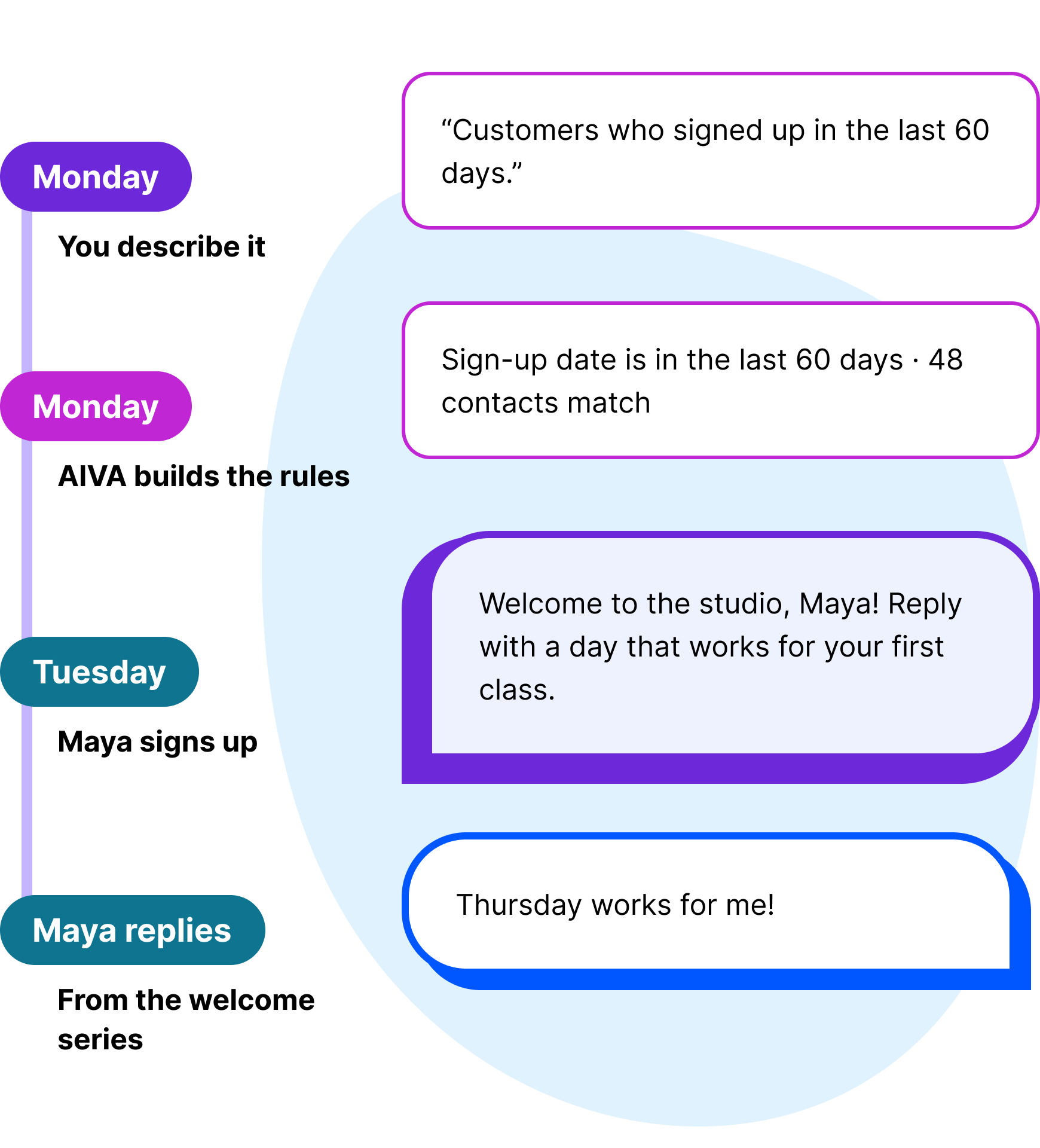
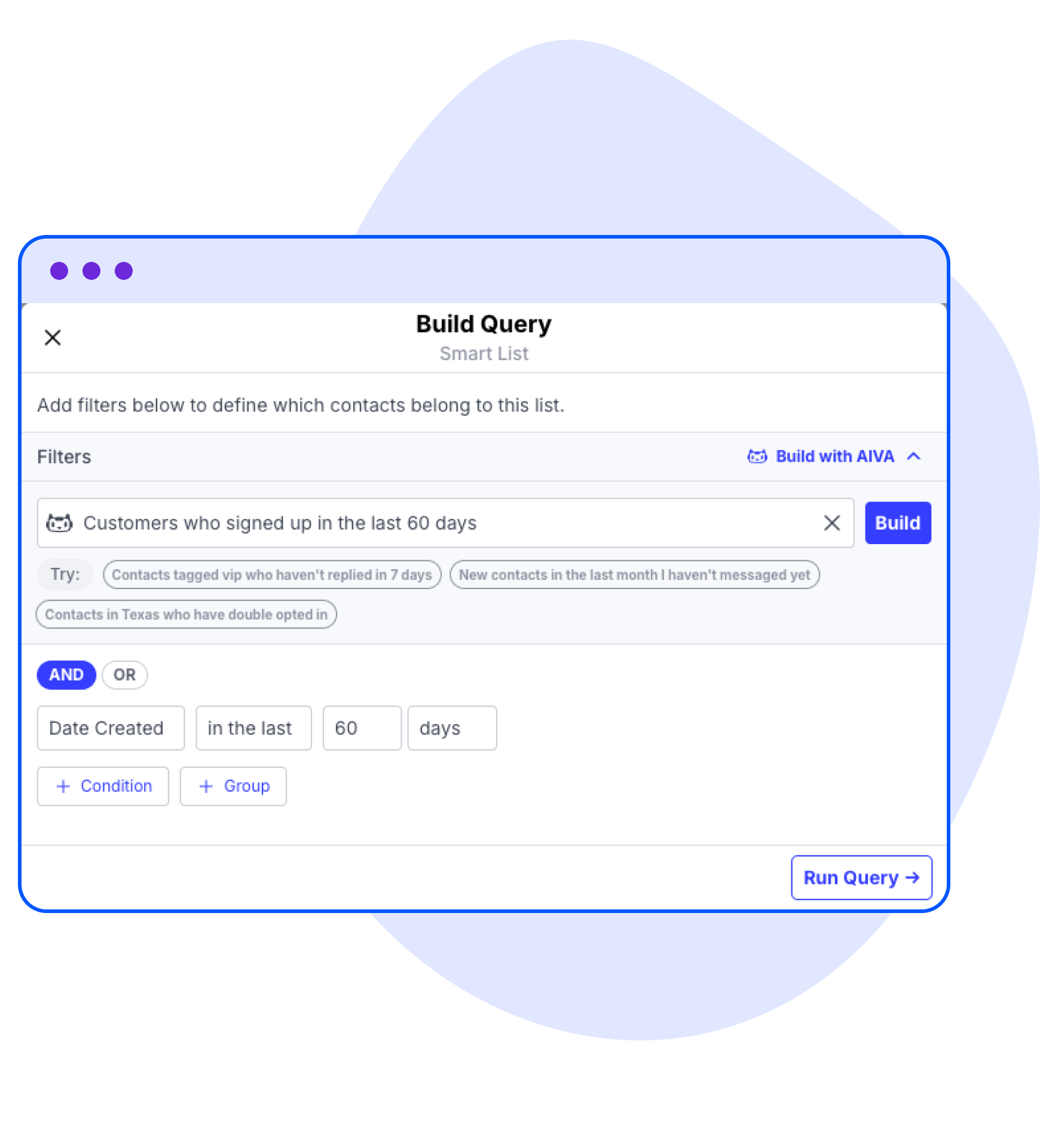
If you send different messages to different groups of customers, this saves you the most time. Say you keep a sign-up date on each customer. You type “customers who signed up in the last 60 days,” and AIVA, the assistant built into Project Broadcast, turns that into the rules for you. Connect the list to your welcome series, and every new sign-up joins it automatically. As customers pass the 60-day mark, they drop off the list on their own… no cleanup needed.
How it works
How Smart Lists work.
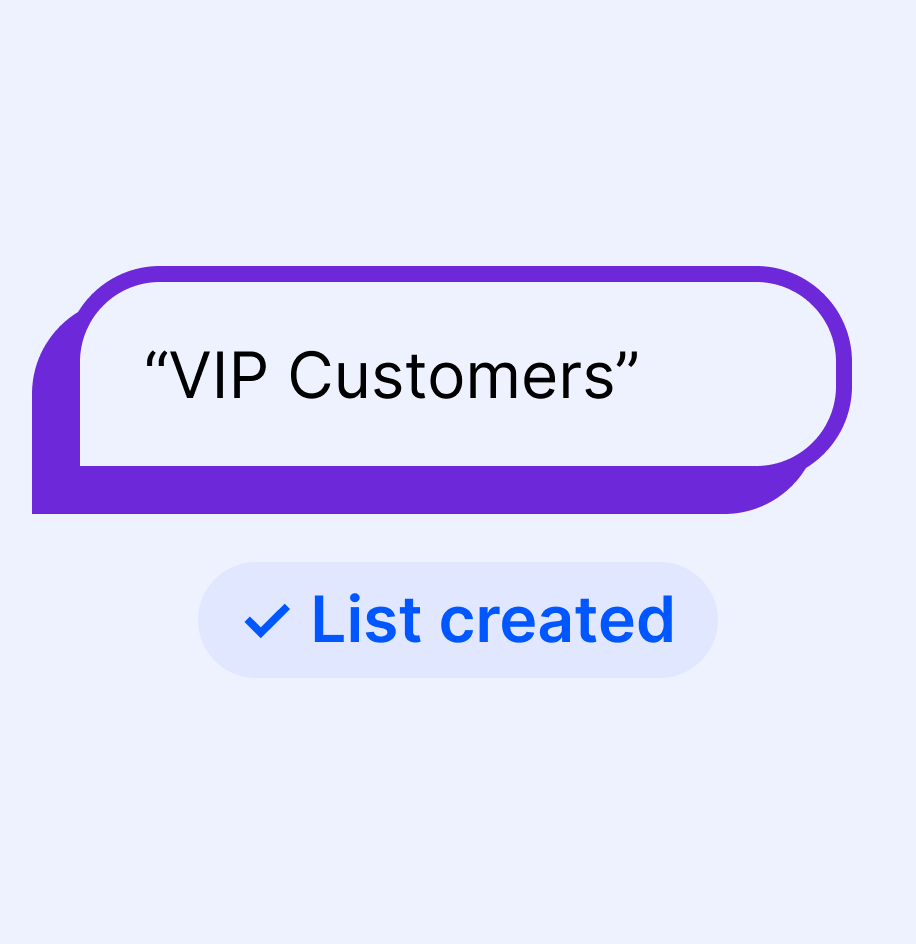
Create a list and name it.
Go to Smart Lists, tap +, and give the list a name like “VIP Customers” or “New Leads.”
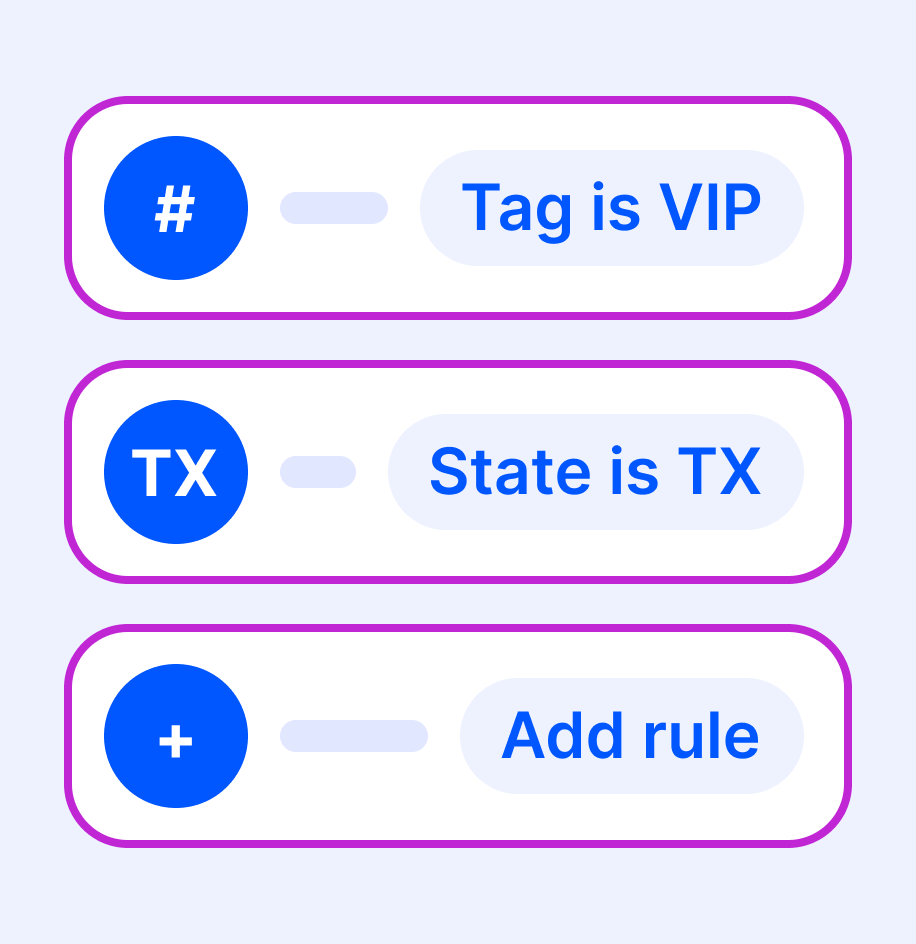
Describe who belongs.
Type who you’re looking for, the way you’d say it, and AIVA builds the rules, or build them yourself with conditions on tags, custom fields, birthdays, state and more.
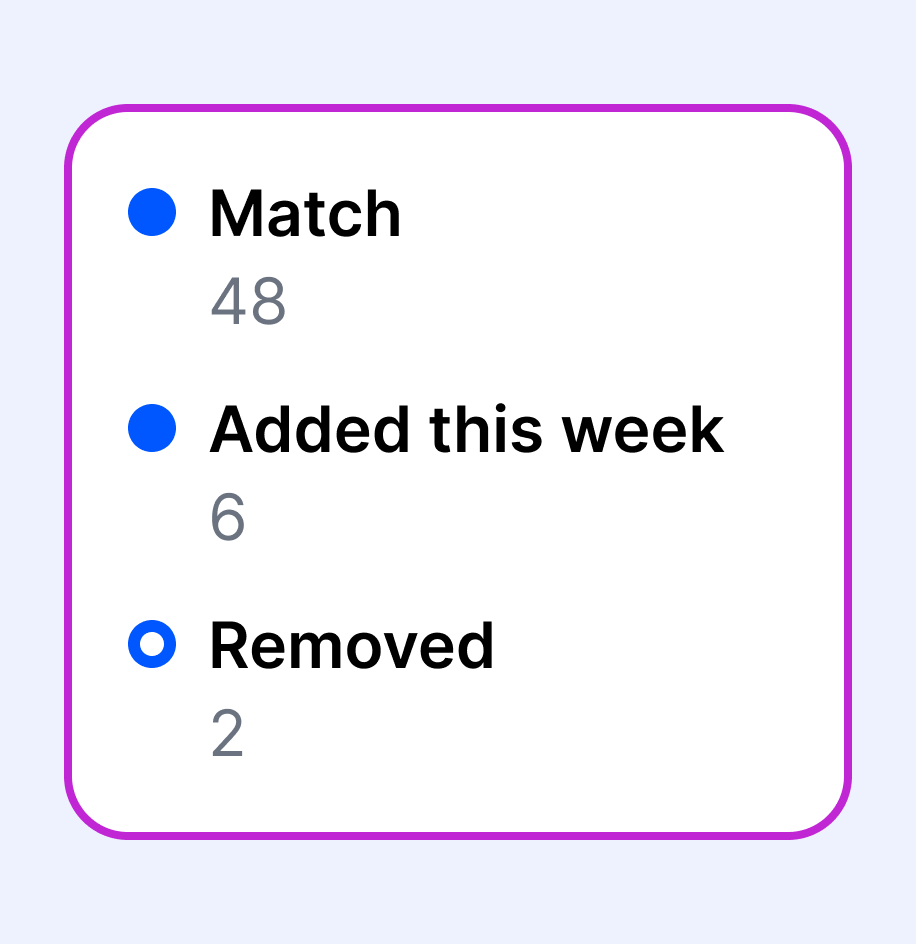
Preview before you save.
See how many contacts match first. Once you save, people are added when they match and removed when they don’t.
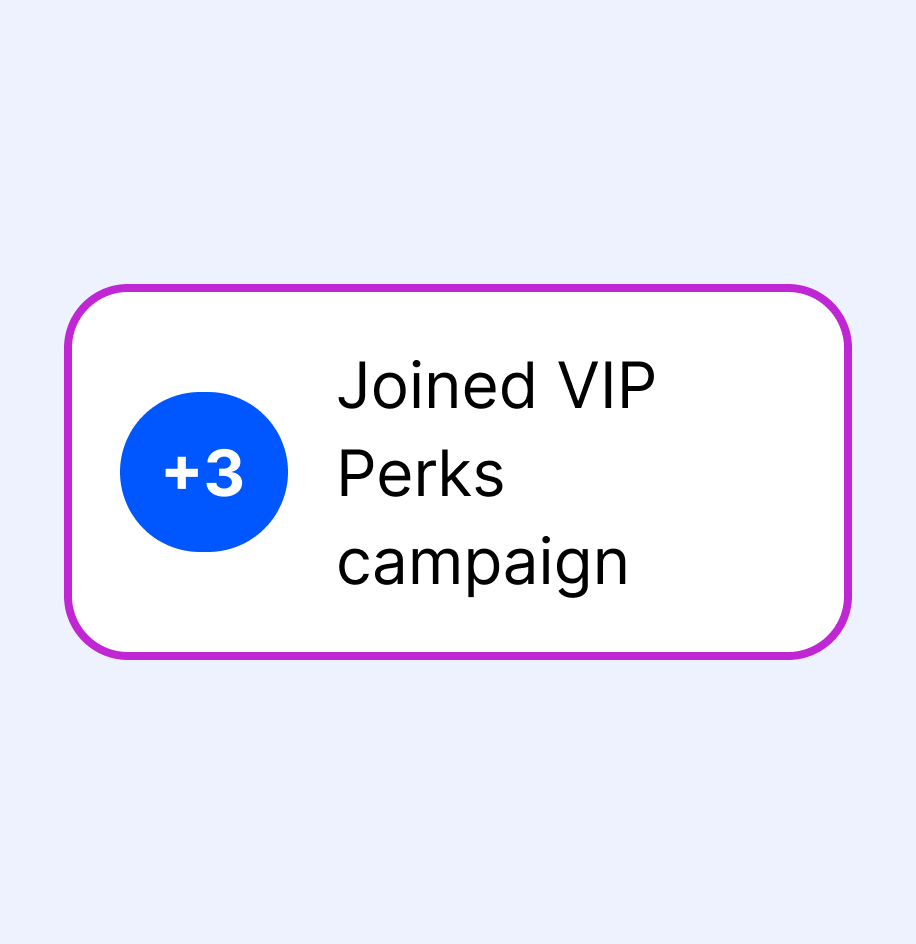
Connect it to your messages.
New people on the list join any campaign it’s connected to. Scheduled broadcasts stay in sync with the list until they send.
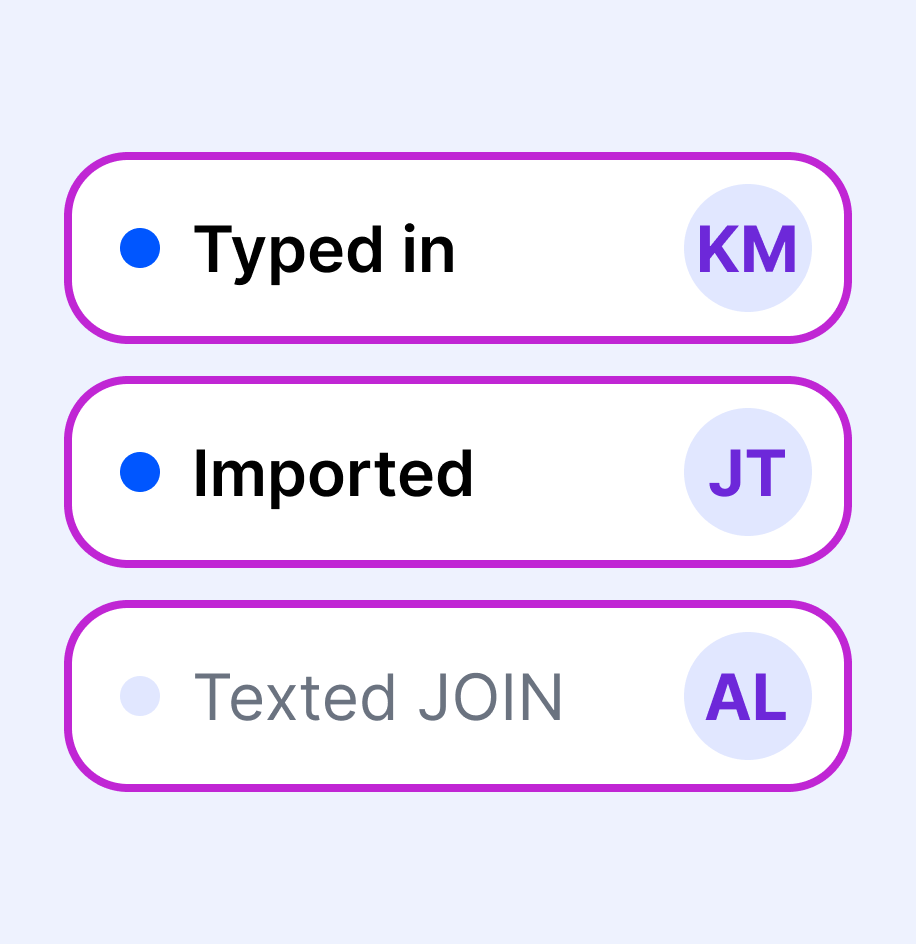
Or fill it by hand instead.
Skip the rules and add people yourself, import a spreadsheet straight into the list, or link a keyword so anyone who texts it joins.
See it in Project Broadcast
Describe it, and AIVA builds the rules.
Type who you’re looking for, like “customers who signed up in the last 60 days,” and AIVA turns it into rules you can see and adjust. Run the query to check who matches before you save.
Ways to use it
One list, used everywhere.
Build a list once, and use it across every campaign and broadcast that needs it.
See plans
VIP customers
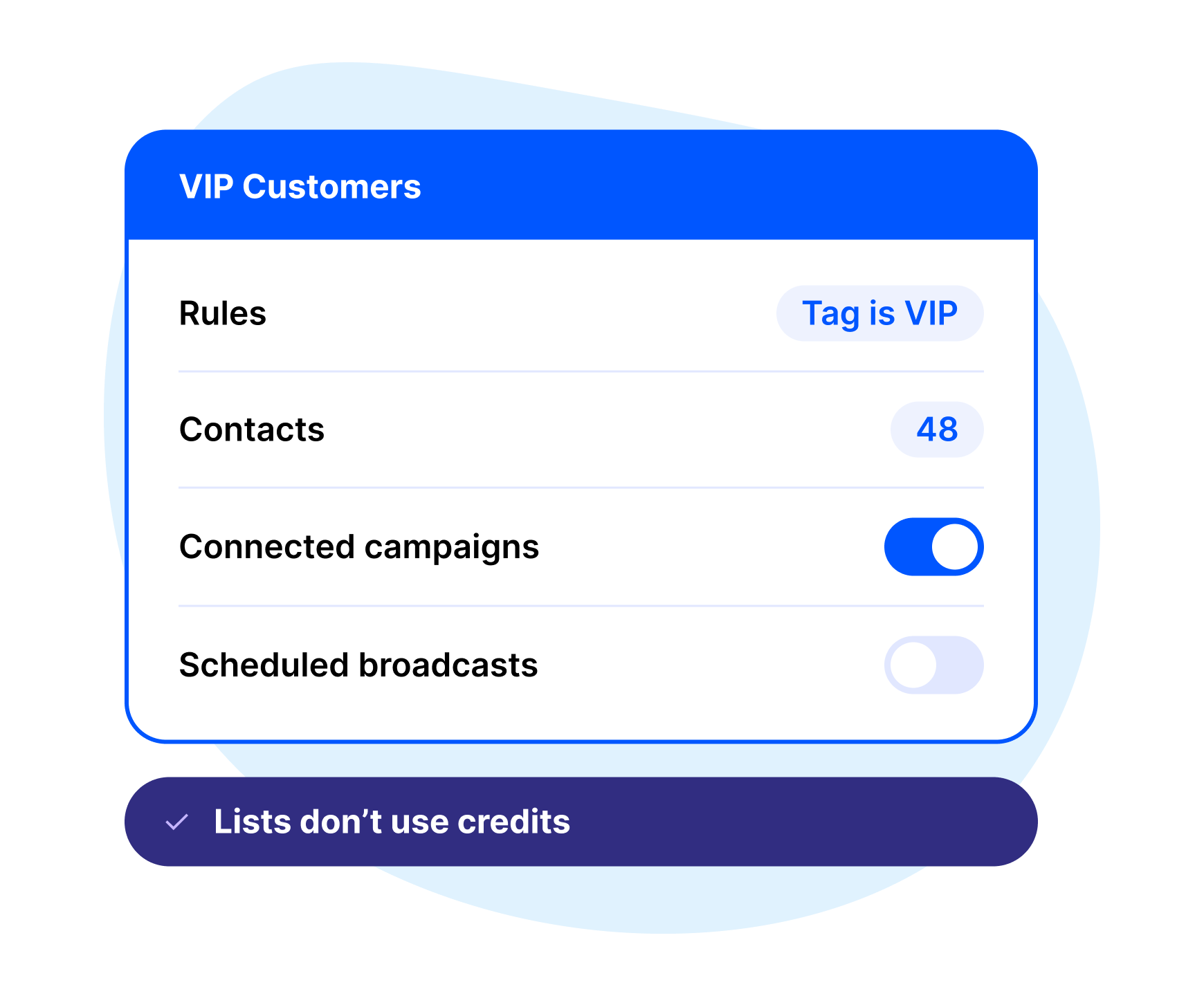
Keep everyone tagged VIP in one list and connect it to the campaigns meant for them.
Great for
- Loyalty perks / Early access

New leads
Link your sign-up keyword to a list that feeds your welcome series.
Great for
- Flyers / Events

By location
Build a list by state for local offers and announcements.
Great for
- Store openings / Local events

Missing details
Find everyone with no birthday on file and ask for it.
Great for
- Birthday clubs / Profile updates
Before you use it
A few things to know first.
Included on every paid plan
Smart Lists come with every paid plan, from Pay As You Go to Enterprise. A list doesn’t use credits, but the messages you send to it do.
Campaigns pick up new additions
Connecting a list to a campaign brings in people added from then on. Add the people already on the list yourself. Removing someone from the list doesn’t take them out of the campaign.
Lists refresh periodically
A change to a contact can take a little time to show up on a list with rules. Check the list before a time-sensitive broadcast.
Better together
Smart Lists work with the rest of your tools.
A list is only as useful as what it’s connected to. Here’s where Smart Lists plug in.
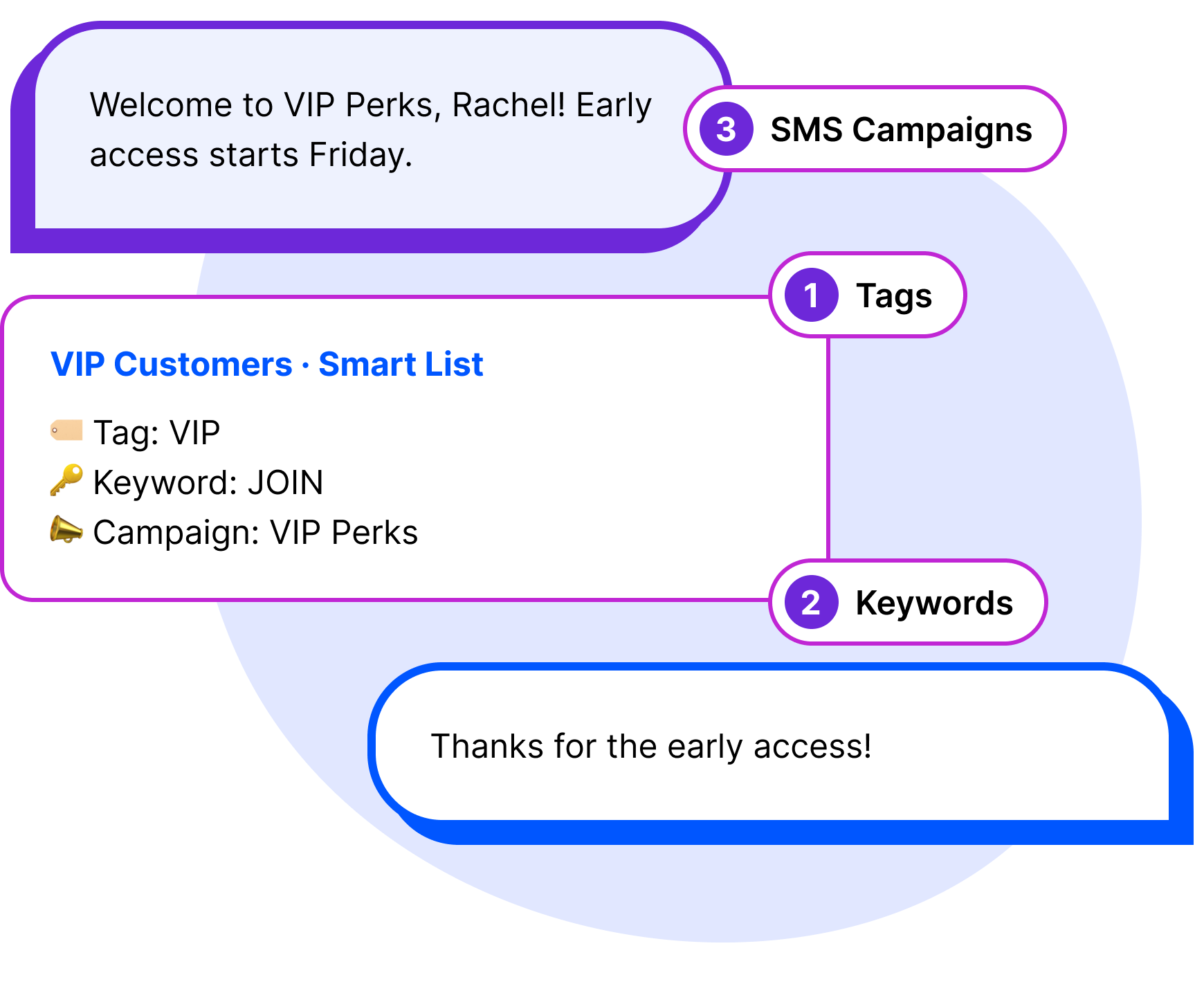
Start from your tags.
Build a list on a tag, and it fills as you tag people.
Let people join by text.
Link a keyword so anyone who texts it joins the list.
Feed a series.
Connect the list to SMS Campaigns, and new people get the whole series.
Start your other tools.
When someone joins or leaves a list, start an App Flow or a Zap with automation.
Common questions about Smart Lists
How is a Smart List different from a tag?
A tag is a label you add yourself, and it only changes when you change it. A Smart List can update on its own based on rules (including tags), and it can feed campaigns and broadcasts directly.
Do I have to use AIVA?
No. AIVA is a quick way to start, but you can build or fine-tune the rules yourself.
Are archived contacts included?
No. Archived contacts are left out when a list is used for a broadcast or a campaign.


Get started
Build it once. It keeps up.
Pick the group you message most, describe it once, and let the list keep up while you focus on the conversations.