
For home bakers & cottage food makers
Let your regulars know the moment orders open.
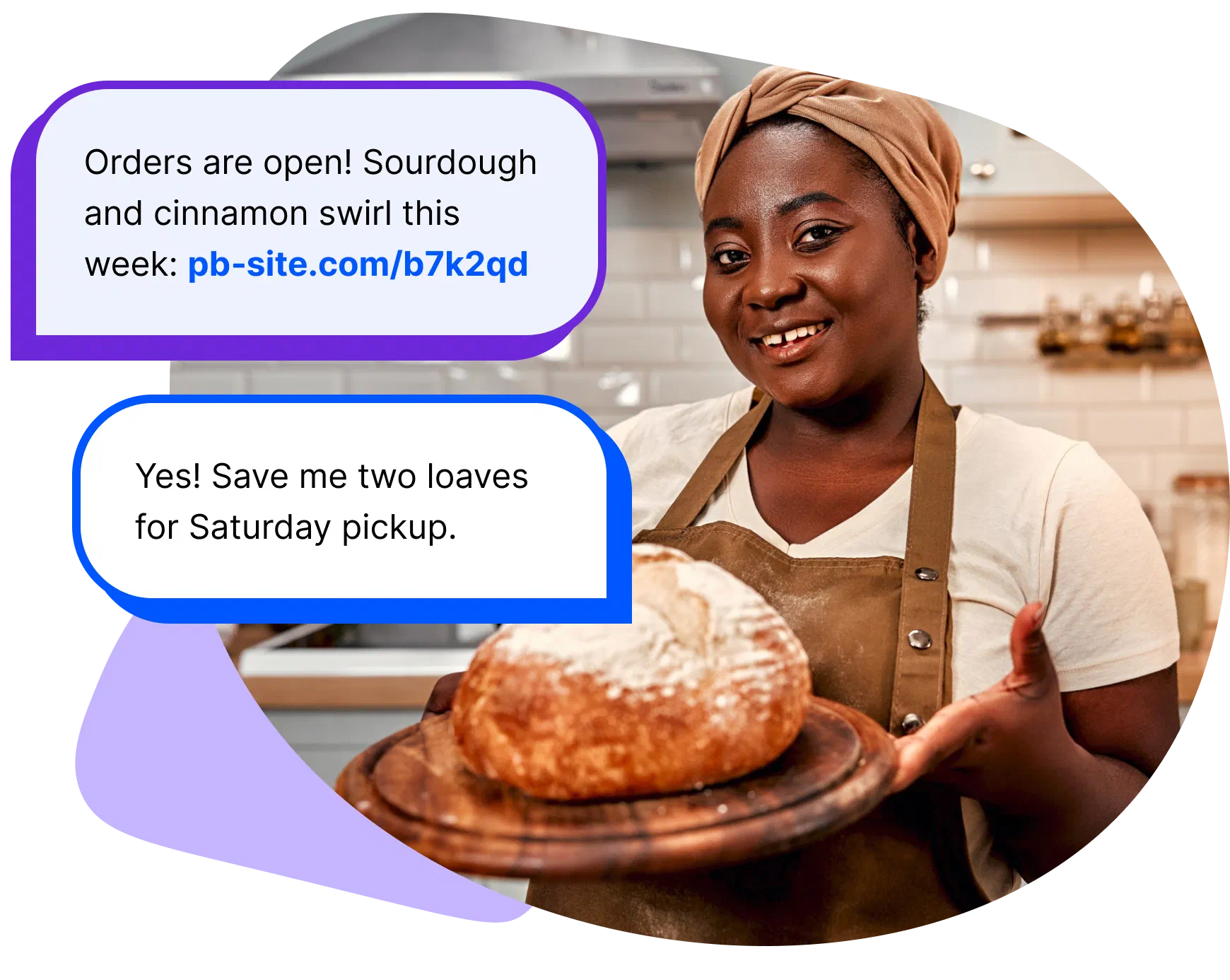
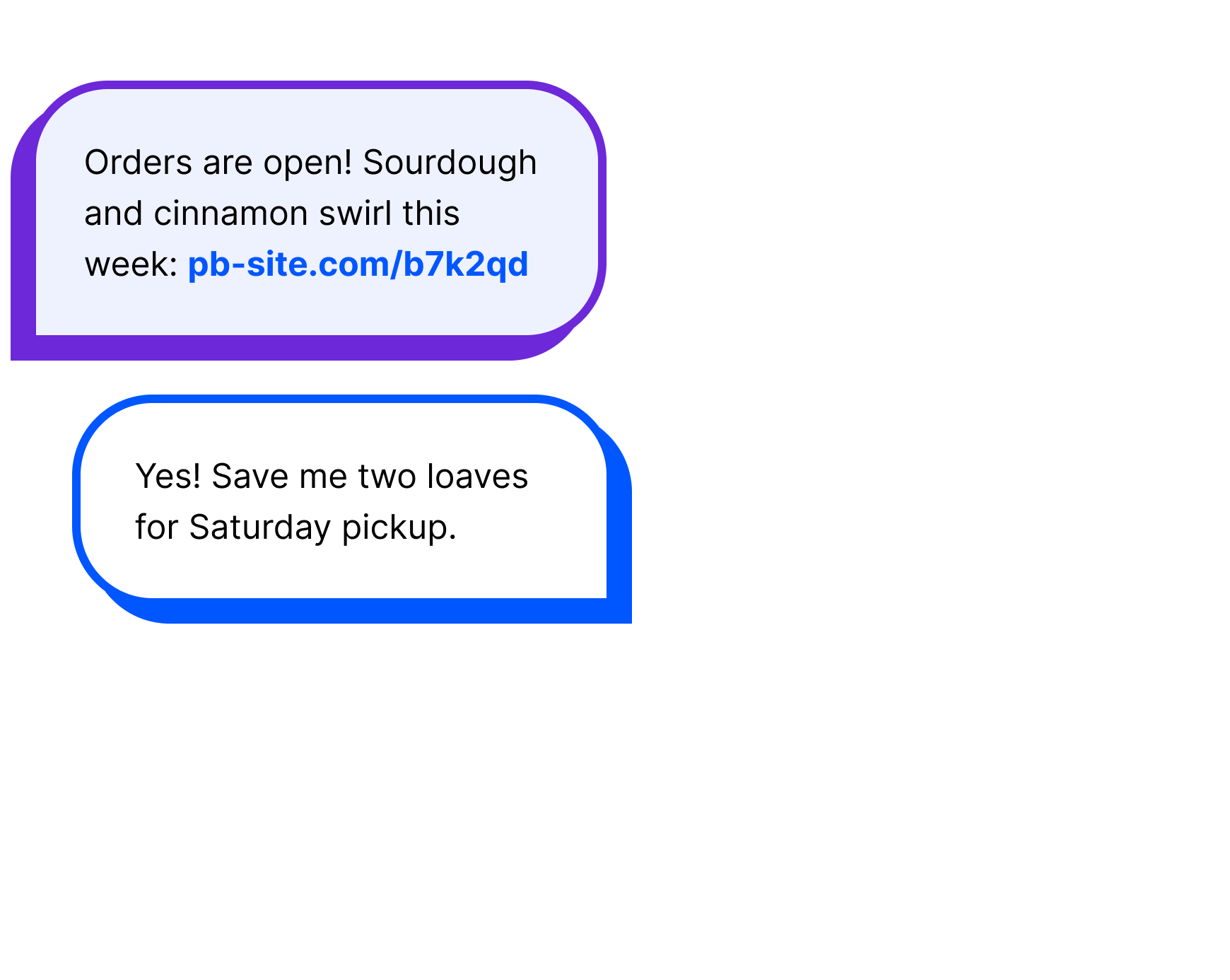
You sold out by ten at the market… and half the people still at your table walked away with no way to hear from you again. Project Broadcast is a business messaging platform that keeps your regulars in the loop automatically. Tag customers by what they love, schedule the weekly order text ahead of time and welcome new sign-ups from your bakery’s own number. When they reply, you answer personally.
How it works
How Project Broadcast works for a home bakery.
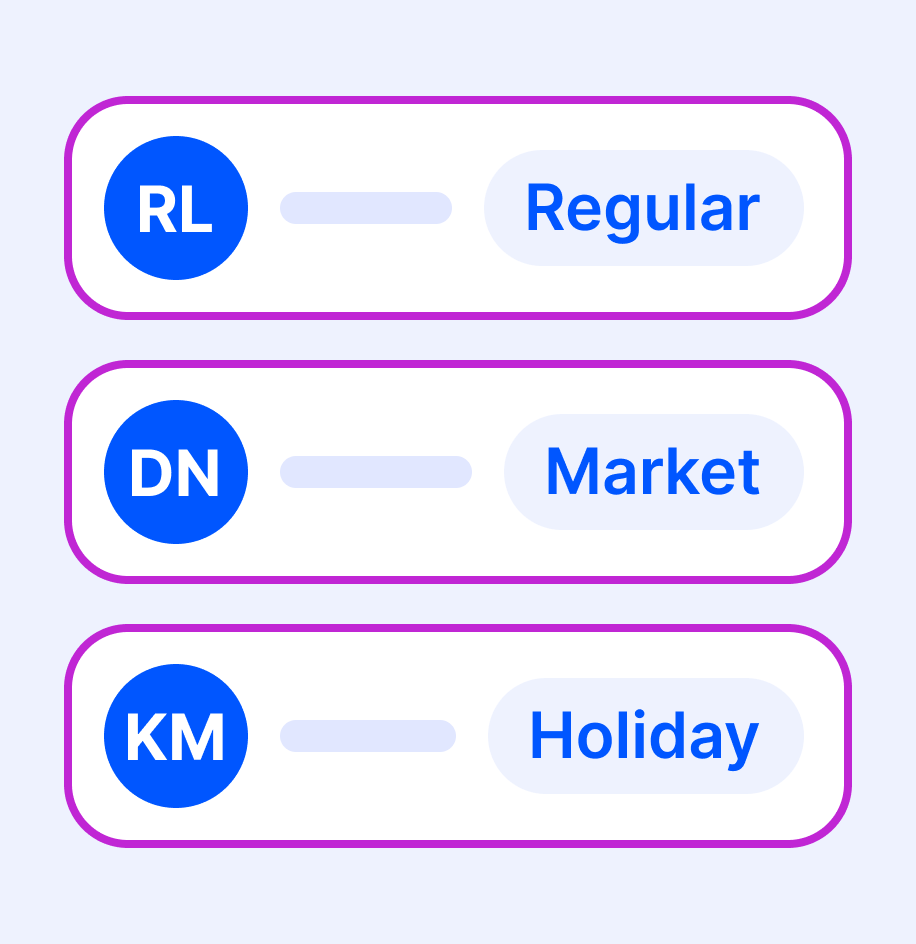
Start with the regulars you know.
Import customers who asked to hear from you, and tag them by the market where you met them.
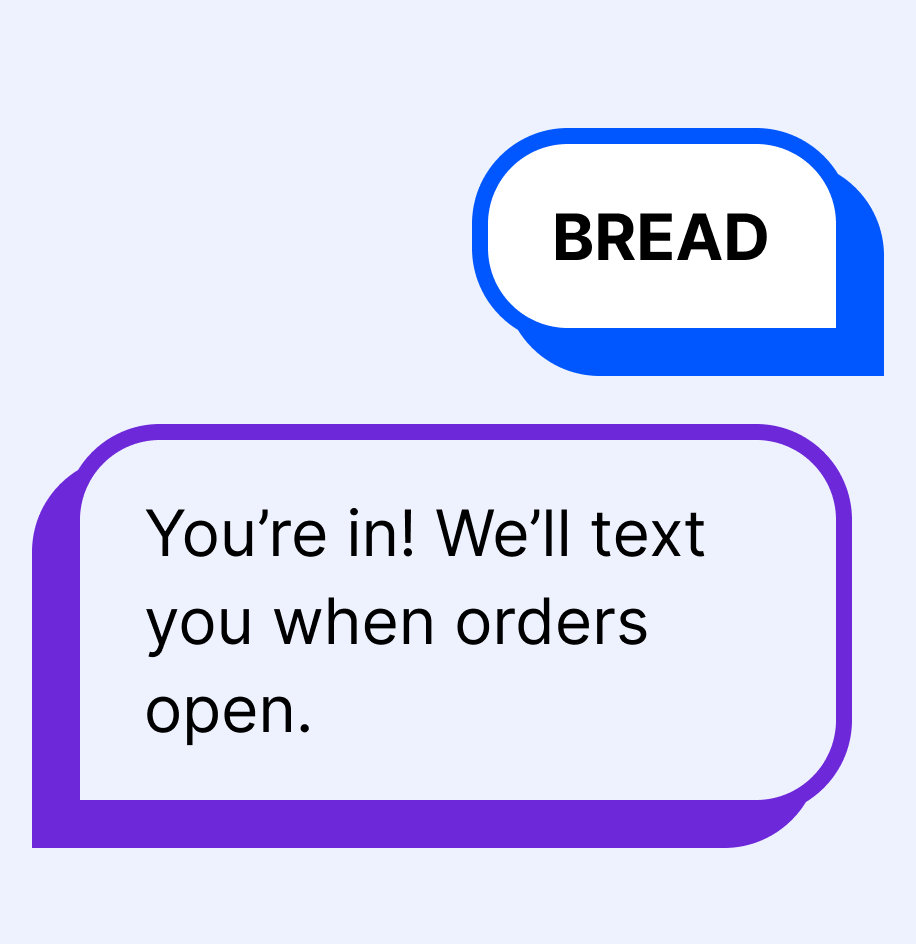
Put a keyword on your table.
Put “Text BREAD for order days” on your cash box, bags or labels. A QR code makes it one tap.
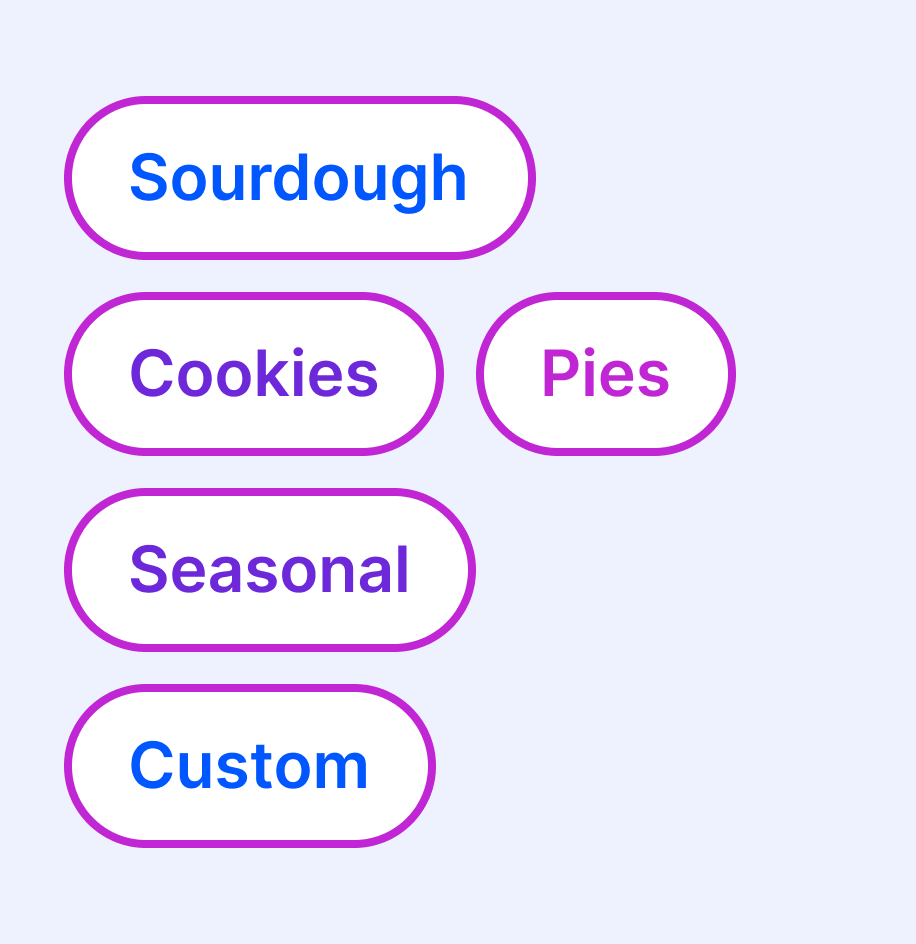
Group customers by what they order.
Keep track of favorites like sourdough or holiday pies, so each text goes to the people who want it.
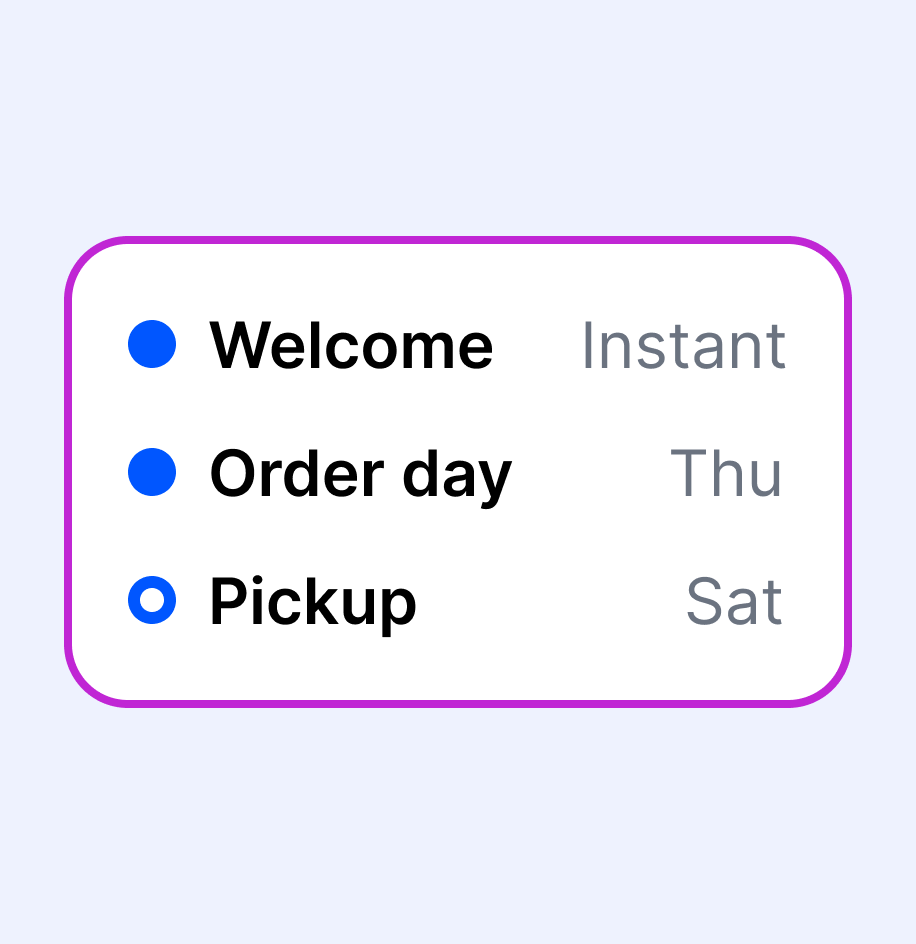
Schedule the order text ahead.
Write the weekly order text and the welcome for new sign-ups once, and let them go out on time.
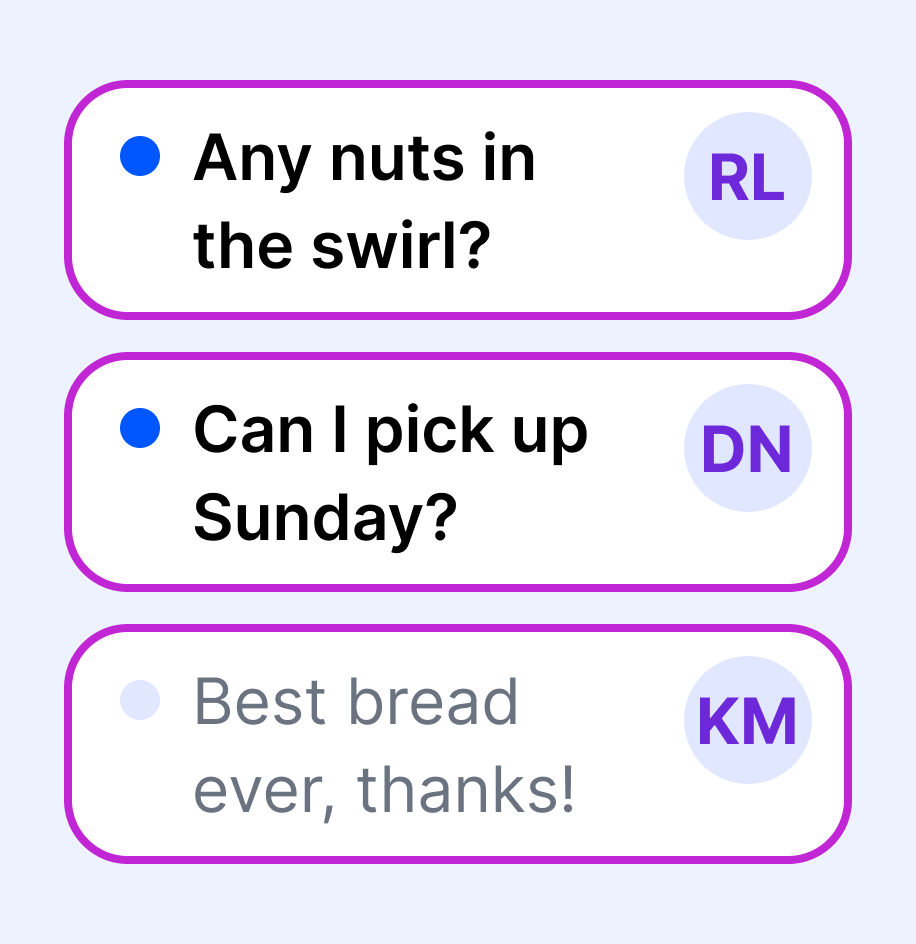
Answer every question yourself.
Replies arrive one-on-one. Answer an allergen question or work out a custom cake, by text or a call from your bakery’s number.
Holiday preorders
Give your regulars first pick of the pies.
Tag your regulars, text them the preorder link a day early, then send everyone else the next day. Whatever’s left gets its own note.
See how SMS Campaigns work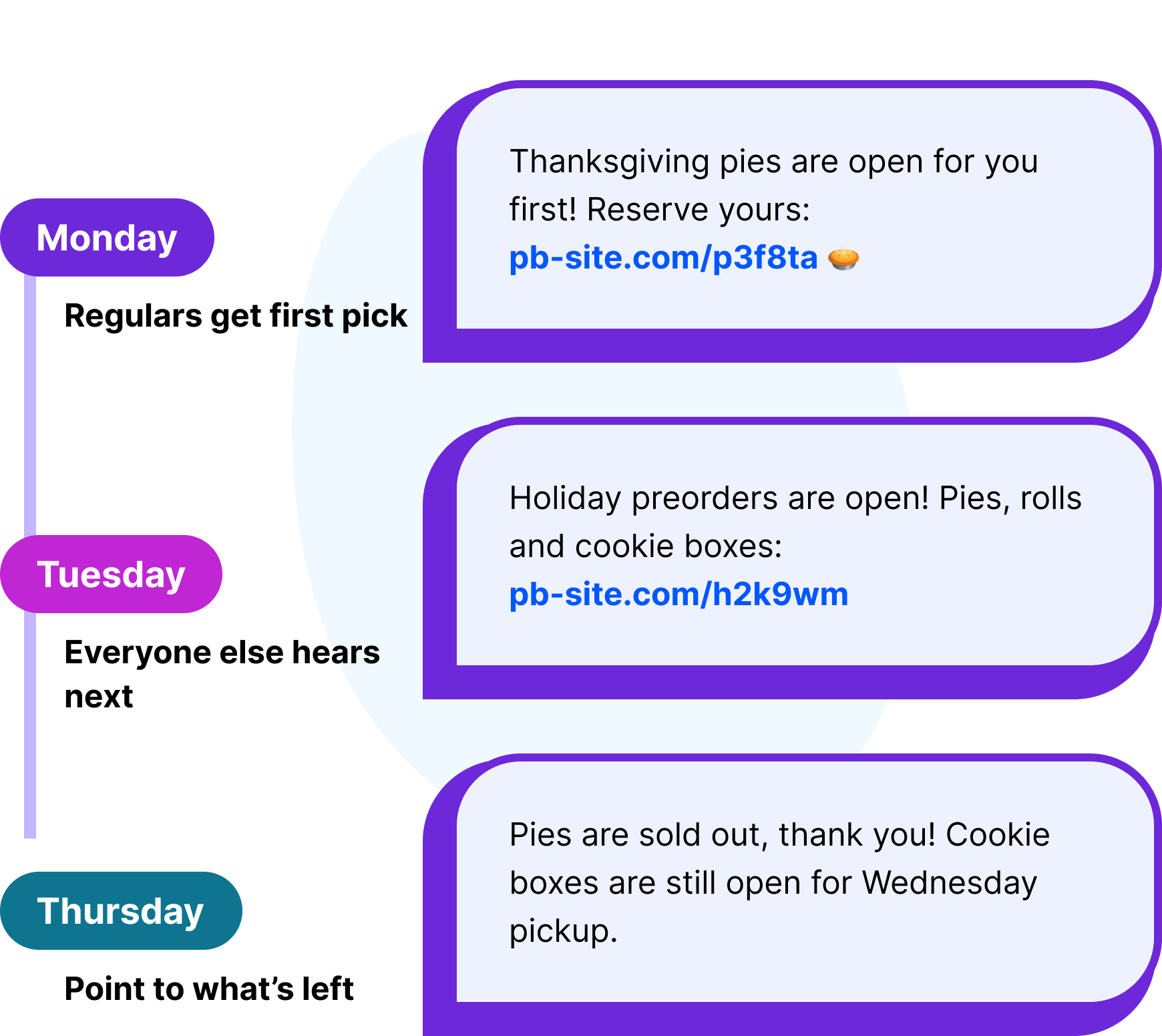
Your followers miss posts. A text lands on order day.
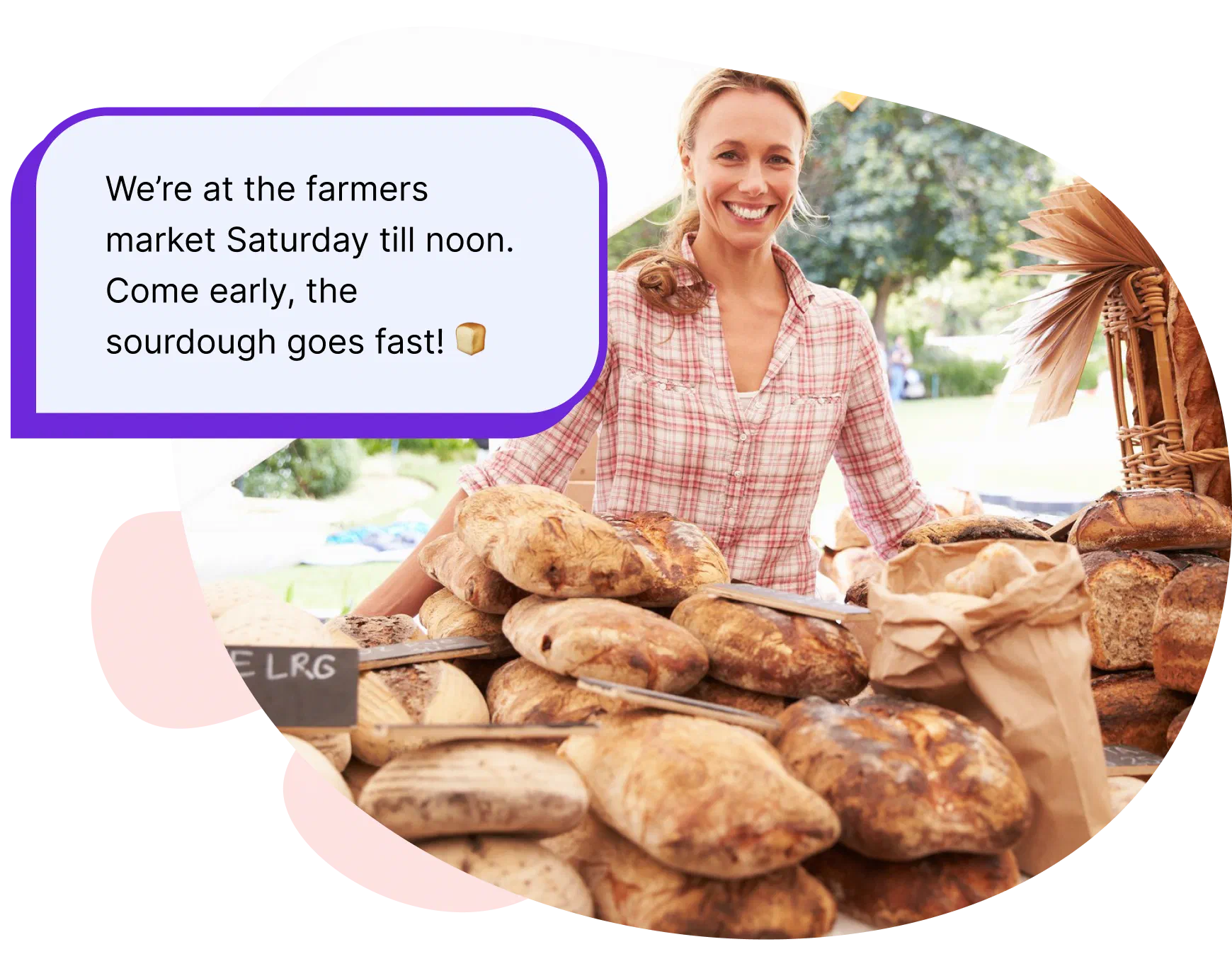
Instagram is great for showing off a fresh bake, but even a regular can miss the post the week you’re taking orders. A text goes straight to the people who asked for it, with a photo and your order link. When someone replies “Is the seeded loaf back?”, their question comes back to you as its own conversation.
Between bakes
Three texts that turn market visitors into regulars.
Each one goes to the right customers, from your bakery’s own number.
Order day

Open orders on time
Send this week’s menu with a photo and your order link the morning orders open.
Schedule order day
Sold out

Sign up the late crowd
Sold out by ten? A “Text BREAD” sign turns the people still at your table into next week’s customers.
Add a keywordPickup

Make pickup day easy
Send one “your order is ready” update to everyone picking up. Each person gets their own text.
Send pickup updates
Your order app takes the order. Project Broadcast brings them back.
Keep Hotplate, Square or whatever order form you use for menus, payments and pickup times. Project Broadcast keeps one list of everyone who wants to hear from you, wherever they found you. It doesn’t connect to your order app on its own, so customers join by texting your keyword, or you import a list of customers who agreed to hear from you.
See plans and pricing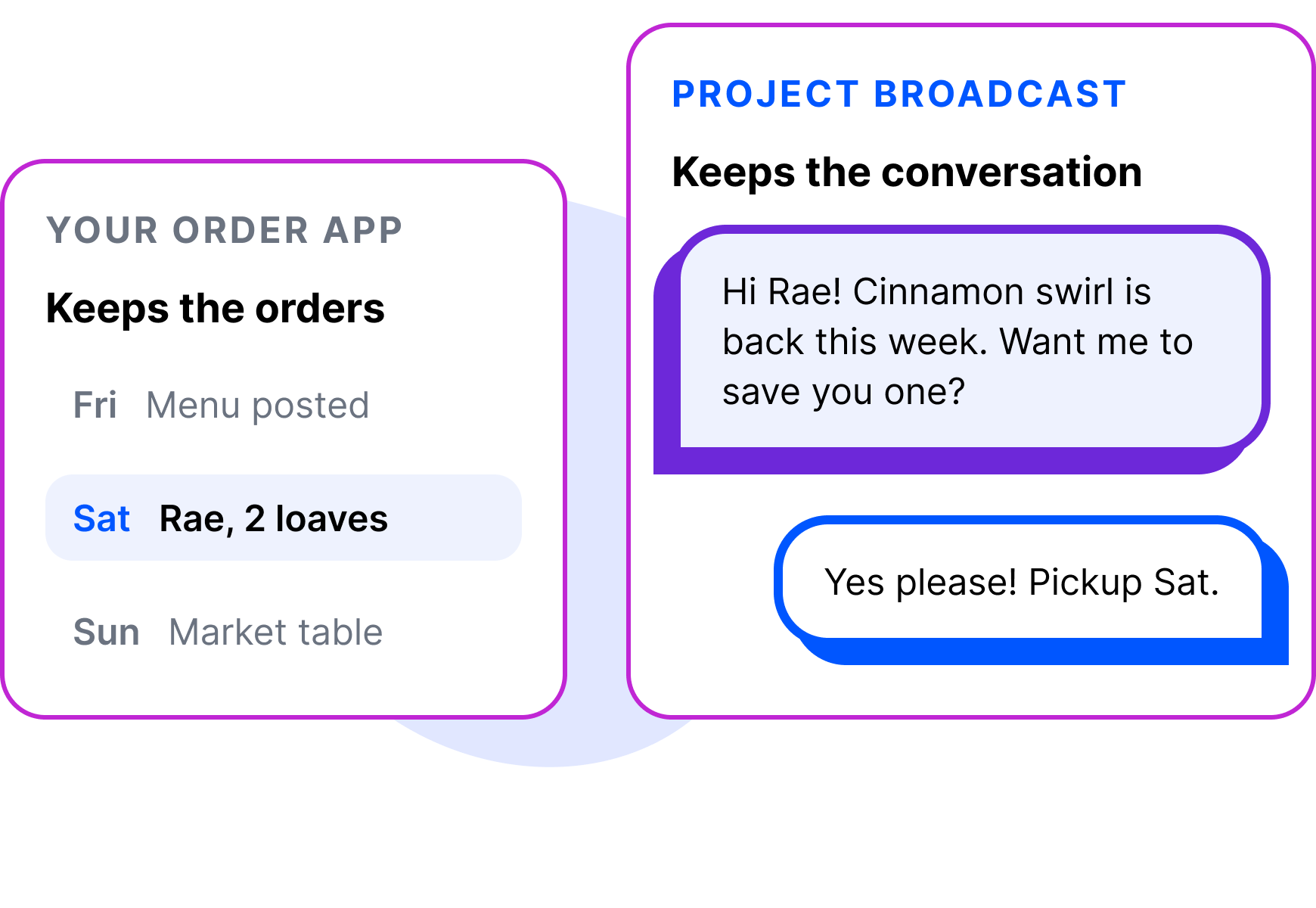
Text from your bakery’s own number.
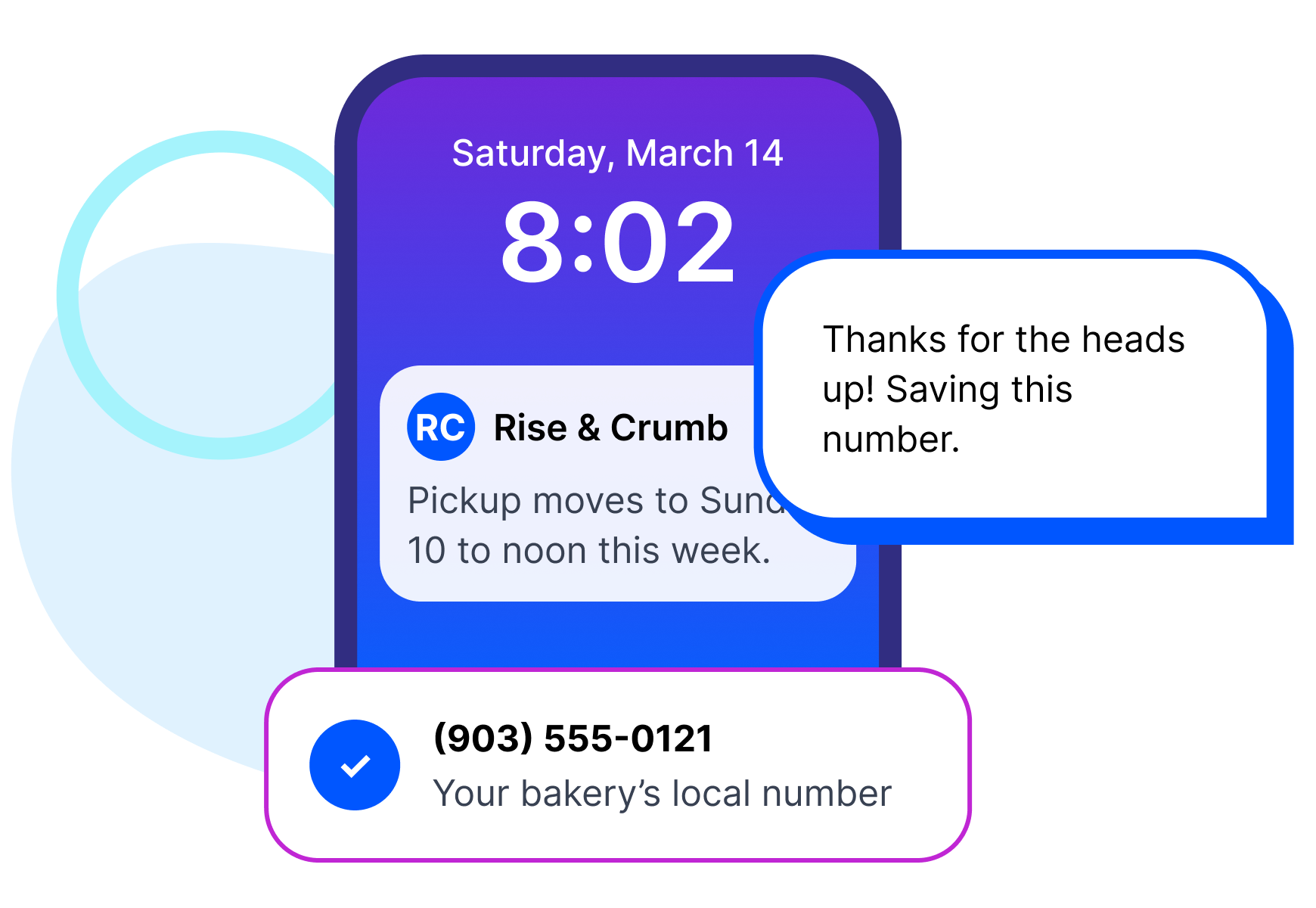
When a text comes from a number your customers recognize, it feels like hearing from you… because it is! Project Broadcast gives you a local 10-digit business texting number. It is not your personal cell and not a short code. New accounts get a new local number by default, and existing business numbers can usually be ported in.
Customers actually answer texts.
We looked at more than 170 million messages sent through Project Broadcast in 2025. One-on-one texts drew more than half of all quick replies, and scheduled follow-ups got more replies than one-time texts, with fewer opt-outs! These are platform-wide numbers, not bakery-only. For a home bakery, the order text gets the word out, and your answer to “Does it have nuts?” keeps the conversation going.
See the full report from PB Data Labs- reply rate within two hours in one-on-one conversations
- 41%
- more quick replies from scheduled follow-ups than one-time texts
- 3.7×
- opt-out rate across 20.3M one-on-one texts
- 0.5%

Credits that carry you into the holidays.
One order text a week most of the year, then a rush when holiday preorders open. Unused credits roll over at renewal while your plan is active, so quiet months leave room for November. A text with a photo of the bake costs the same as one without, and the replies you type in Chat use no credits. Every plan includes unlimited contacts, so every market sign-up stays on your list.
Find the plan for your bakeryFrequently asked questions
My preorder app already texts customers. Why add Project Broadcast?
Keep your preorder app for orders, payments and pickup times. Project Broadcast adds the conversation around them: texts from your bakery’s own number, a list that grows from your market table, and replies that come back to you personally.
My customers follow me on Instagram. Why text them?
Instagram is still a great way to get discovered. But a post depends on the feed, so even a regular can miss order day. A text goes straight to the people who asked to hear from you, right when timing matters.
Will my customers mind a text every week?
You decide how often to text and who gets each message. Your welcome reply sets the expectation, like one text when orders open each week. Anyone who wants to stop can reply STOP, and Project Broadcast opts them out for you.
Is it all right to text my customers?
Texting customers comes with rules, and the biggest one is simple: message people who have agreed to hear from you. Project Broadcast handles the platform side: it registers your local number for business texting (also called 10DLC) and manages unsubscribe requests for you. Texting only people who have opted in, and following the rules that apply to your business, stays with you.



Start with the regulars you already know.
The people who already love your bread are the easiest list to build. Bring in the ones who asked to hear from you, and send this week’s order text from your own number. Jam, candy or cookie boxes, it works the same for any cottage food business.