
For direct sellers & network marketers
Keep customers coming back after the first order.
Your company announced the sale Tuesday… it starts Thursday, and you’re still texting customers one at a time. Project Broadcast is a business messaging platform that keeps your follow-up running while you live your life. Tag customers by what they buy, schedule check-ins and reorder reminders once and send offers from your own local business number. When someone replies, the conversation is yours.
Following doesn’t mean seeing every post.
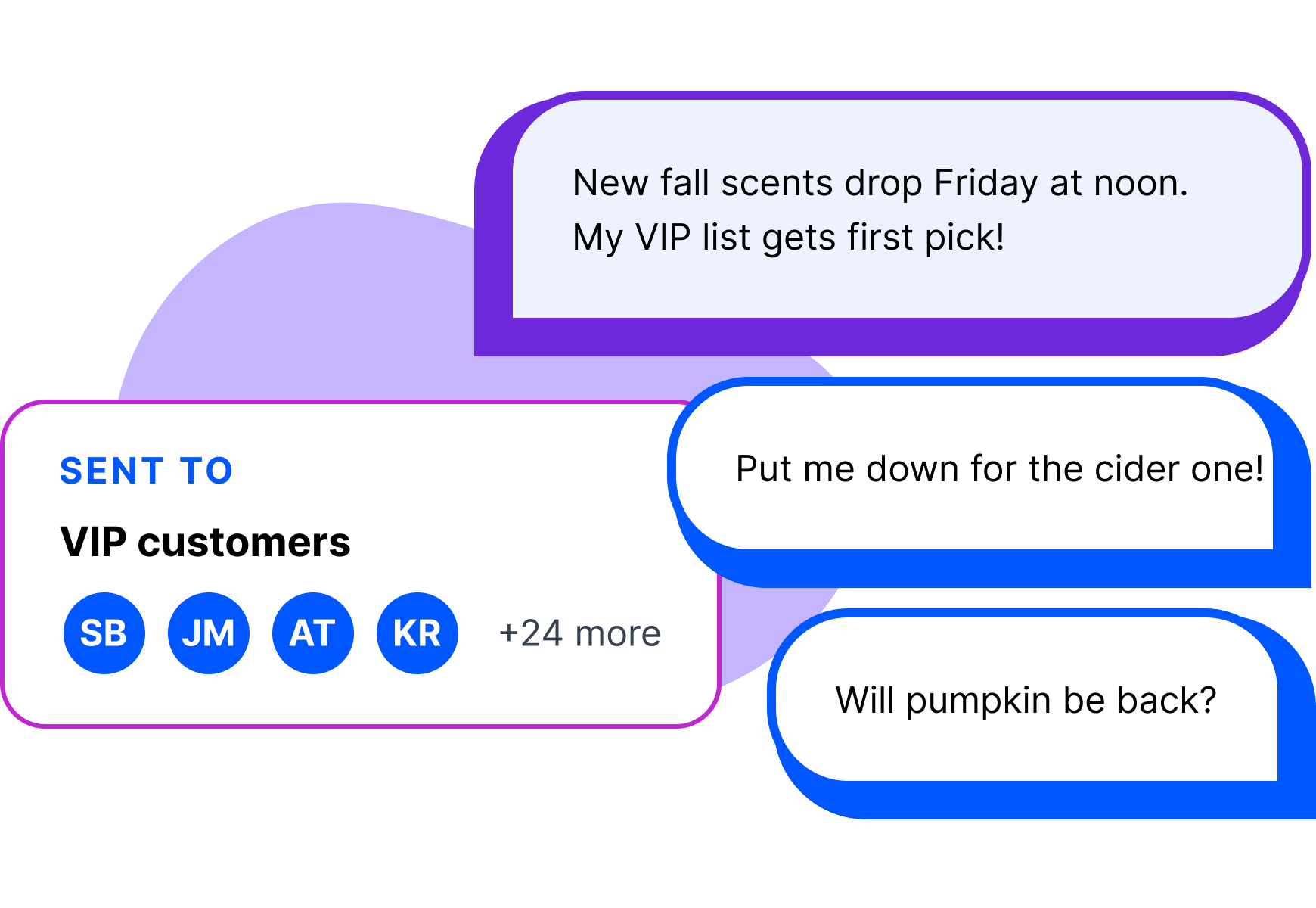
Facebook groups and Instagram help people find you, but a sale post can get buried in the feed. Share a keyword in your group or bio, and the customers who want your updates join your text list. Each person gets their own text, and replies come back as a private conversation with you.
How it works
How Project Broadcast works for a direct seller.
Start with the customers you know.
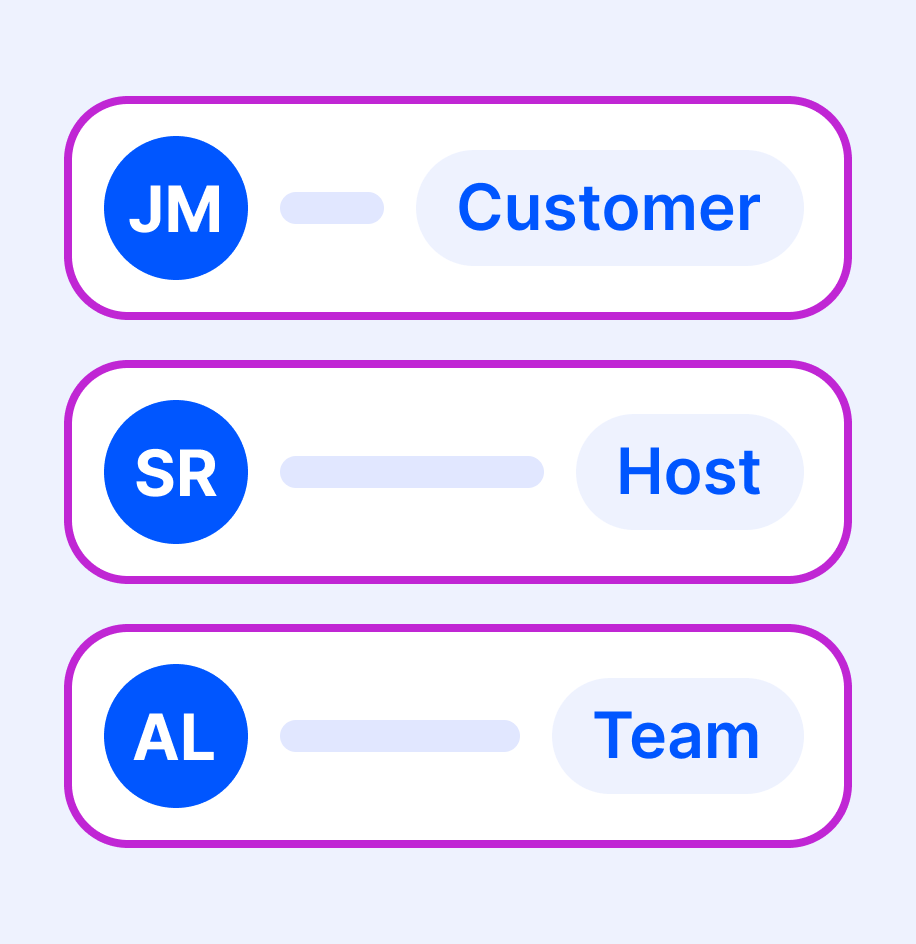
Import customers, hosts and team members who agreed to hear from you, and tag them as you go.
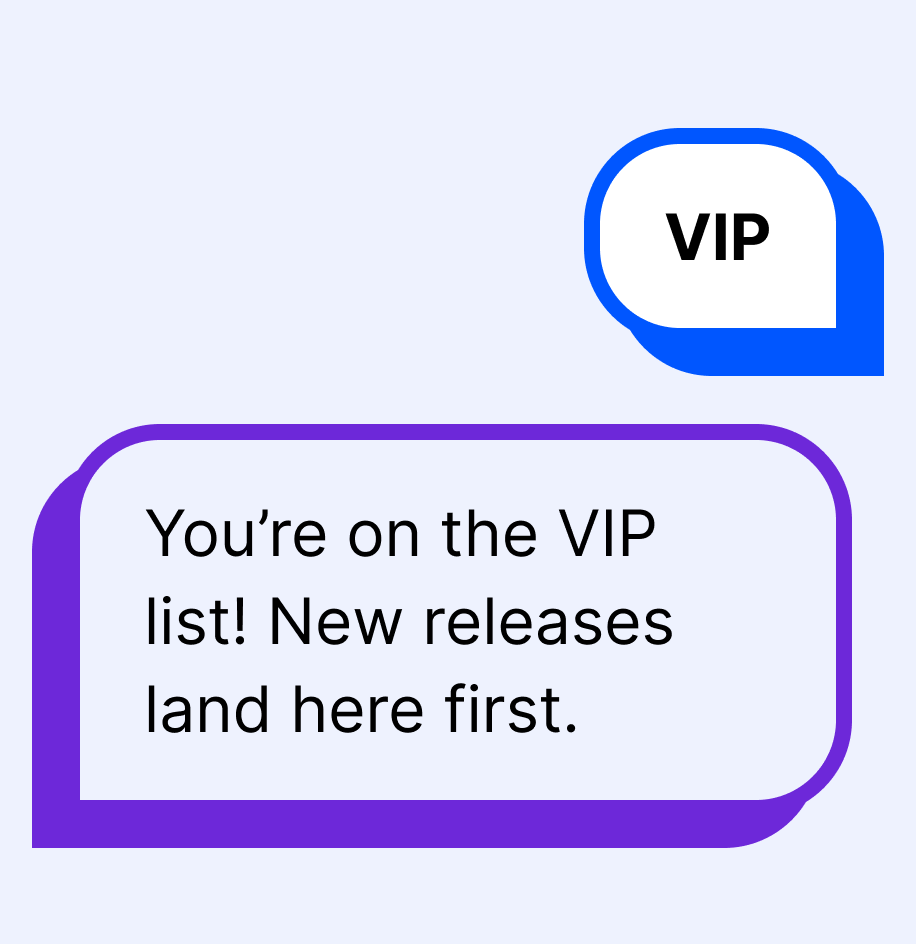
Let people join from anywhere.
Put “Text VIP for first look at new releases” on a vendor-table sign, your bio or your packaging. A QR code makes it one tap.
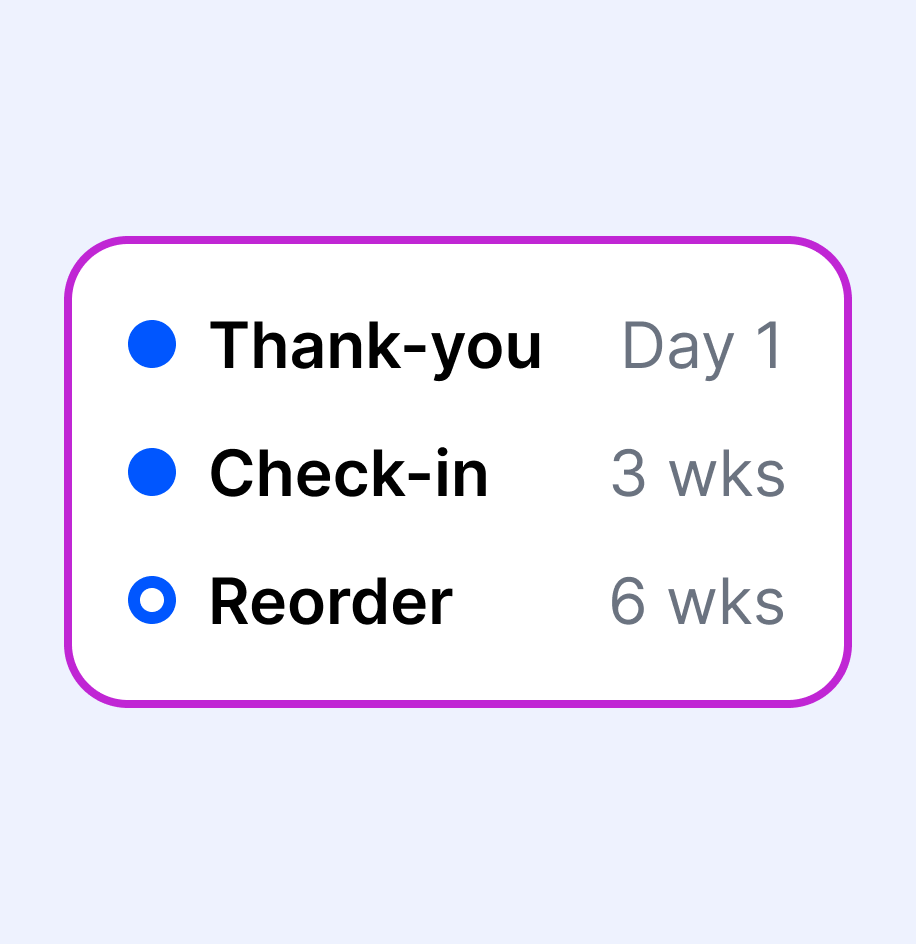
Schedule the follow-up you mean to send.
Write the thank-you, the three-week check-in and the reorder reminder once, and add each new customer.
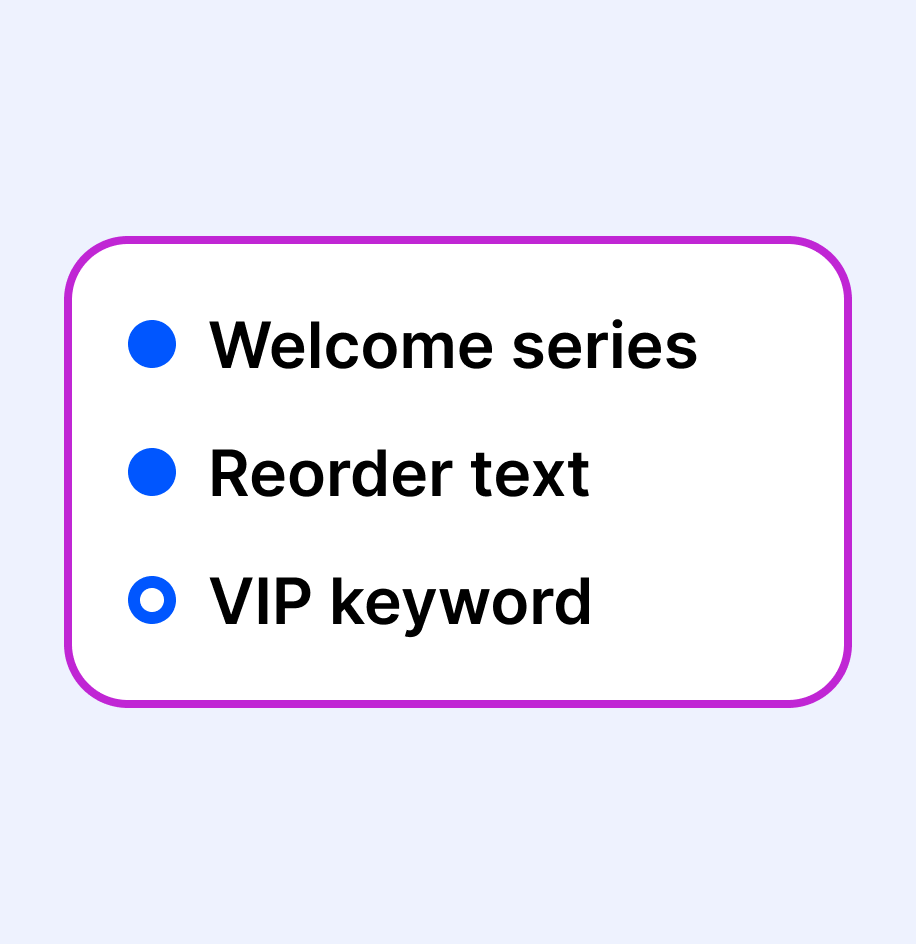
Share what works with your team.
Package campaigns and templates into a bundle your team can import into their own accounts. Bundles share content, not contacts.
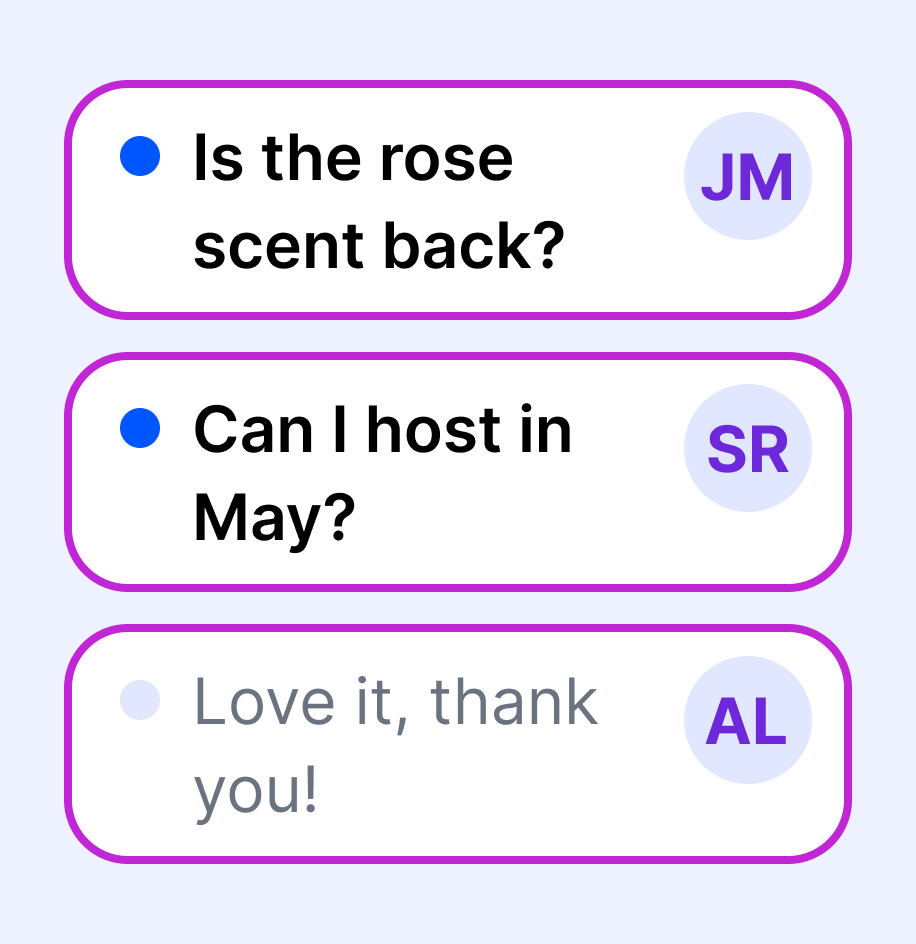
Keep every reply personal.
Replies come back to one inbox, so you can answer questions and help customers with their next order.
Customer follow-up
From first order to reorder, on schedule.
Add a customer after their order, and the check-ins go out on their own. When they reply, you pick up the conversation.
See how SMS Campaigns work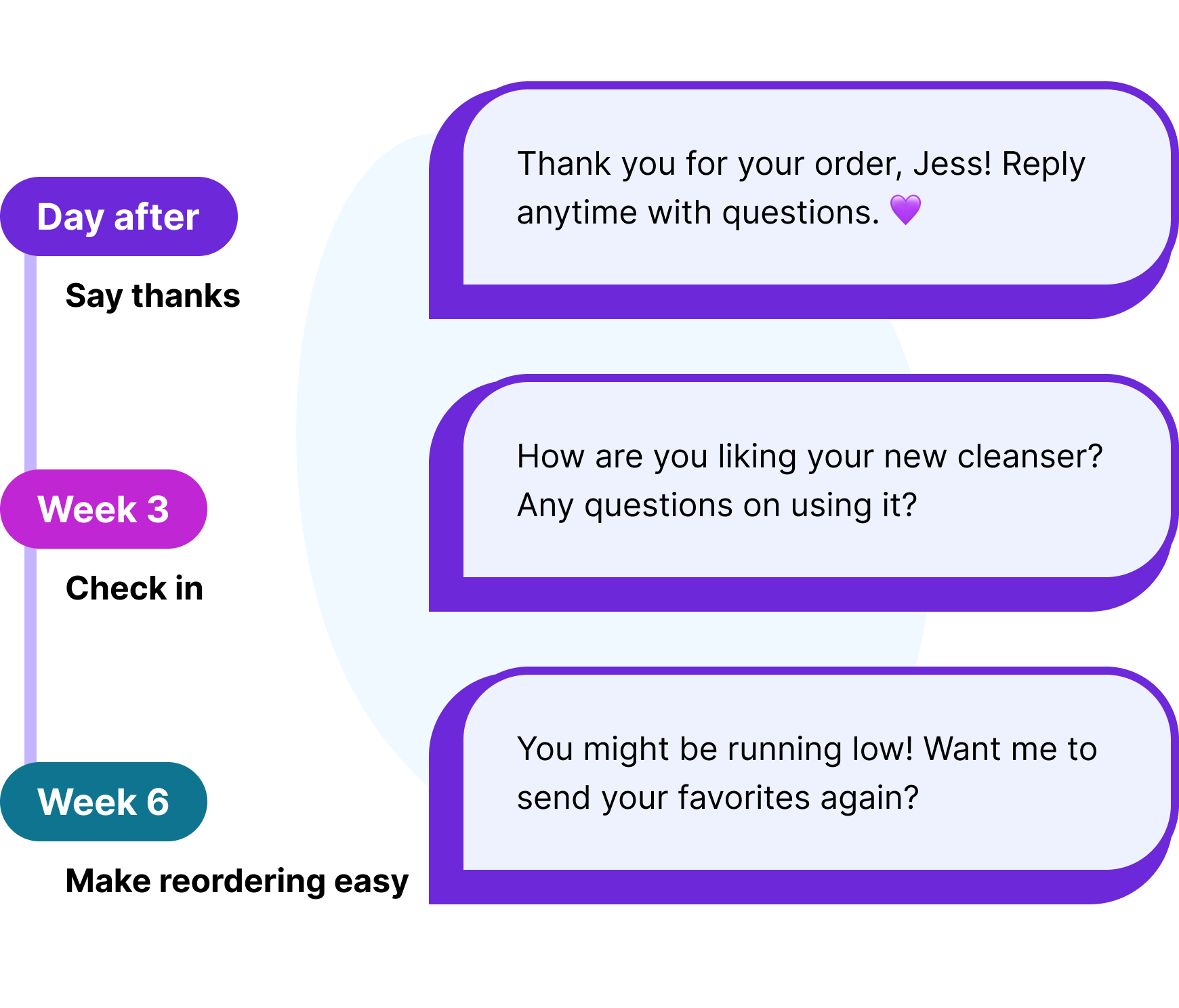
Between orders
Three texts that turn customers into regulars.
The follow-up that slips first when the week fills up.
Flash sales

Share sales in time
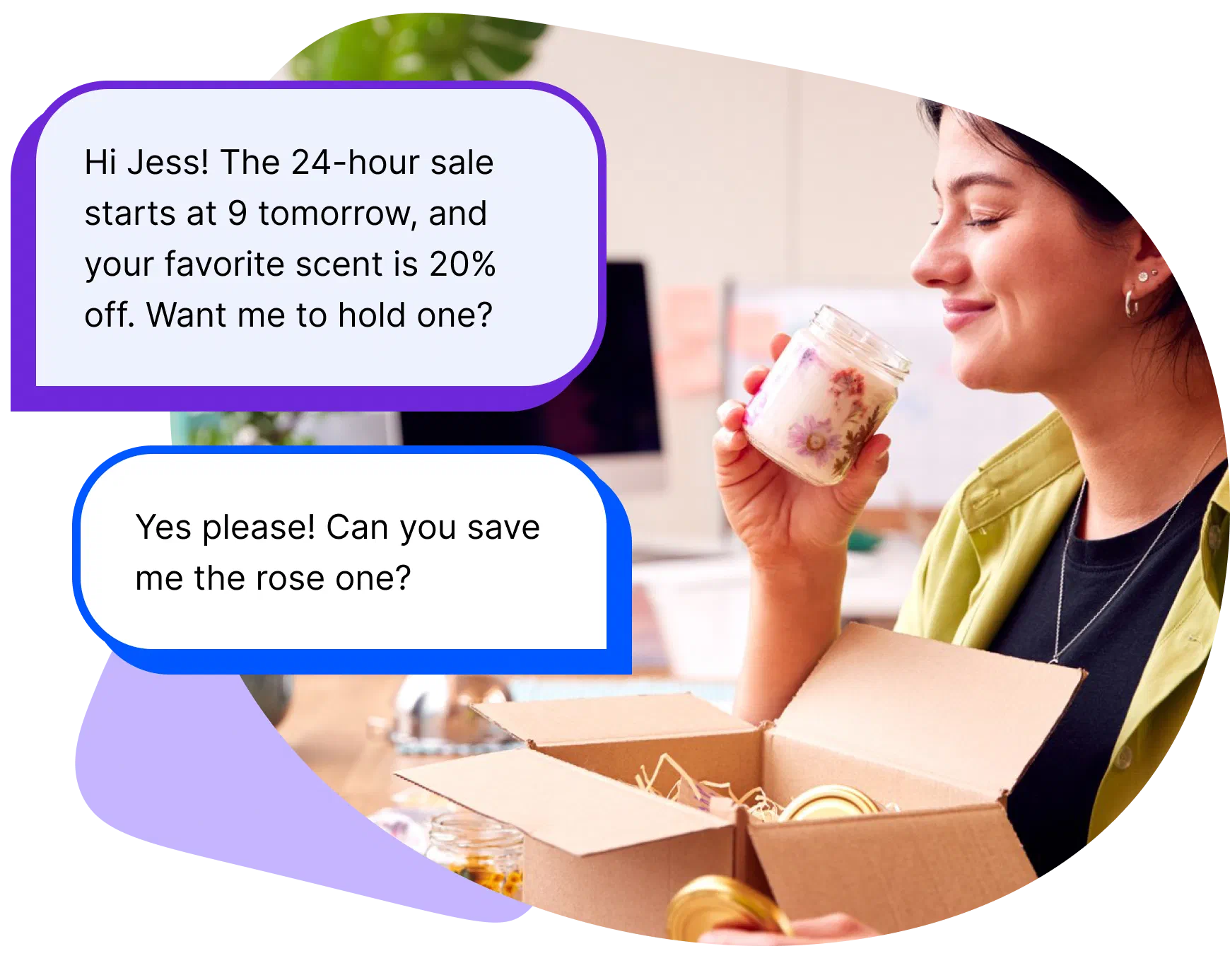
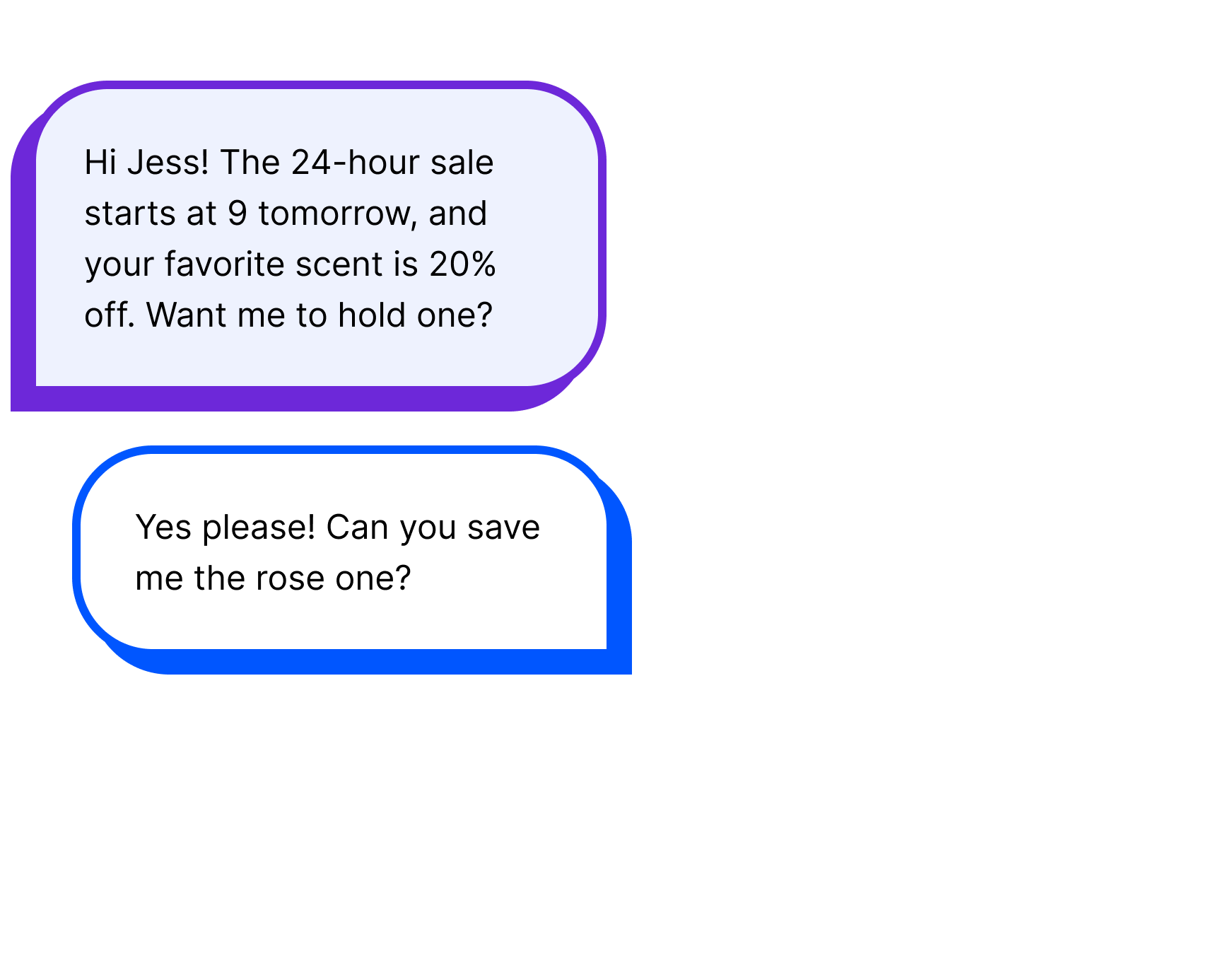
Your company announced the sale Tuesday? Send it to the customers it fits, the same day.
Share a sale
Vendor events

Grow your list
A “Text VIP” sign turns browsers at your table into a list you can follow up with.
Add a keywordReorders

Remind before they run out
A reminder goes out when the product usually runs out, with your name on it.
Send reminders
Customer story
“I love that my customers feel like I’m messaging just them when I’m really able to reach so many more at the same time.”
Kimberly Pulito, a direct sales team leader, uses tags to send scheduled messages like sale announcements and open house invitations to specific groups. She also runs a campaign for team members whose accounts cancel, with a check-in 90 days later.
Kimberly Pulito, direct sales leader and coach
Text from your own business number.
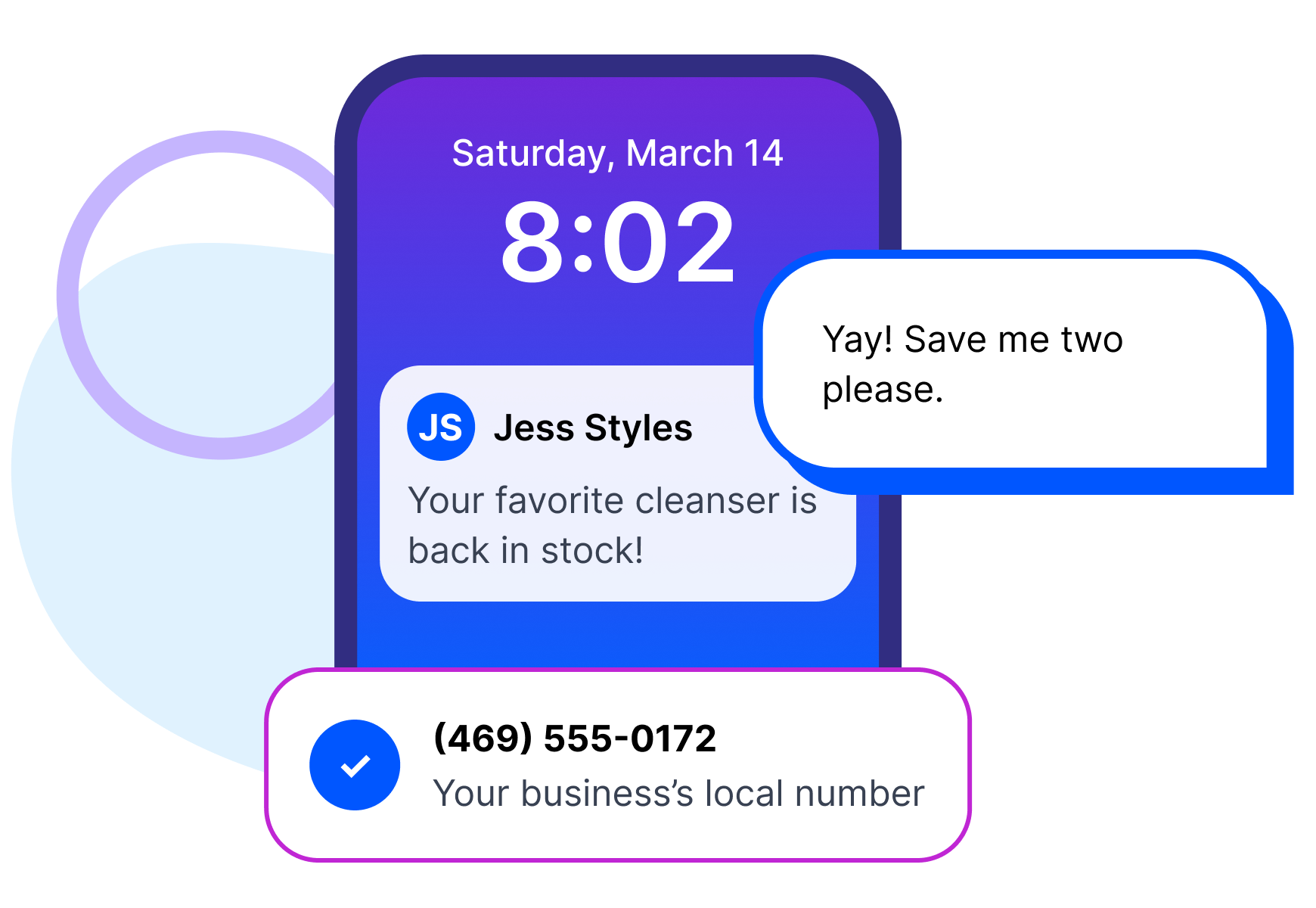
When a text comes from a number your customers recognize, it feels like hearing from you… because it is! Project Broadcast gives you a local 10-digit business texting number. It is not your personal cell and not a short code. New accounts get a new local number by default, and existing business numbers can usually be ported in.
Keep your company’s tools. Make the follow-up your own.
Your company’s app and back office keep handling orders, product info, training and downline reports. Project Broadcast is where you manage your own customer follow-up: you choose who to text, what to say and when. If your company sends notification emails, Back Office can turn supported ones into contacts and tags that start your campaigns.
See plans and pricing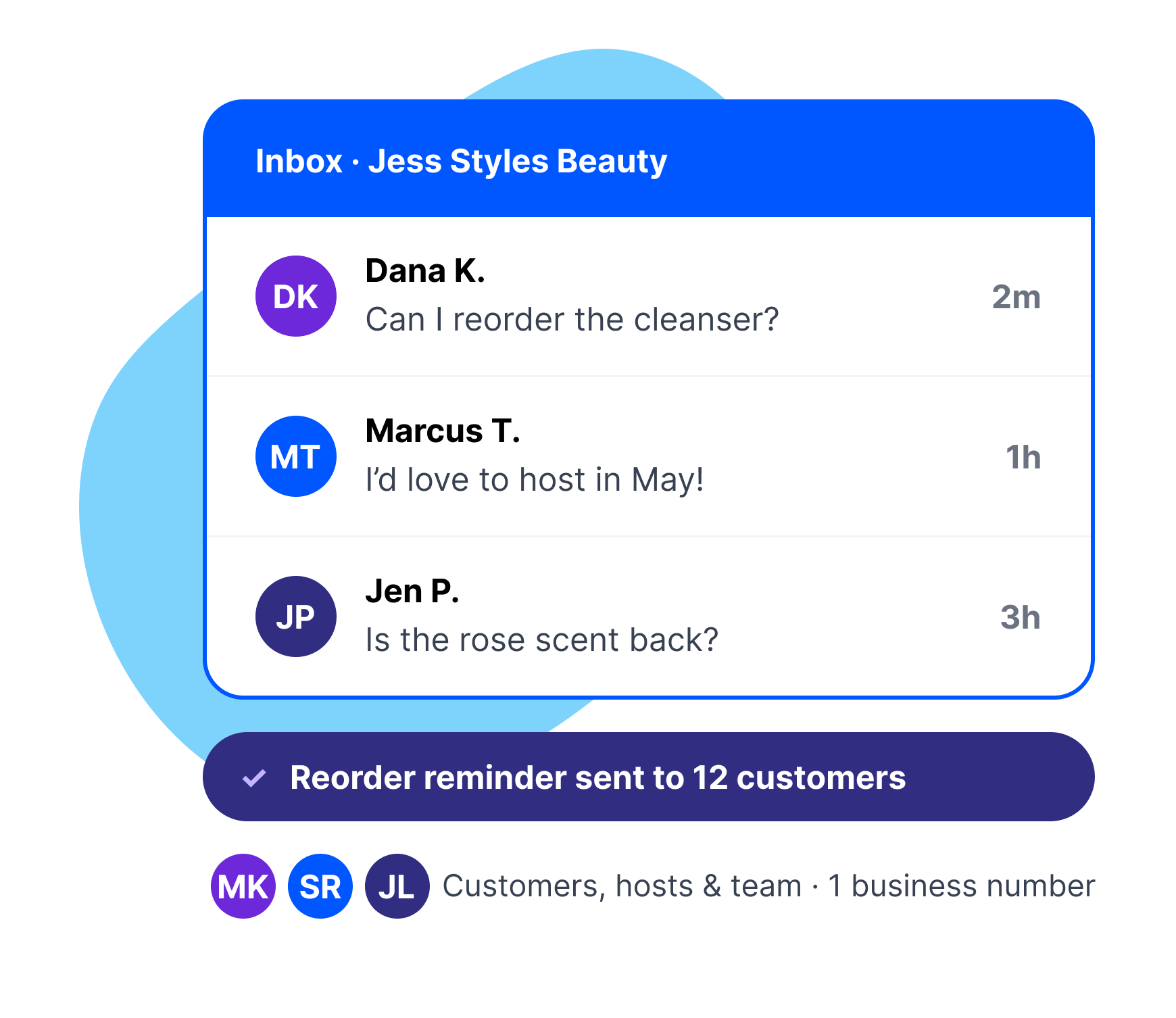
Customers actually answer texts.
We looked at more than 170 million messages sent through Project Broadcast in 2025, and people answered fast. Not opens… replies! These are platform-wide numbers, not direct sales only. For a seller, campaigns keep the reorder reminders going, and short, easy-to-answer texts get the replies.
See the full report from PB Data Labs- reply rate within two hours in one-on-one conversations
- 41%
- more quick replies from scheduled follow-ups than one-time texts
- 3.7×
- opt-out rate across 20.3M one-on-one texts
- 0.5%

A plan that fits how much you text.
Every plan includes unlimited contacts, so adding customers never raises your plan cost. Unused credits roll over at renewal while your plan is active, so a quiet month leaves room for the next launch. You pay in credits, and one credit sends one text to one person.
Find the plan that fits your businessFrequently asked questions
My company already gives me an app. Why add Project Broadcast?
Keep your company’s app for orders, product info and training. Project Broadcast gives you a place to schedule your own customer follow-up and manage one-on-one text conversations. Back Office can also turn supported company notification emails into follow-up you’ve set up.
What happens when my team grows?
Package the campaigns and templates that work into a bundle. Each team member imports it into their own account and uses it with their own contacts and number. Bundles share content, not accounts, so each person needs their own plan.
How do I keep in touch without always selling?
Send something helpful: a shipping update, a tip for a product they bought or a quick check-in. Keep texts short and easy to answer, and stick to the frequency people expected when they joined. AIVA can help you draft or rephrase a message.
Is it all right to text my customers?
Texting customers comes with rules, and the biggest one is simple: message people who have agreed to hear from you. Project Broadcast handles the platform side: it registers your local number for business texting (also called 10DLC) and manages unsubscribe requests for you. Texting only people who have opted in, and following the rules that apply to your business, stays with you.



Start with the customers you already have.
The people who already bought from you are the ones most worth hearing from you again. Bring them in and send the message you’ve been meaning to send for a month.