
Text messaging for plumbers, HVAC, and home service pros
A home service business wins jobs in the follow-up. Your field-service software runs the schedule, the quotes, and the invoices, but the message that catches a new lead, revives a quiet estimate, or fills a slow month still comes from you.
Project Broadcast helps you text leads, customers, and past customers personally and at scale, from your own local 10-digit number, alongside the software that runs your jobs. Your replies land in one place, your list stays yours, and your personal cell stays private.
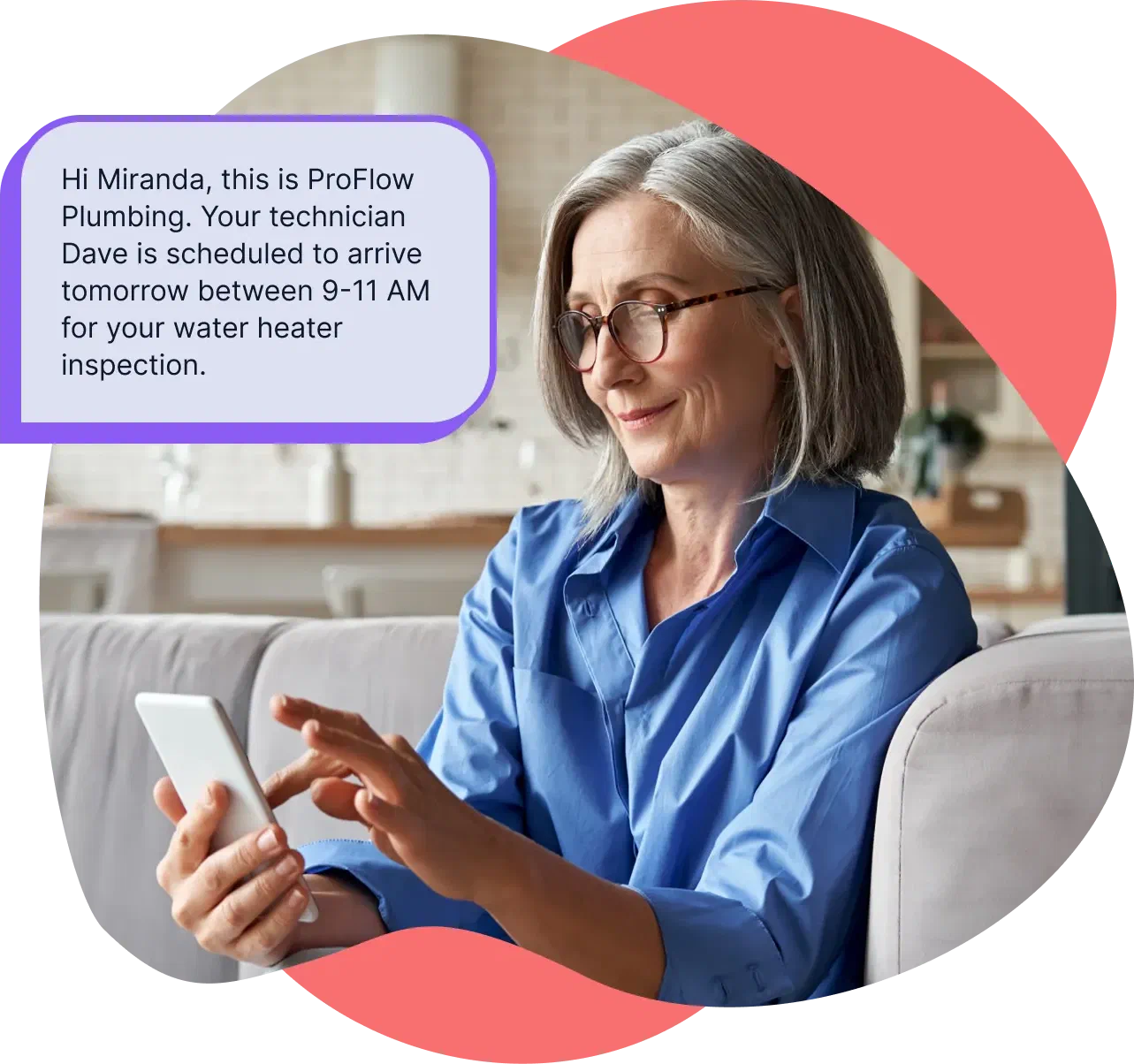
41% replied within two hours
On Project Broadcast in 2025, one-on-one Chat earned a 41% reply rate within two hours, across 170M+ messages analyzed by PB Data Labs. Not opens. Replies.
The job's gone by the time you call back
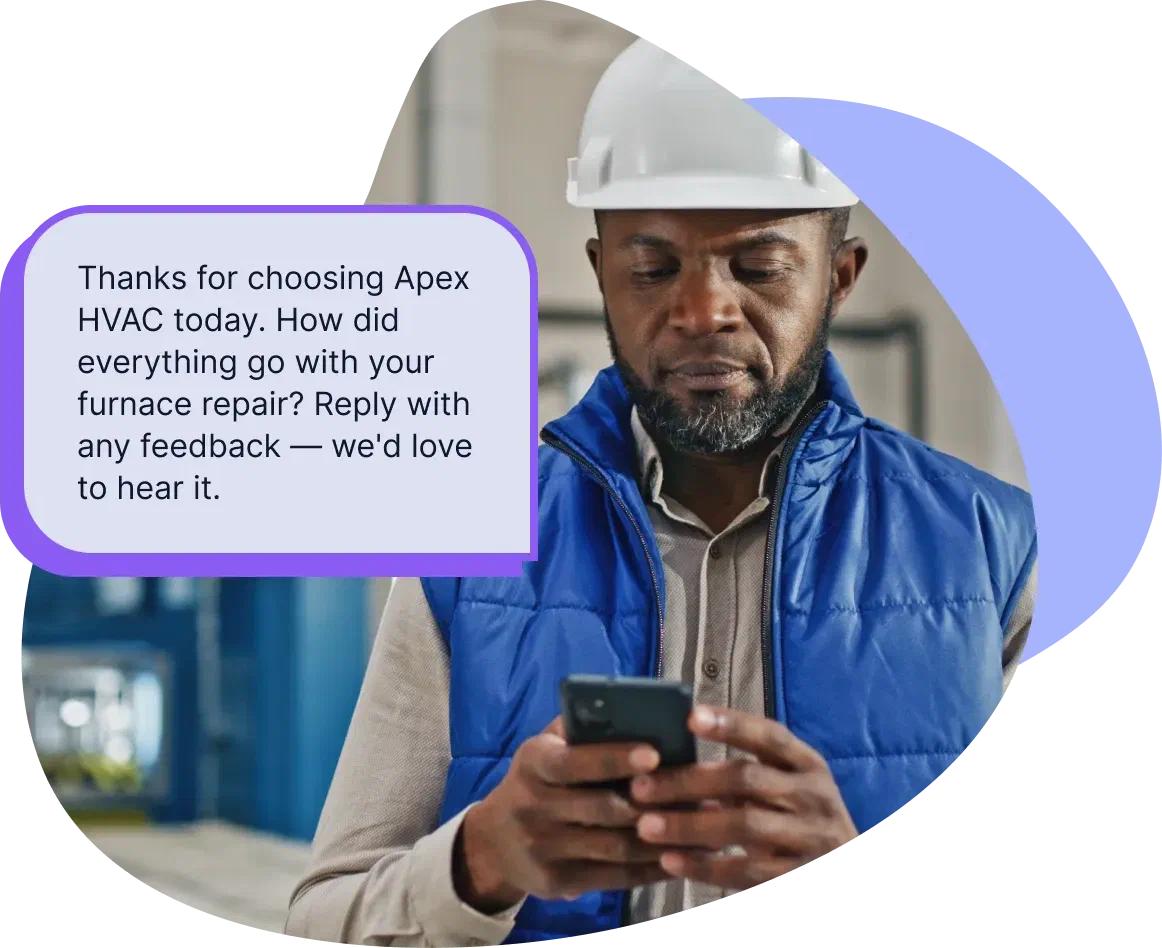
A call comes in while you're under a sink or on a roof. You see it that evening. By then they've called the next name on the list. Across home-service businesses, 27% of calls go unanswered, and fewer than 3% of callers routed to voicemail leave a message (Invoca, 2024).
That's why texting matters. Give new leads a number they can text instead of sending them to voicemail. Their message lands in a thread, so you can reply quickly from your own number: “Caught your message. How can I help?” That keeps the job yours instead of the next contractor's.
Read the Invoca study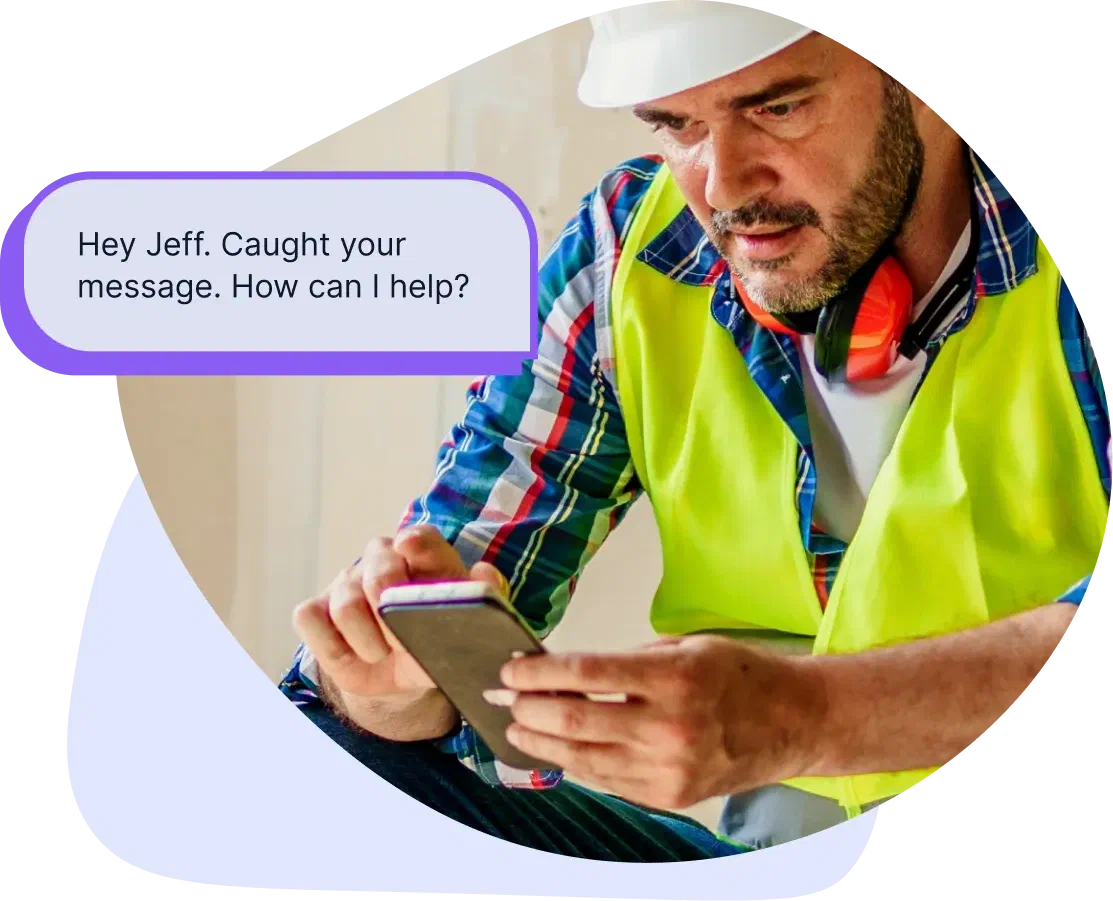
Every estimate you don't follow up on is a job the next contractor gets
You quote the job. Then you hear nothing. Most contractors follow up once, or not at all.
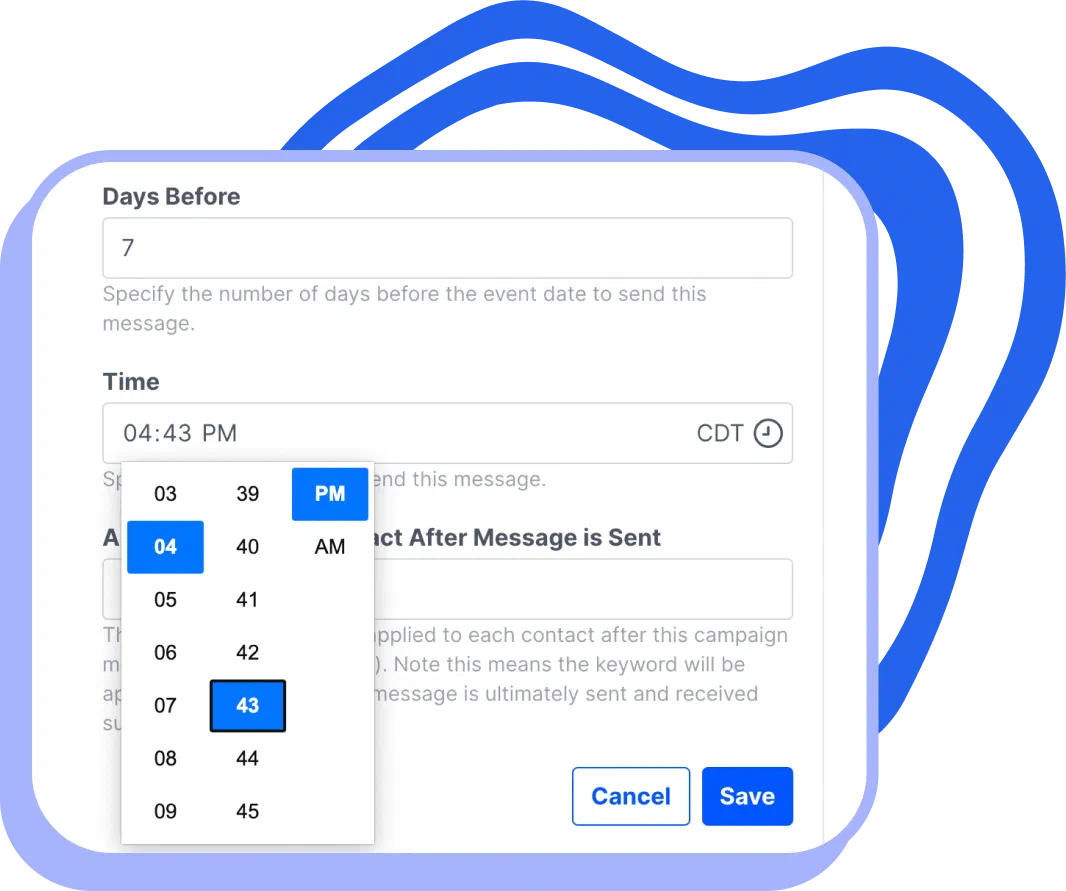
Project Broadcast lets you write the follow-up once and send it automatically: a few days after the estimate, then a week later, then ten days later.
The sequence keeps showing up for you, so more estimates turn into booked work without you having to remember every follow-up yourself.
Your slow-month fix is already in your contact list
Every past customer is someone who has already hired you once. But most never hear from you again.
Project Broadcast helps you reach back out before the calendar gets quiet. Send seasonal check-ins, tune-up reminders, and repeat-service offers to your past-customer list, in your own words. Think HVAC tune-ups before summer, gutter cleaning before fall, or maintenance reminders after a completed job.
Messages come from your own number, not a no-reply line. Replies come back to you in Chat, so the conversation keeps moving. You can also drop a voicemail straight into their inbox, in your own voice, without their phone ringing. It feels more personal than another generic reminder.
Send a voicemail
Turn trucks, invoices, and signs into text leads
Your business is already showing up where customers can see it: on trucks, invoices, and yard signs. The fridge magnets and local ads count too. Project Broadcast gives people a simple way to start a text conversation from any of those places.
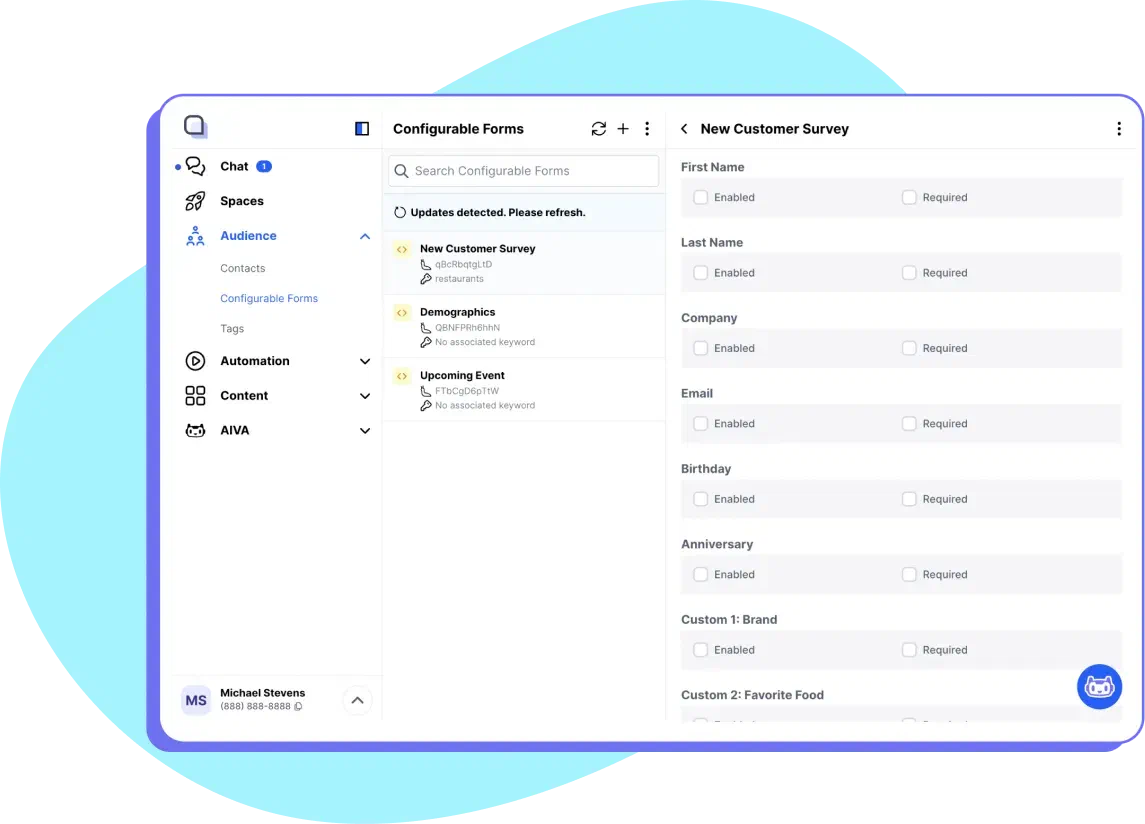
Using a keyword closes that gap. Put a short text prompt where people already see your business, and a text starts the thread on its own, with an instant reply you set up once, so a new lead never sits unanswered. Try “Text QUOTE” on the truck and yard signs for estimate requests, or “Text FIX” on the invoice for repeat service calls.
Set up keywords
Keep customer follow-up organized
Your personal cell was not built to manage follow-up with hundreds of leads, customers, and past customers. It is hard to track, hard to scale, and it puts your private number on every estimate you chase.
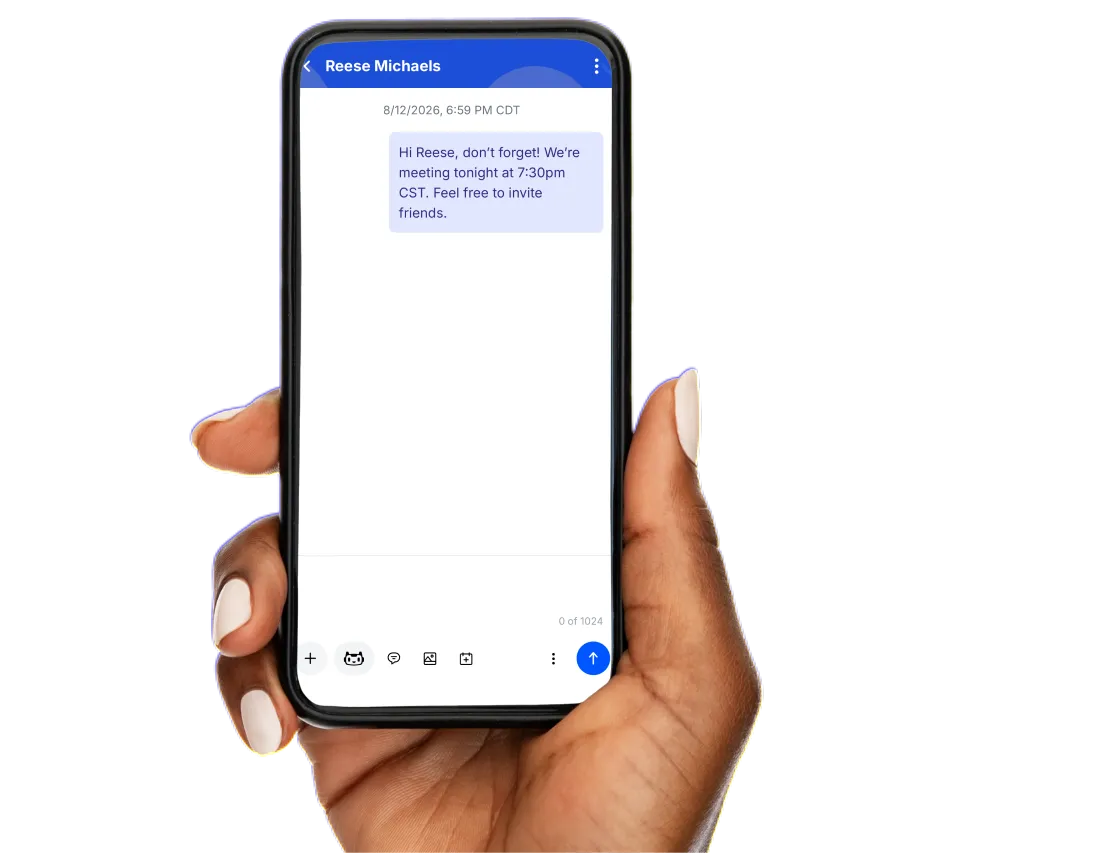
Project Broadcast gives you your own number. Messages still feel personal, with each customer's name included, while replies stay organized in one place instead of buried in your texts.

Text from your own number
Project Broadcast gives you a local 10-digit business texting number. It is not your personal cell and not a short code. New accounts get a new local number by default, and existing business numbers can usually be ported in.
Keep your field-service tool. Add the texting it leaves out.
Keep Jobber, Housecall Pro, or whatever runs your scheduling, quoting, and invoicing. That is what it is built for, and its built-in texting does the transactional part well: booking confirmations, appointment notifications, the receipts.
Most field-service platforms do send some texts, but the useful ones are gated or sold separately. The built-in notifications are usually one-way. Two-way conversations and marketing campaigns tend to sit behind a higher tier or a separate paid add-on, and the texts can come from a number your customer can't text back. Project Broadcast does the part they leave to you: the two-way follow-up at volume and the keyword sign-ups. Your customer list stays yours, on your own number, independent of the tool that runs the jobs. If you need scheduling, quoting, or payments, your field-service tool keeps doing that. This does the part it does not.
See two-way texting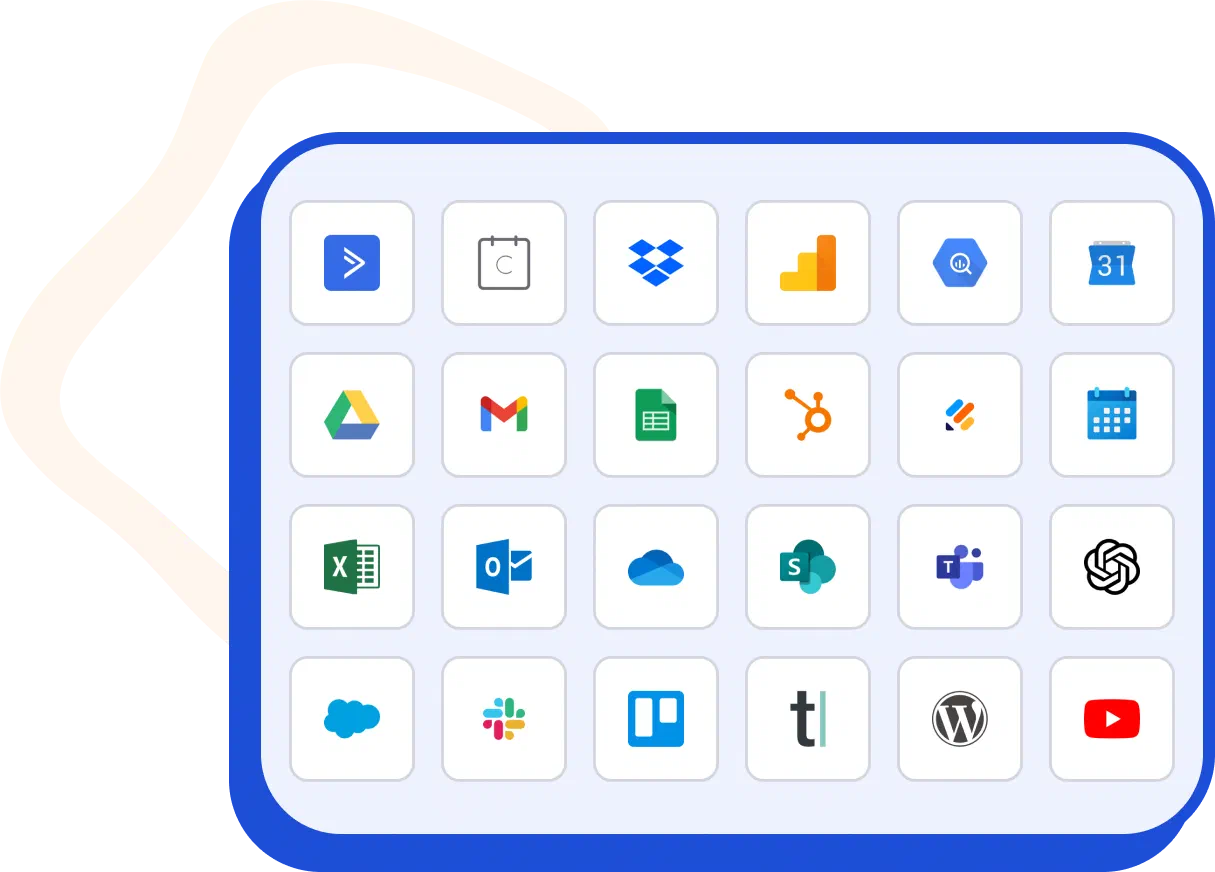
Keep customer conversations with the business
Customer conversations should belong to the business, not to someone's personal phone. When the person who handles your customer texts does it from their personal cell, the relationship lives on their phone. When they leave, on their own or otherwise, every contact and every thread walks out the door with them.
On a Project Broadcast account the business owns, the relationship stays with the business. The contacts, the history, and the running follow-ups all live in the account, not on a personal phone. When someone leaves and you bring in a replacement, you reassign the account, and the new hire picks up the conversations already in motion. The customer barely notices the handoff.
How Project Broadcast works for a home service business

1. Start with your customers.
Bring in current and past customers and organize them the way you run jobs: leads, active customers, past customers. Service type or season works too.

2. Capture new leads automatically.
Put a keyword on the truck, the yard signs, and the invoices. When someone texts the word, they land on your list and get an instant reply, with no manual follow-up.

3. Turn regular follow-ups into campaigns.
Set up an estimate follow-up, a seasonal reminder, and a win-back once. Personalize each message and let it run on schedule.

4. Send a voicemail when a text is not enough.
Drop a voicemail straight to a customer's inbox without their phone ringing, in your own recorded voice, so a seasonal check-in or thank-you feels more personal.

5. Keep replies in one place.
When a customer texts back, the conversation comes to you in one-on-one Chat. If you run a crew, techs and dispatch can help with the same conversations without anyone's personal phone in the mix.
The proof, from our own data
We publish our numbers. Across more than 170 million messages analyzed by PB Data Labs in 2025, people reply, they reply fast, and almost nobody opts out. Automated follow-up pulls more replies than one-time sends. These are platform-wide numbers across every kind of business on Project Broadcast, proof the channel works, not an industry-specific promise.
See the full report: PB Data Labs Business Texting Benchmark Report. Project Broadcast also holds 4.9 out of 5 on Capterra and is named to Capterra’s 2026 SMS Marketing Shortlist.
By the numbers
- messages analyzed
- 170M+
- reply rate within two hours in one-on-one Chat
- 41%
- more replies within two hours from campaigns than one-time sends
- 3.7×
- unsubscribe across 20.3M chat messages
- 0.5%
Built for home service pros
The pricing model fits how service businesses actually run. A solo operator can start small, bring in the whole past-customer list, and pay for the messages they send, not the size of the customer database. Because credits do not expire while your plan is active, a slow season does not cost you what you did not use.
Find the plan that fits your seasonFrequently asked questions
My field-service software already sends texts. Why do I need this?
Keep your field-service tool for scheduling, quotes, and invoices. It also keeps your job updates and customer records. Project Broadcast is the texting layer alongside it: you bring in the contacts you want to follow up with, send from your own number, and manage the replies in one place. The reliable day-one path is import, keywords, and campaigns; where your software supports it, you can also connect through Zapier.
If a tech or salesperson leaves, do I keep their customers?
Yes, when the account belongs to the business. The contacts, history, and running follow-ups live in the Project Broadcast account, not on someone's personal cell. When a person leaves, you reassign the account to their replacement and the conversations carry on.
How do I capture new leads by text?
With a keyword. Put a word on the truck, a yard sign, or an invoice (“Text QUOTE for a fast estimate”), and anyone who texts it is added to your list and gets an instant reply you set up once. It turns the visibility you already have into conversations you can follow up.

Start with the customers you already have
Your open estimates and your past-customer list are jobs you can text your way back to. Bring in your contacts, set up one estimate follow-up and one win-back, and let them run.