
For nonprofits & volunteer programs
Keep your volunteers, families and donors close, all year.
You’re keeping a program running with a handful of volunteers, a few loyal supporters and never enough hours. Project Broadcast is a business messaging platform that gives your organization a system for staying in touch. Schedule shift reminders, thank donors with follow-up that sends itself and let families know when plans change, all from your organization’s own number.
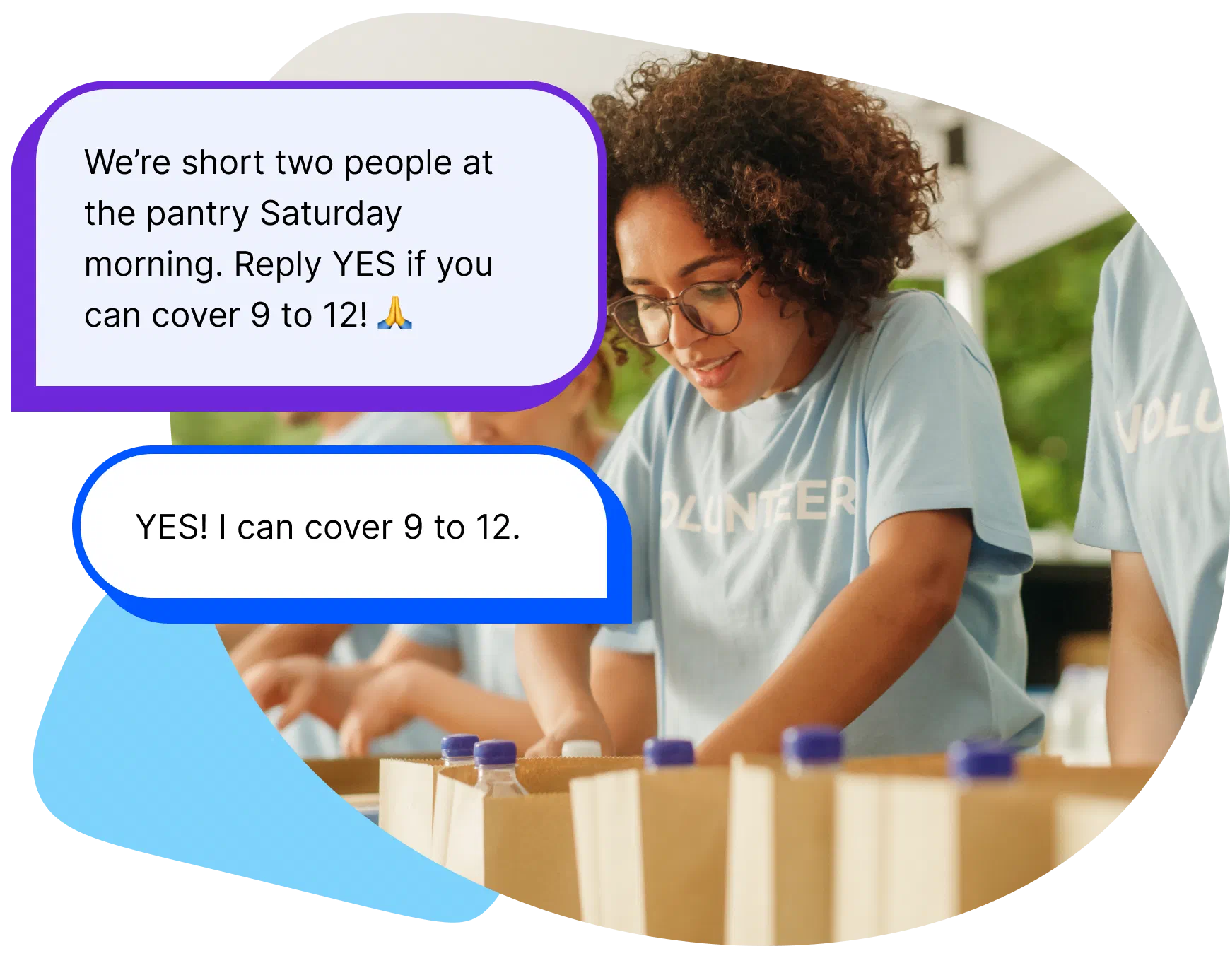
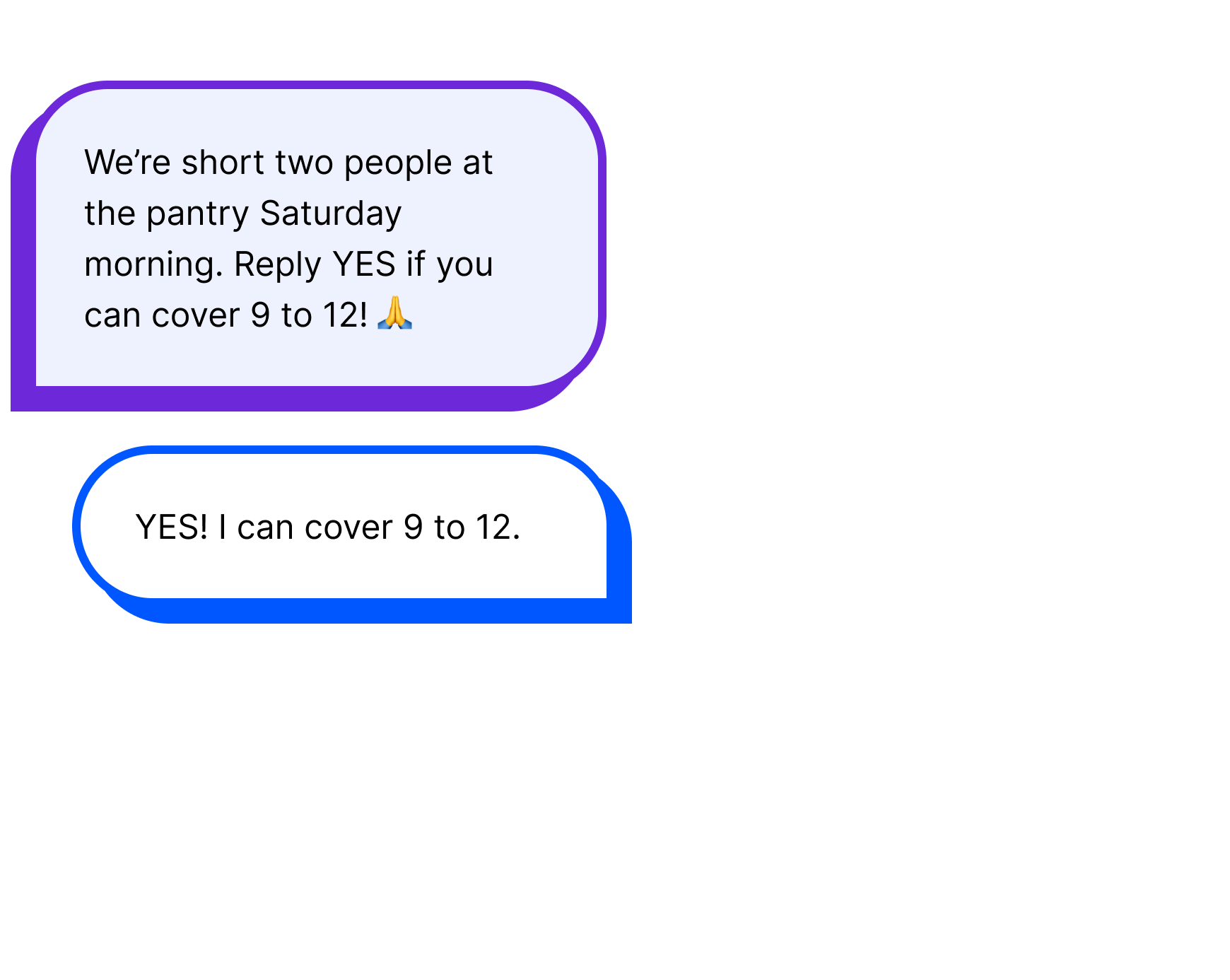
When a volunteer cancels, text the people who could cover.
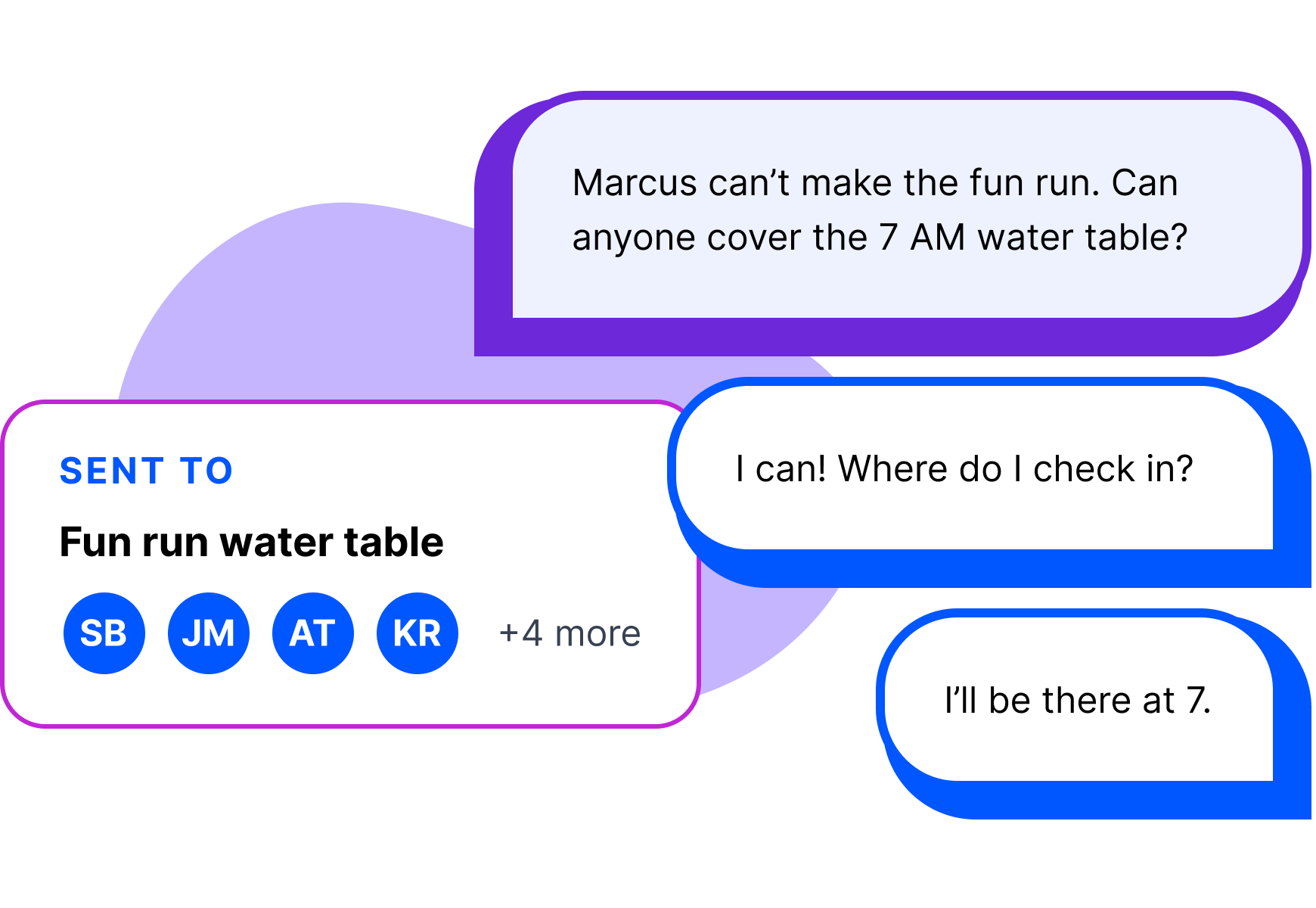
A volunteer cancels Friday night, and Saturday’s fun run is suddenly short at the water table. A group text means everyone sees every reply. Twenty separate texts means tracking who answered. Group volunteers by shift instead, send one message to the people who could help, and every “yes” comes back to you alone. It’s a regular text, so even the volunteer who won’t download another app sees it.
How it works
How Project Broadcast works for a nonprofit.
Start with your roster.
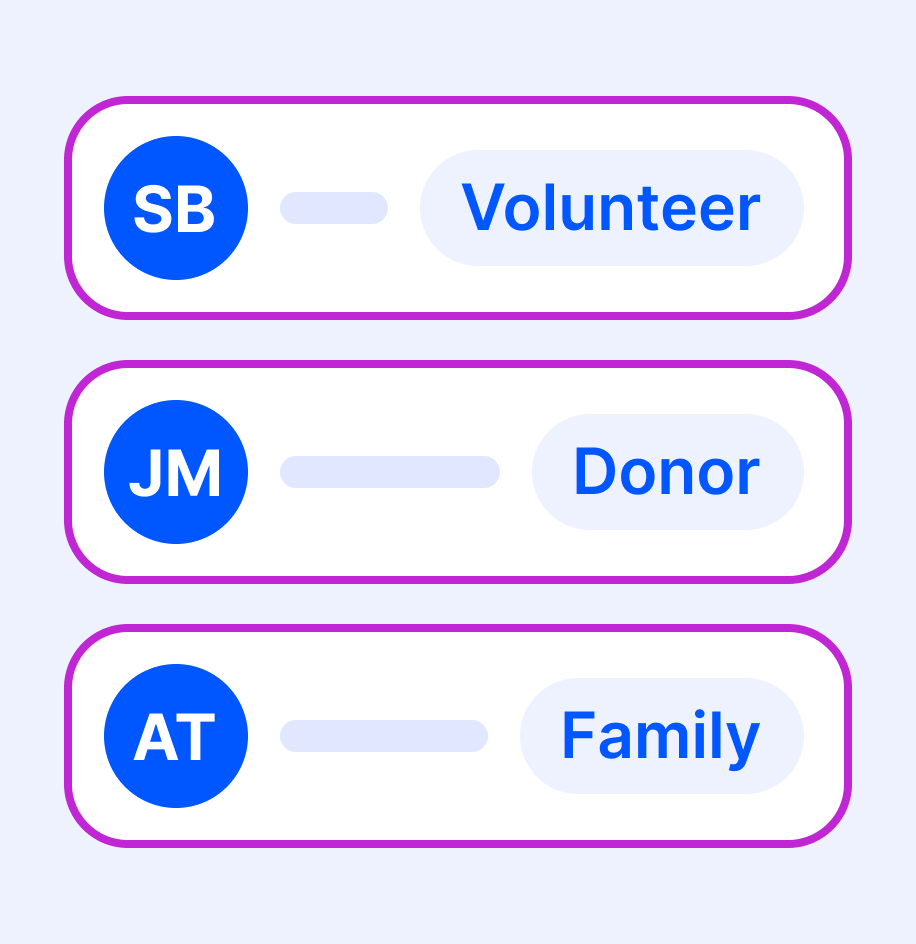
Bring in volunteers, supporters and donors who agreed to hear from you from a spreadsheet, with first names so texts can greet them.
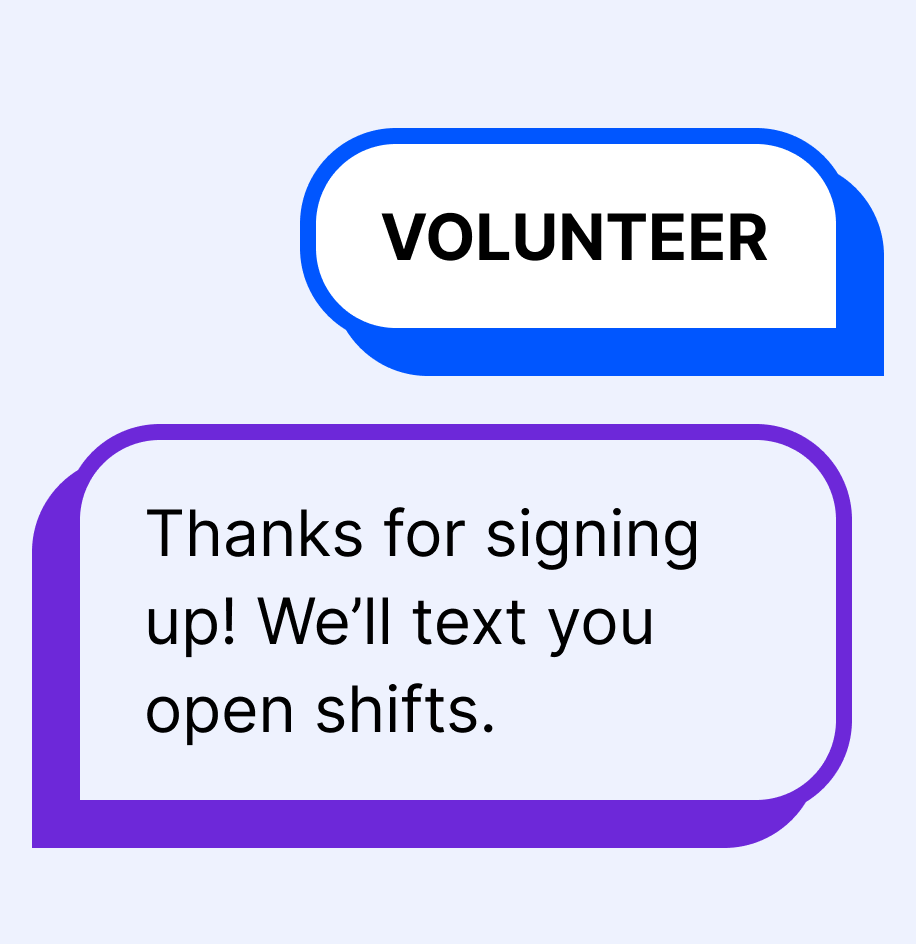
Let people sign themselves up.
Your keyword, like VOLUNTEER, keeps adding volunteers and families without anyone retyping a list.
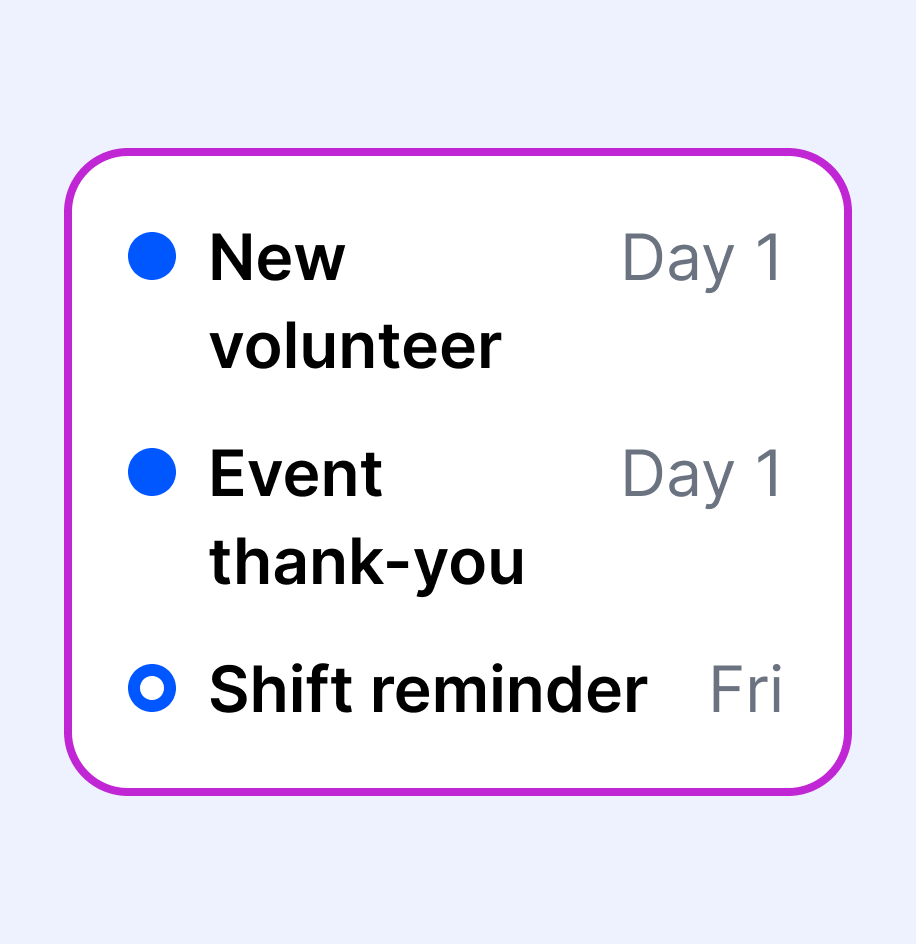
Schedule what you send every time.
Write the new-volunteer welcome and the event thank-you once, and they go out on schedule.
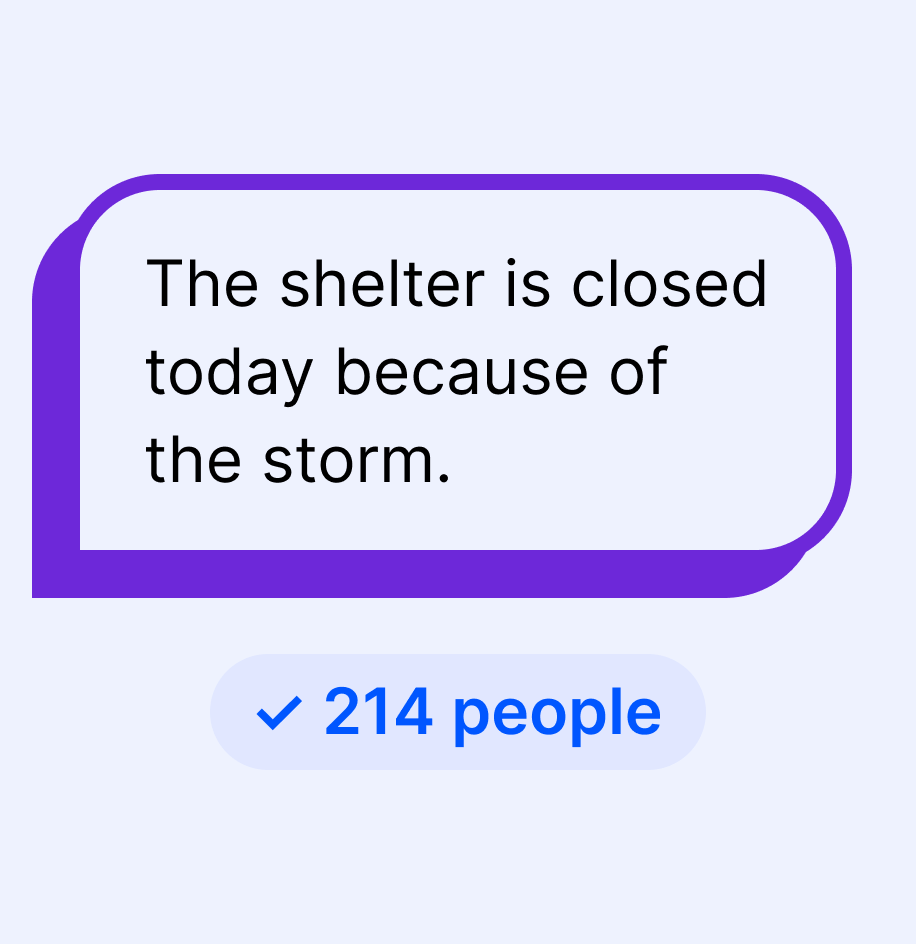
Reach everyone when it matters.
A weather closure goes to your whole list in one send. Routine updates go only to the people they concern.
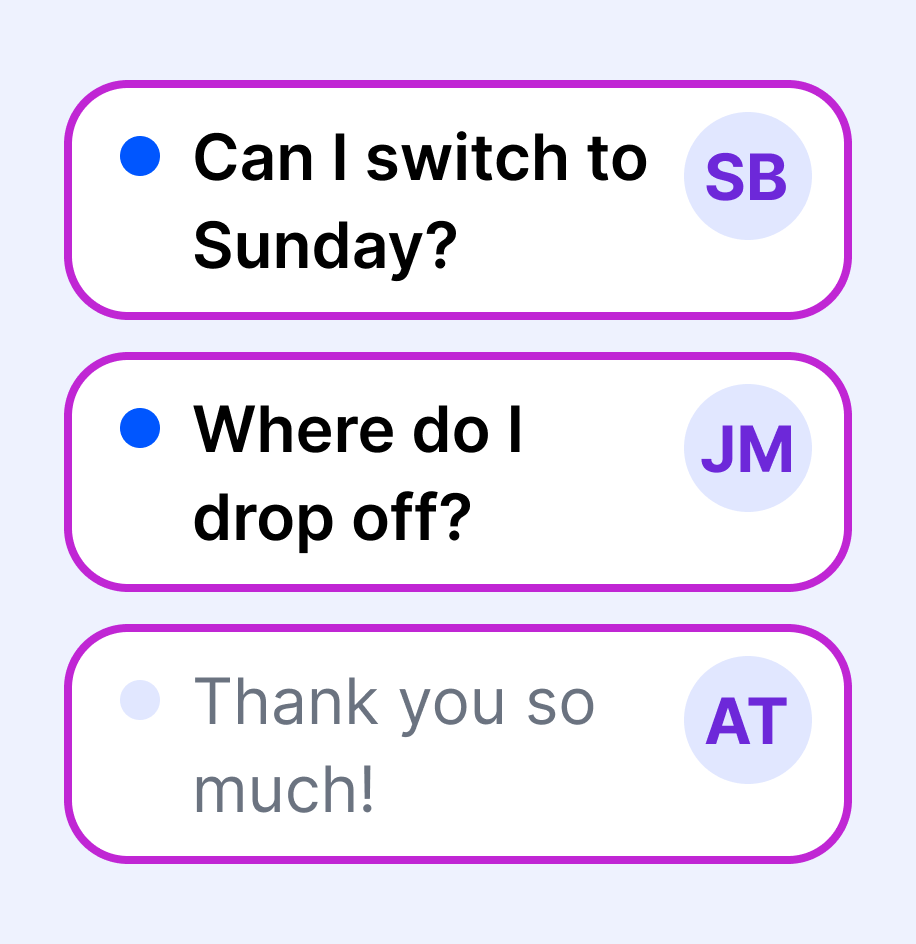
Answer replies as a team.
Every reply lands in one shared inbox. Add staff and volunteer leads with their own logins, so whoever’s on this week can answer.
After the adoption event
Thank-you texts that go out on their own.
Write them before the event, and they send on schedule. When someone replies about the next one, you’re already talking.
See how SMS Campaigns work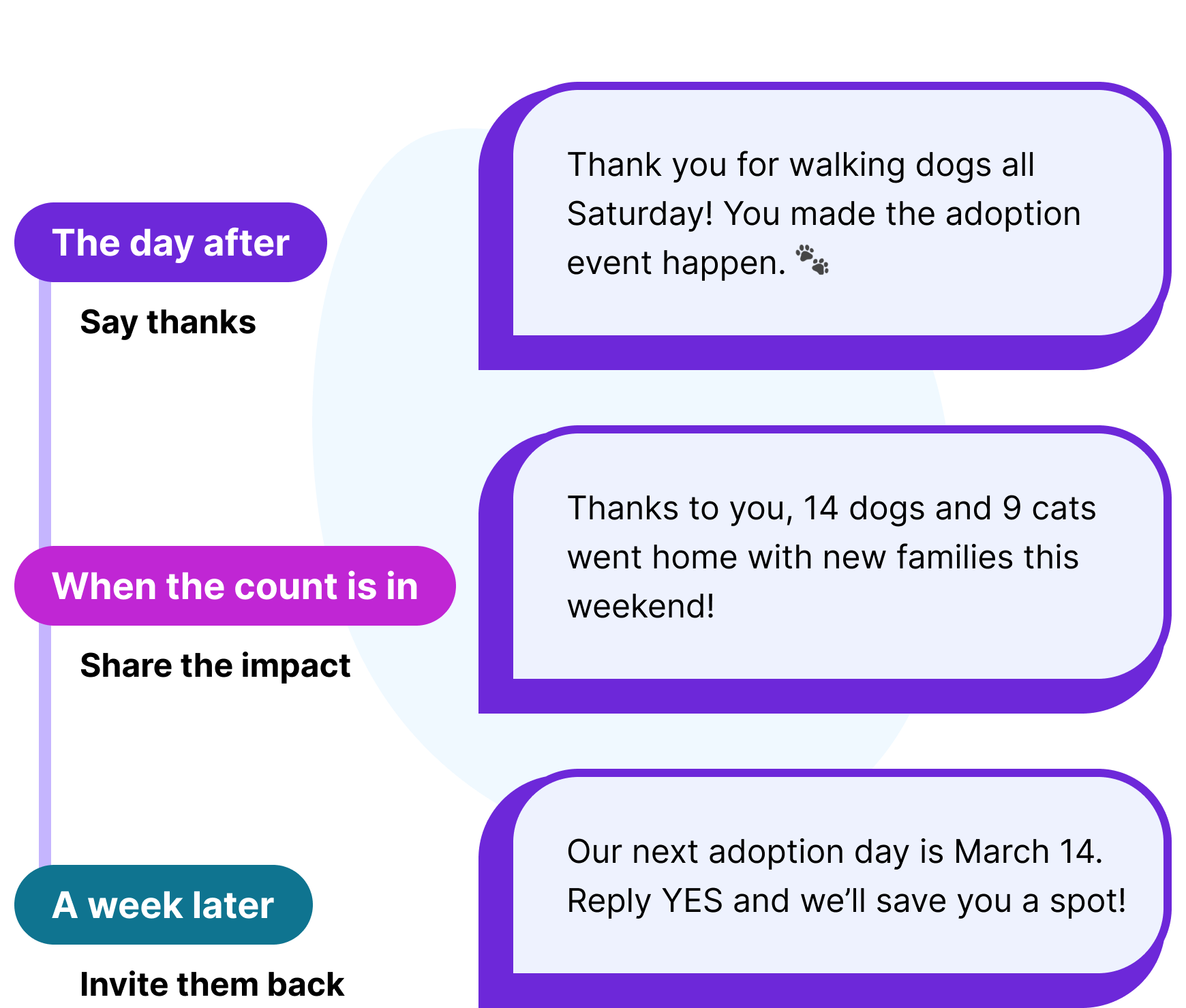
Where your week gets away from you
Three texts that keep your program running.
Each one goes to the right people, from your organization’s own number.
Schedule changes

Reach every family when plans change
Rain moves practice indoors? Text the parents and guardians in that program, and replies come back to you, not to every family.
Send updates
Thank-yous

Thank every helper the day after the event
Write the thank-you before the event, and it goes out the day after to every volunteer and supporter who helped.
Schedule a thank-youDonors

Keep donors close between campaigns
Thank supporters after a gift, share what it made possible and invite them to your next fundraiser. Giving itself stays in your donor system.
Reach supporters
Keep your volunteer and donor software. Add texts people can answer.
Keep your volunteer scheduling tool for sign-ups and shifts, and your donor system for gifts and records. Project Broadcast doesn’t take donations or run text-to-give. With Project Broadcast, a volunteer with a question can simply text back. Bring your list in from a spreadsheet (there’s no automatic sync).
See plans for your organization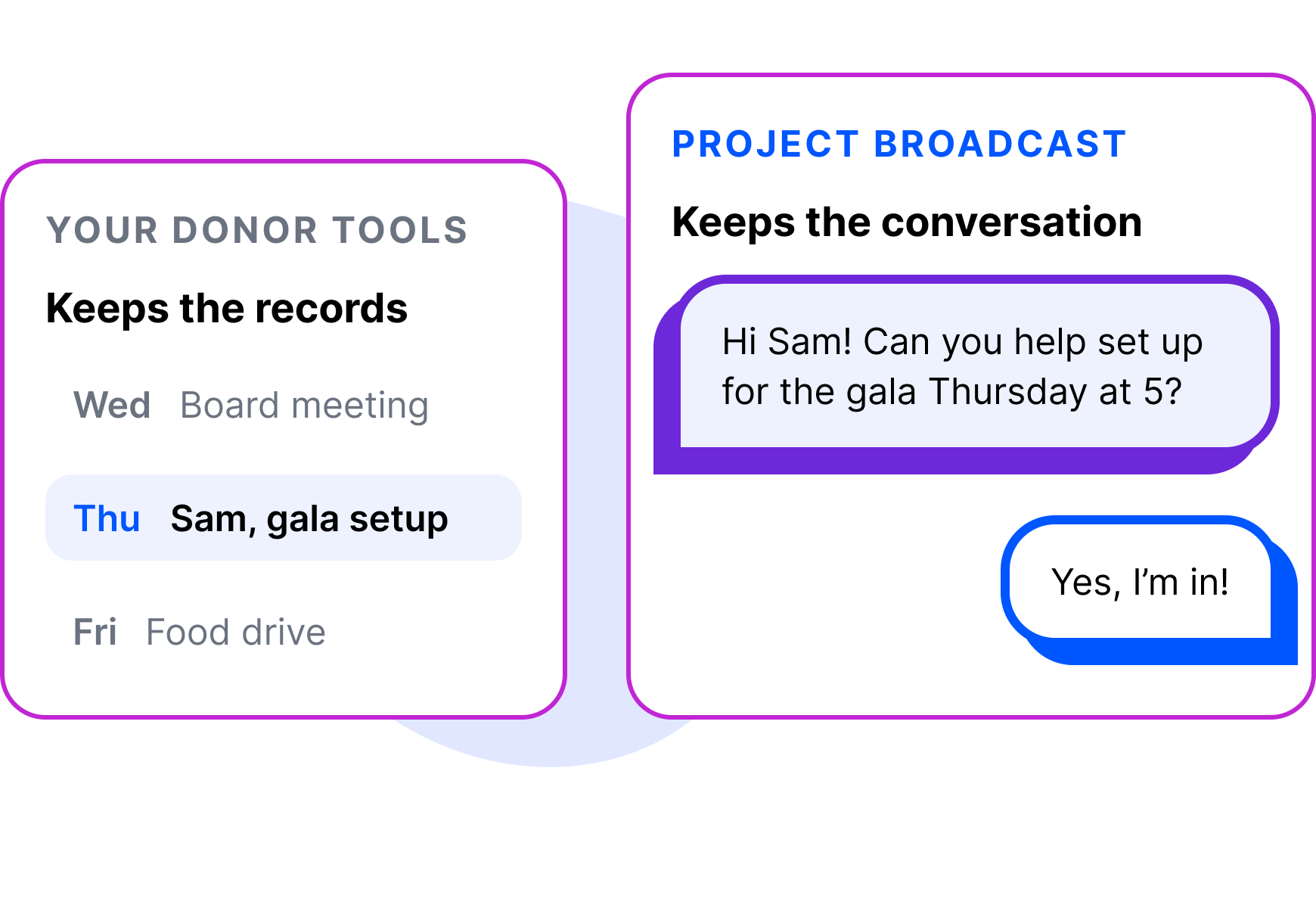
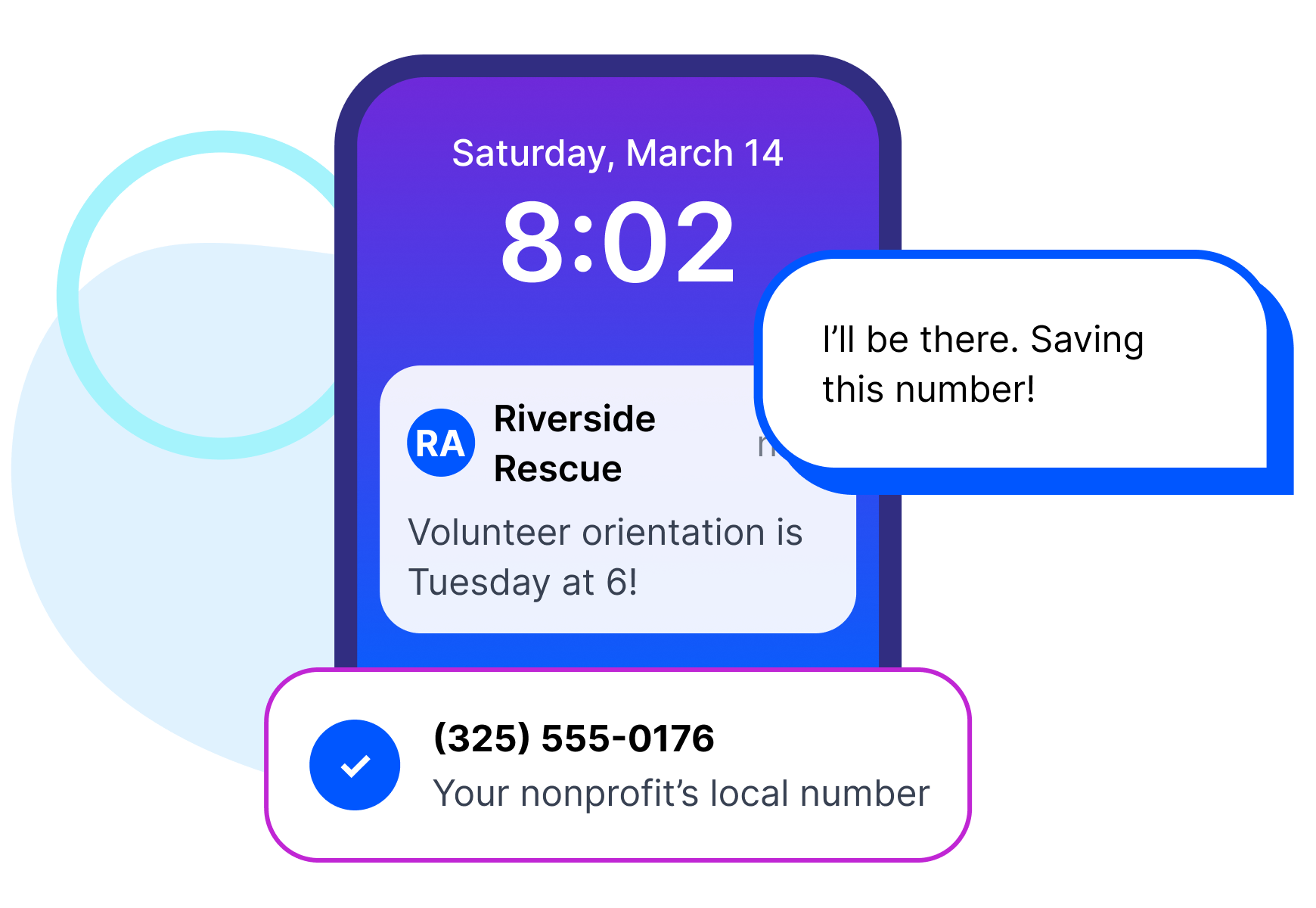
Text from your organization’s own number.
When a text comes from a number your volunteers recognize, it feels like hearing from you… because it is! Project Broadcast gives you a local 10-digit business texting number. It is not your personal cell and not a short code. New accounts get a new local number by default, and existing business numbers can usually be ported in.
Keep volunteer texting off personal phones.
When a coordinator texts volunteers from a personal cell, the history leaves when they do. In a small nonprofit, that coordinator is often a volunteer too. Set up the account with an organization email, add each helper with their own login, and the number and conversations stay with your organization.
Compare plans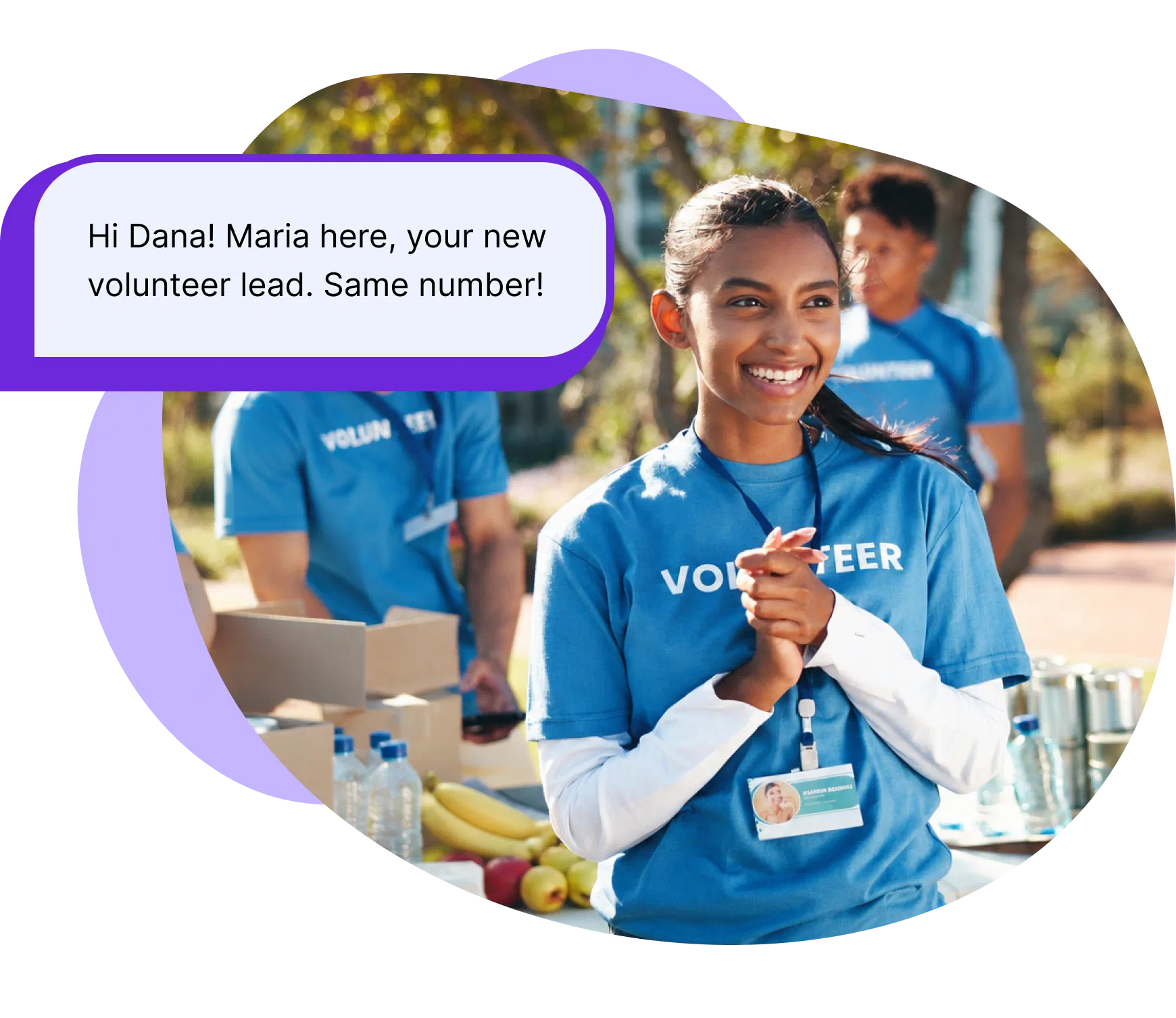
Keep your list to adults.
Text parents, guardians and adult volunteers, not the kids in your program. For volunteers or participants under 18, invite a parent or guardian to join instead.
Find a plan that fits
Volunteers actually answer texts.
We looked at more than 170 million messages sent through Project Broadcast in 2025. Scheduled follow-ups got quick replies more often than one-time texts, and one-on-one texts drew more than half of all quick replies! These are platform-wide numbers, not nonprofit-only. Keep group texts short, ask a question people can answer in a word, and send them only to the people they concern.
See the full report from PB Data Labs- reply rate within two hours in one-on-one conversations
- 41%
- more quick replies from scheduled follow-ups than one-time texts
- 3.7×
- opt-out rate across 20.3M one-on-one texts
- 0.5%

Pricing that fits your busy seasons and quiet ones.
Every plan includes unlimited contacts, so volunteers, supporters and families all fit in one account without raising your price. Unused credits roll over at renewal while your plan is active, and if you only text in bursts, Pay As You Go lets you buy credits when you need them. You pay in credits, and one credit sends one text to one person.
Pick a plan for your busy seasonFrequently asked questions
Can we use Project Broadcast for fundraising or text-to-give?
No. Project Broadcast doesn’t process donations or offer text-to-give, so giving stays in the system you already use. Project Broadcast handles the conversations around it: thanking supporters, coordinating volunteers and keeping families informed.
Is there a nonprofit discount?
Nonprofits use the same public plans as everyone else. If your organization is tax-exempt, email support@projectbroadcast.com to request tax-exempt billing on your account.
Do volunteers and families have to opt in first?
Texting volunteers and families comes with rules, and the biggest one is simple: message people who have agreed to hear from you. Project Broadcast handles the platform side: it registers your local number for business texting (also called 10DLC) and manages unsubscribe requests for you. Texting only people who have opted in, and following the rules that apply to your business, stays with you.



Send your first text to the people who already show up for you.
Bring in the volunteers, supporters and families who agreed to hear from you. Your next shift request, schedule change or thank-you is the first text to send.