
For shops, makers & online stores
Turn happy customers into repeat buyers.
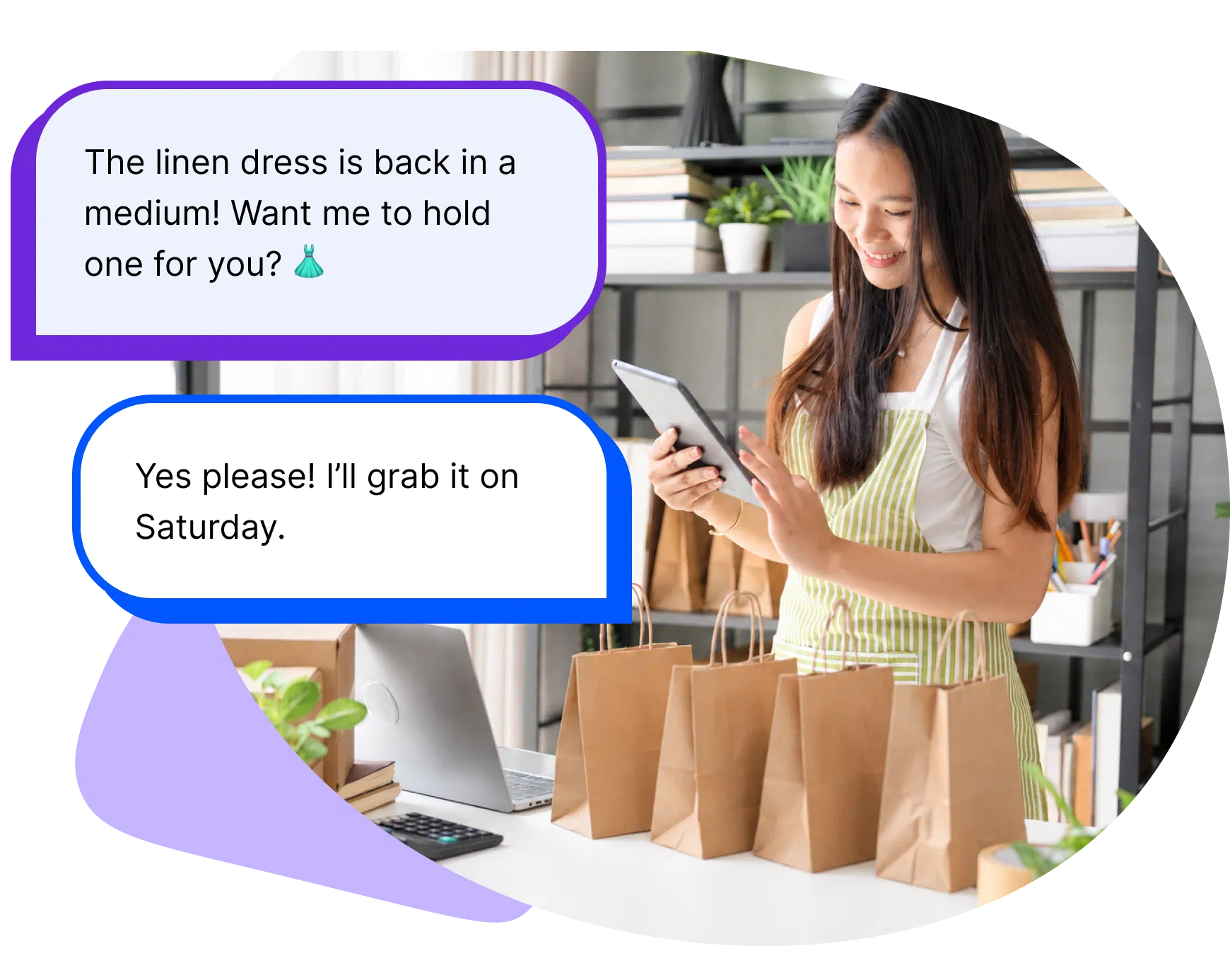
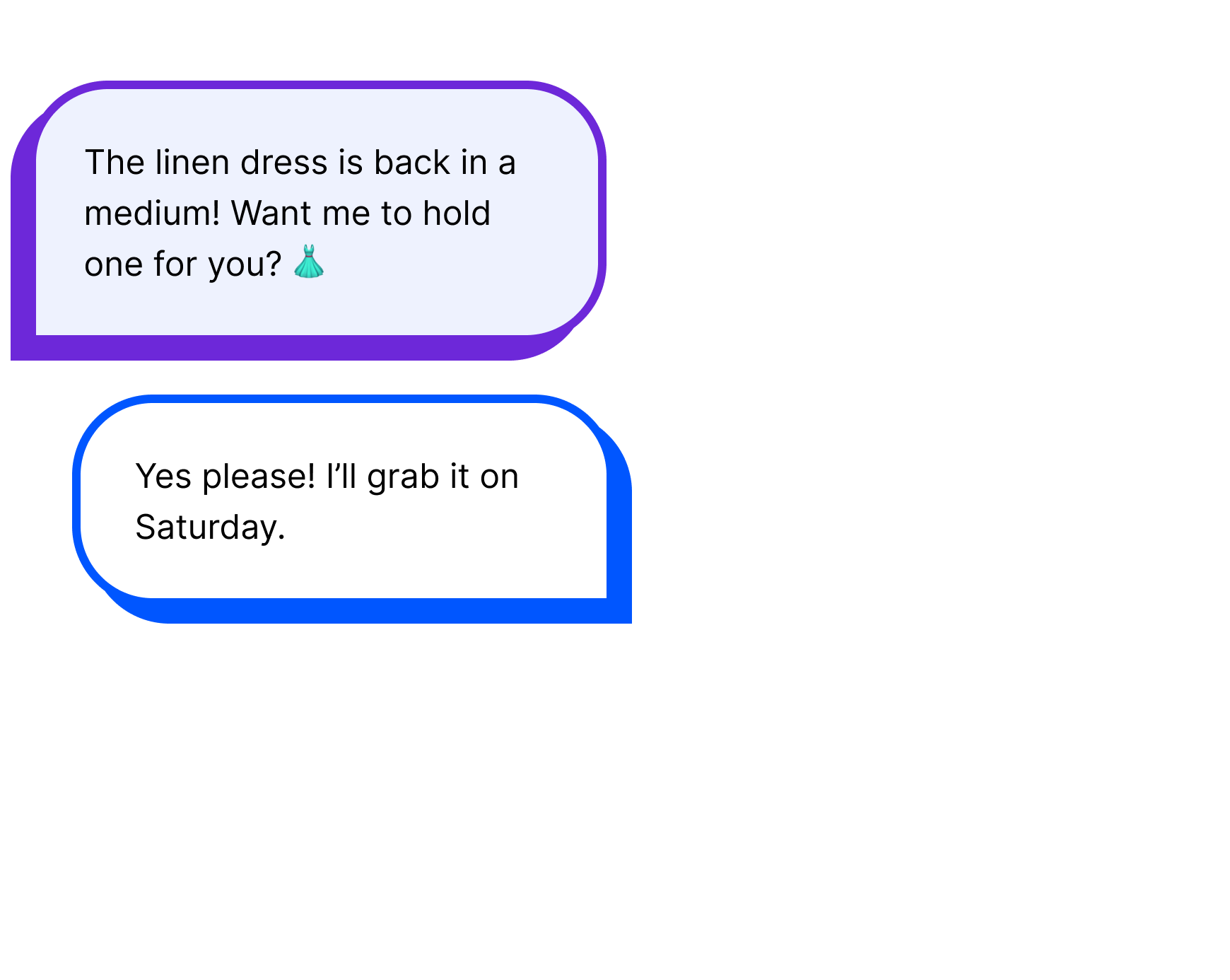
You remember who asked about the linen dress in a medium… but posting on social and hoping they see it isn’t a plan. Project Broadcast is a business messaging platform that sends the right update to the right customers automatically. Tag shoppers by interest, schedule new-arrival and market-day texts ahead of time and send pickup updates from your shop’s own number. When they reply, you answer personally.
How it works
How Project Broadcast works for a small shop.
Bring in customers who opted in.
Start with regulars who signed up for your texts, from a customer export or a list you kept by hand.
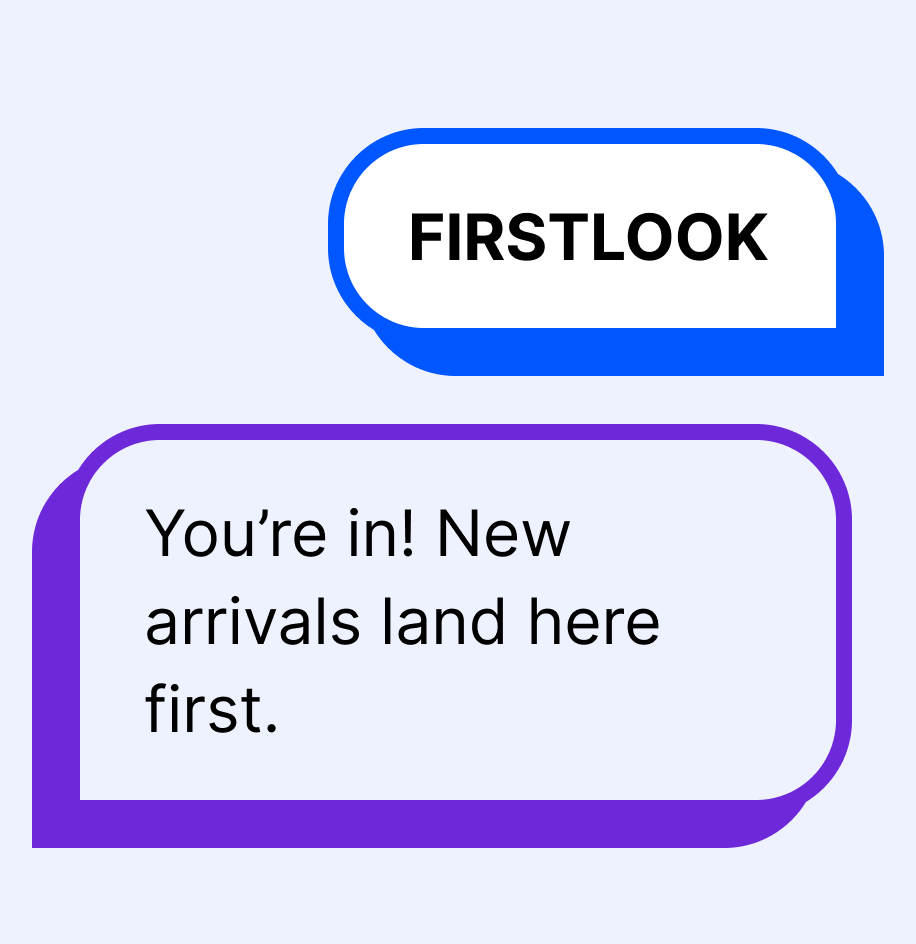
Invite new customers to join.
Put “Text FIRSTLOOK for new arrivals” on your register sign, booth or thank-you card. A QR code makes it one tap.
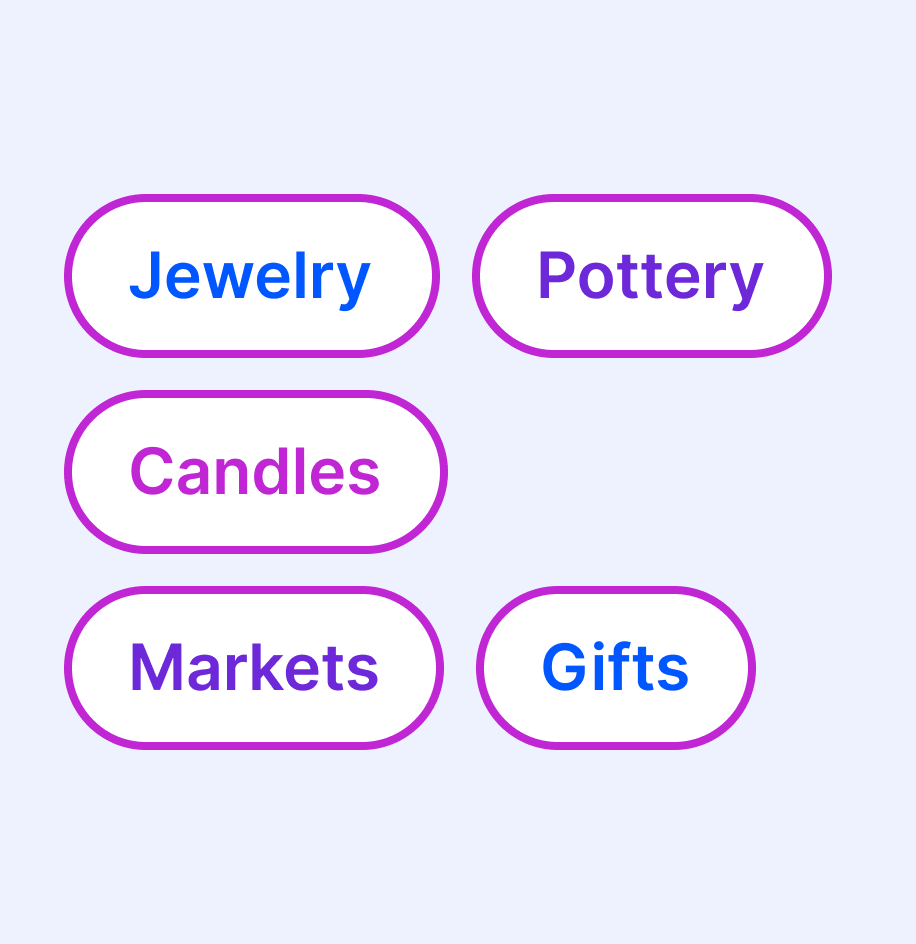
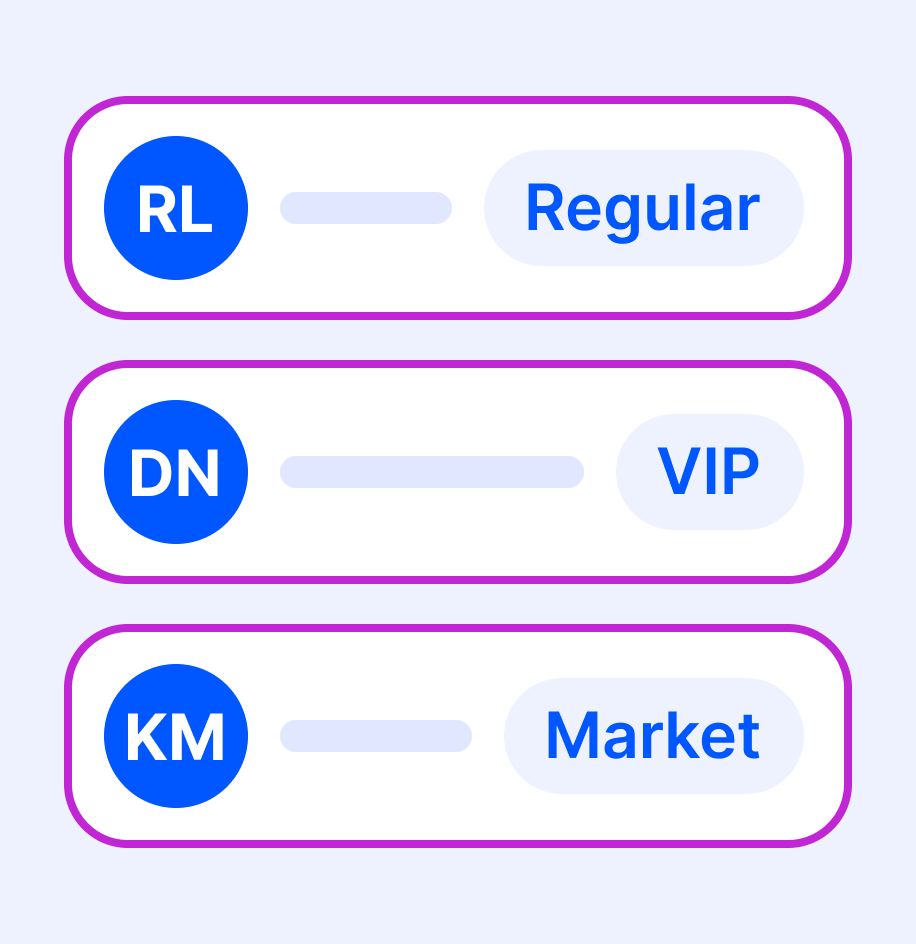
Group customers by what they love.
Keep track of interests like jewelry or a pottery restock, so each text goes to the right people.
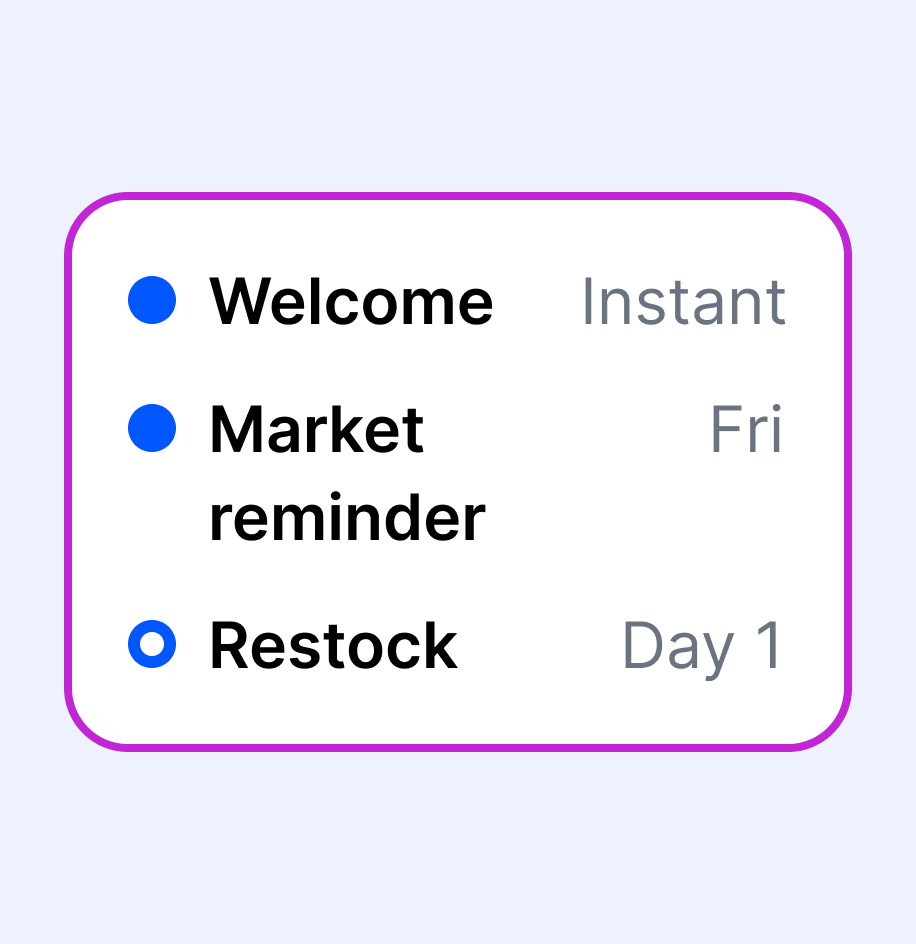
Schedule what you know is coming.
Write the welcome for new sign-ups and the reminders before each market once, and let them go out on time.
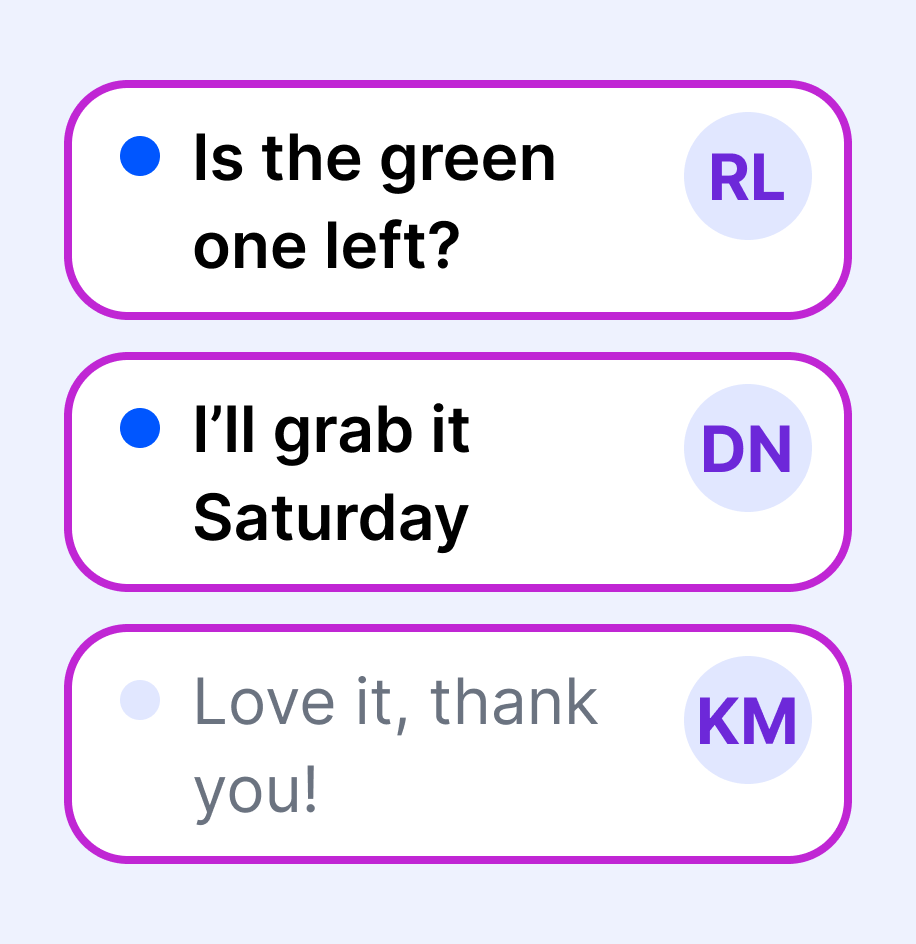
Reply to each one personally.
Replies arrive one-on-one. Send a photo of the piece they asked about, or call from your shop’s number for a custom order.
Market weekend
Your regulars will know exactly where to find you.
Write the reminders once, and they go out right when they’re useful. Anyone who signs up midweek still gets the ones that follow.
See how SMS Campaigns work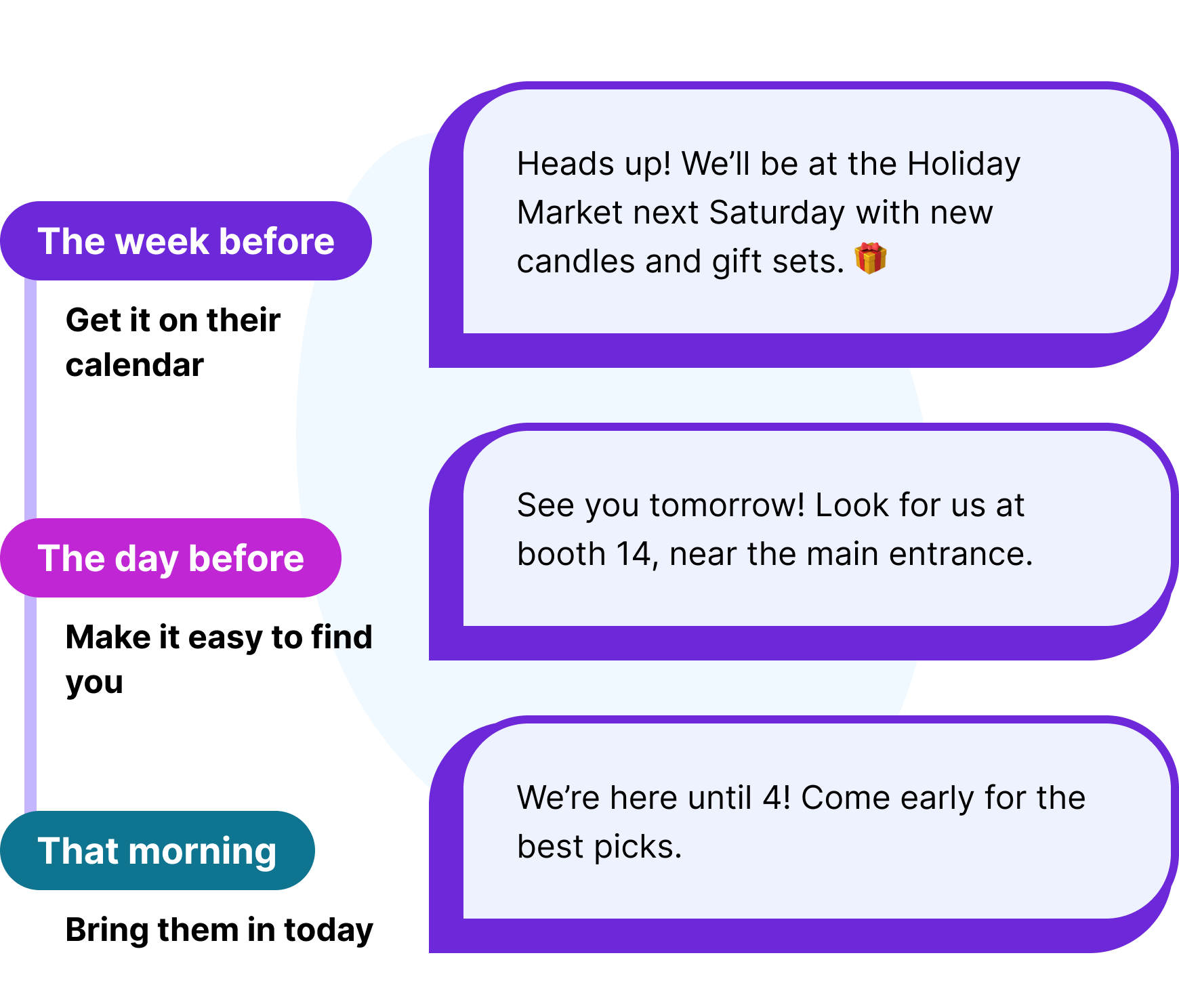
Your regulars miss posts. A text is harder to miss.
Social media helps people find you, but the regular who asked about a restock can scroll right past the post. Group customers by what they love, and text just them a photo when it’s back. When someone replies “Can you hold it?”, that reply comes to you alone, not a group thread.
Beyond the social feed
Three texts that turn regulars into repeat sales.
Each one goes to the right customers, from your own number.
New arrivals

Tell fans about restocks
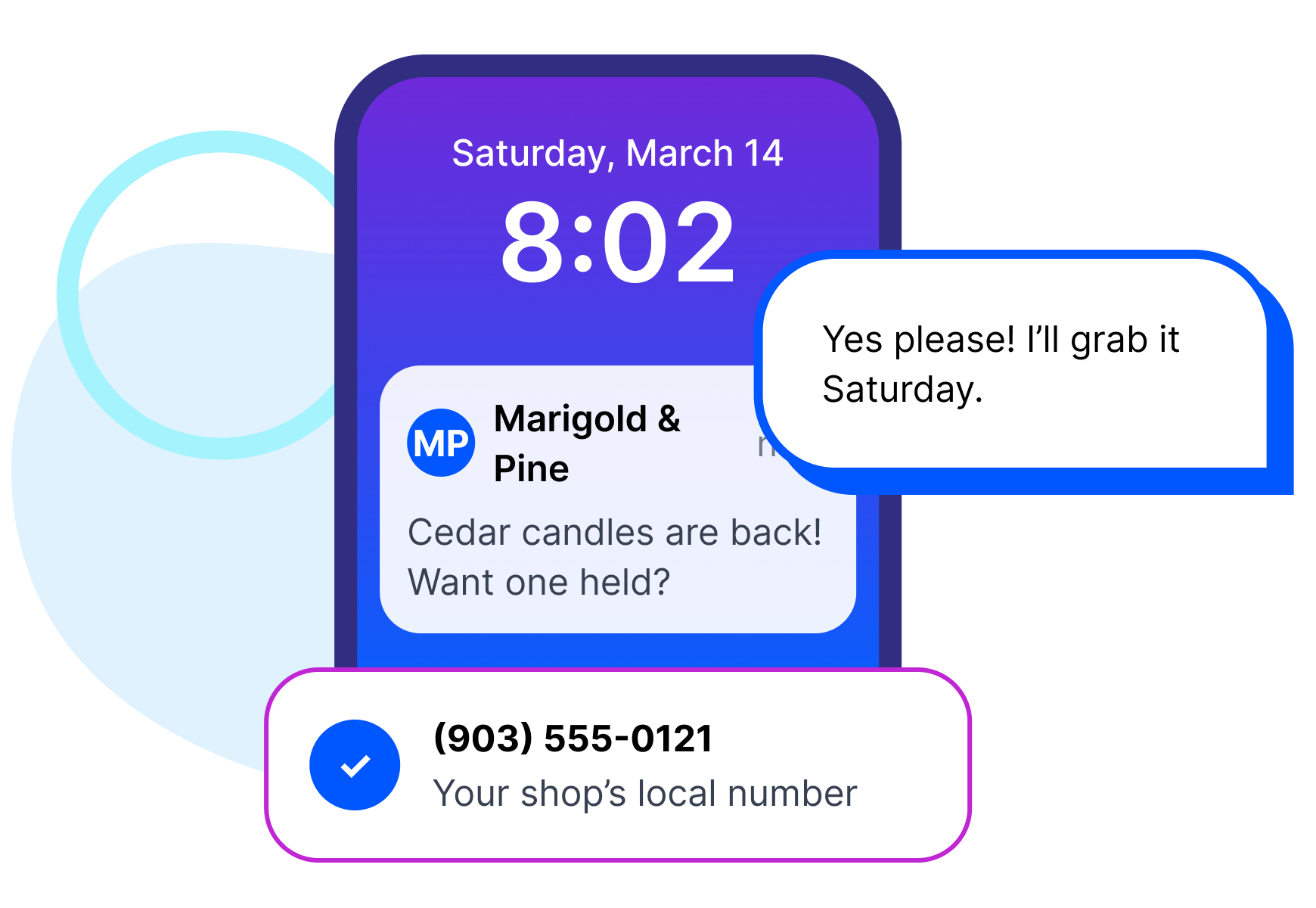
Send a photo to the customers who asked, before it hits the shelf or your site.
Share new arrivals
Markets & events

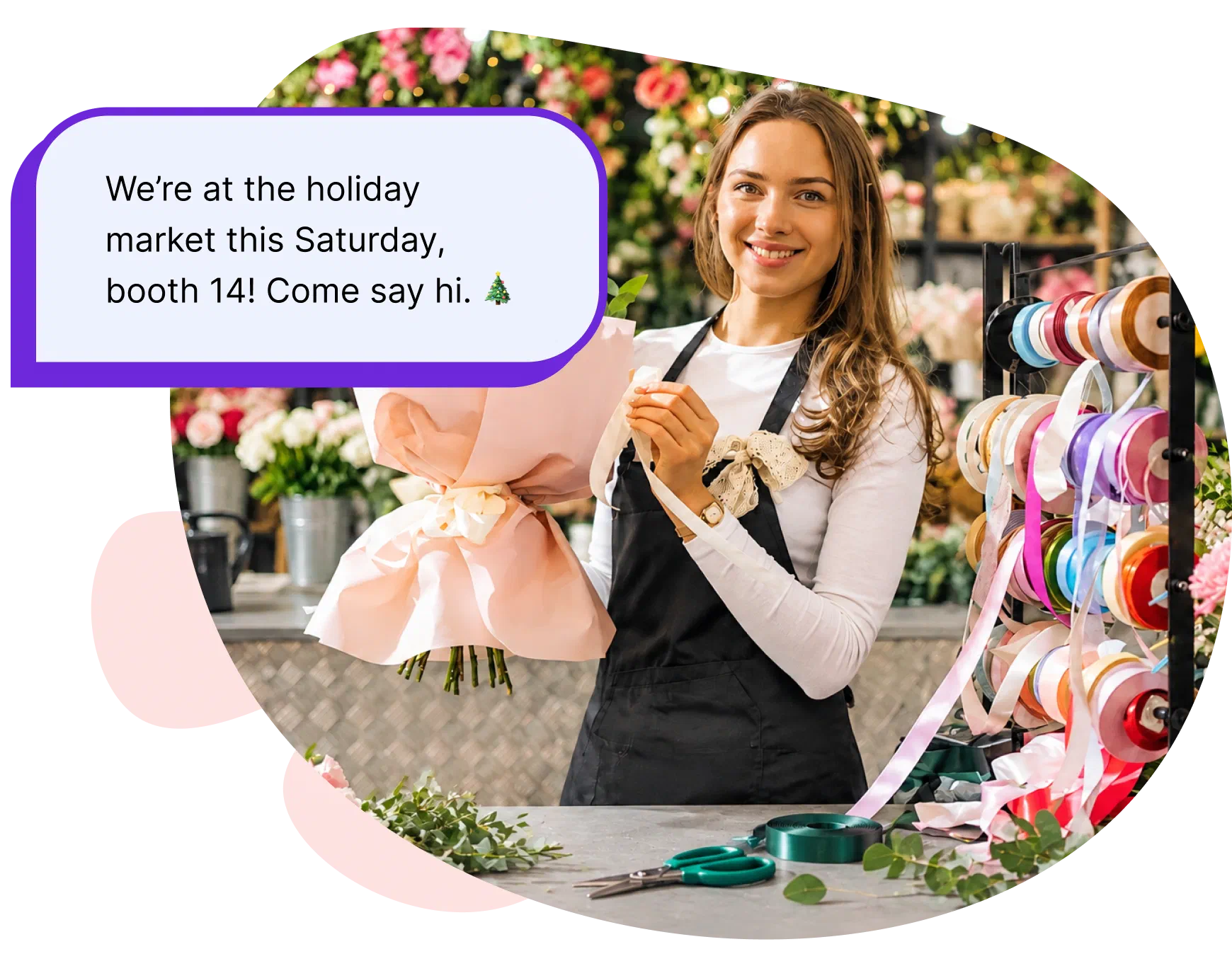
Share where you’ll be
Booth number, hours and the morning-of “We’re here until 4,” all scheduled ahead of time.
Plan market remindersPreorders

Make pickup day painless
Send one “your order is ready” update to everyone who preordered. Each person gets their own text.
Send pickup updates
Your store handles the sale. Project Broadcast handles the conversation.
Keep Shopify, Square, Etsy or whatever runs your store for selling, inventory and shipping notices. Project Broadcast keeps one list of customers who signed up for your texts, wherever they shop. It doesn’t connect to your store on its own, but you can link the two with Zapier (a tool that connects apps).
See plans and pricing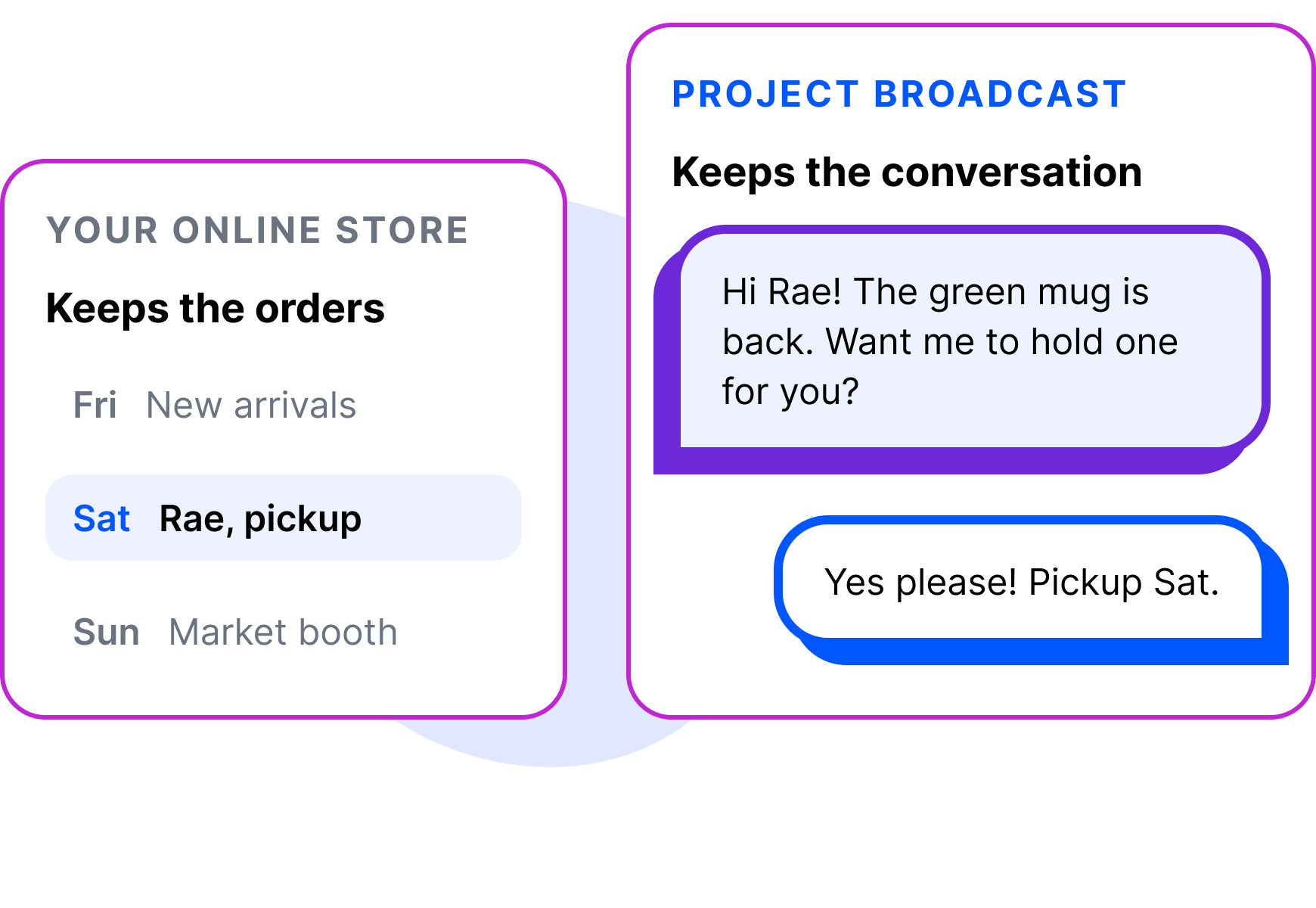
Text from your shop’s own number.
When a text comes from a number your customers recognize, it feels like hearing from you… because it is! Project Broadcast gives you a local 10-digit business texting number. It is not your personal cell and not a short code. New accounts get a new local number by default, and existing business numbers can usually be ported in.
Customers actually answer texts.
We looked at more than 170 million messages sent through Project Broadcast in 2025. One-on-one texts drew more than half of all quick replies, and scheduled follow-ups got more replies than one-time texts, with fewer opt-outs! These are platform-wide numbers, not retail-only. For a shop, the new-arrivals text opens the door, and your answer keeps it open.
See the full report from PB Data Labs- reply rate within two hours in one-on-one conversations
- 41%
- more quick replies from scheduled follow-ups than one-time texts
- 3.7×
- opt-out rate across 20.3M one-on-one texts
- 0.5%

Plans for busy seasons and slower months.
Holiday orders, a quiet January, summer market weekends: retail has a rhythm. Unused credits roll over at renewal while your plan is active, a text with photos costs the same as one without, and you’re never charged per contact. You pay in credits, and one credit sends one text to one person.
Find the plan for your shopFrequently asked questions
My store already has marketing features. Why add Project Broadcast?
Keep using your store for checkout, inventory, order and shipping notices, and any marketing features that work for you. Project Broadcast lets you bring customers who have signed up for your texts at the counter, booth, or website into one list. Your texts come from your own number, and replies arrive in your Project Broadcast inbox for you to answer personally.
Does Project Broadcast connect to my online store or point of sale?
Yes, through Zapier. There's no built-in connection, but a Zapier connection can add new store customers who've agreed to receive your texts to Project Broadcast as they come in. You can also import a list of the customers you already have. Your store still handles order confirmations and shipping updates. To see which apps work with Project Broadcast, visit the integrations page.
Will my customers get tired of hearing from me?
You decide how often to text and who gets each message. Your welcome reply can tell customers what to expect, and tags keep the new jewelry from going to the candle customers. Anyone who wants to stop can reply STOP, and Project Broadcast opts them out and confirms it for you. It also catches clearly worded requests to stop and flags unclear ones for you to review, so customers don't need to know the exact word.
Is it all right to text my customers?
Texting customers comes with rules, and the biggest one is simple: message people who have agreed to hear from you. Project Broadcast handles the platform side: it registers your local number for business texting (also called 10DLC) and manages unsubscribe requests for you. Texting only people who have opted in, and following the rules that apply to your business, stays with you.



Start with the customers you already know.
Customers who asked about a restock or your next market already told you what they want to hear about. Bring them in and send one useful text from your own number.