Connect Project Broadcast to the apps you already use.
Your forms, calendars, spreadsheets, and CRM already know when someone new shows up. Connect them to Project Broadcast and the right text goes out on its own, while replies and new sign-ups flow back to the tools your team works in.
Build it inside Project Broadcast with App Flows, reach more apps through Zapier, or connect your own systems with our API.
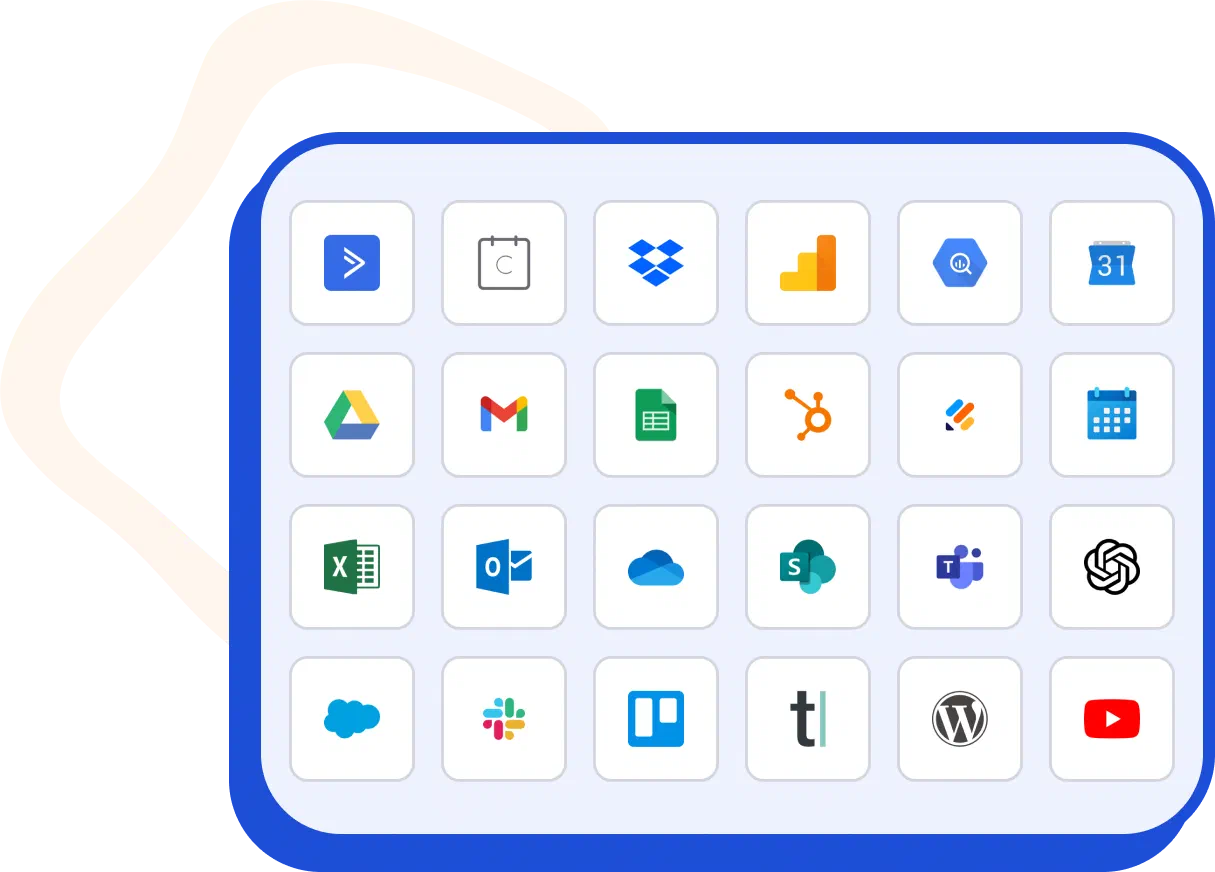
Build automations inside Project Broadcast with App Flows.
App Flows is the automation builder inside Project Broadcast. Start a flow when something happens in Project Broadcast, like a contact texting a keyword, or in another app, like a new Google Sheets row or a Calendly booking. Then send a message, add a tag, start a campaign, or update the other app.
Explore App Flows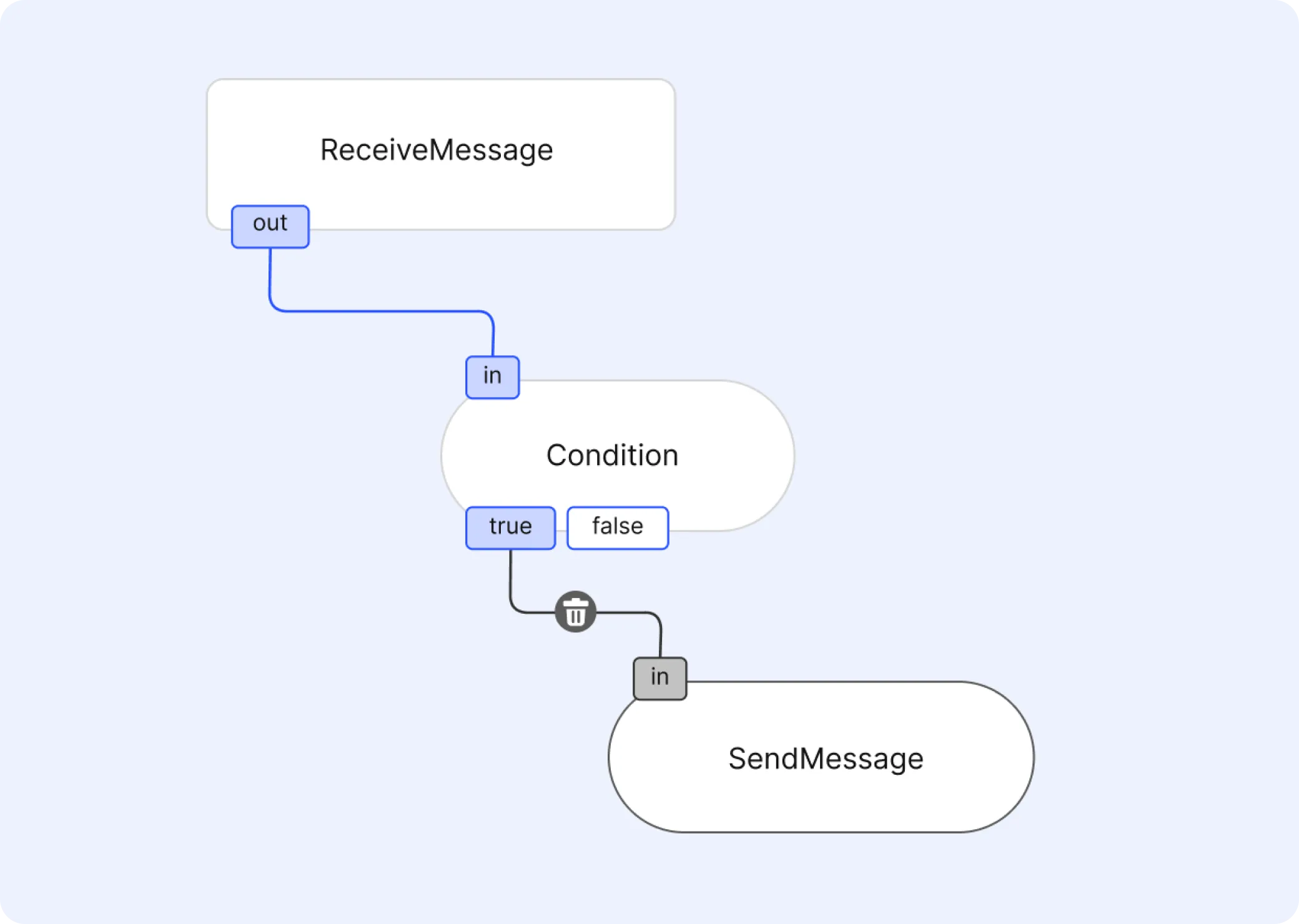
What customers build with App Flows.
A few of the most common flows running in Project Broadcast today.
Add new Google Sheets rows to a campaign
Each new row becomes a contact and starts the follow-up campaign you choose.
Follow up on Jotform submissions
Create the contact and apply a keyword, so its welcome text and tags run right away.
Start reminders from Calendly bookings
Add each new invitee to an event campaign timed to their appointment.
Log form submissions to Google Sheets
Keep a running sheet of everyone who fills out one of your Project Broadcast forms.
Reply based on what a contact texts
When an incoming text matches a condition, send the next message and update the contact's tags.
Branch after a keyword
When a contact texts a keyword, check their tags and apply the keyword or tag that fits.
Some of the apps you can connect in App Flows.
Plus any app that can send a webhook, which App Flows can start a flow from.
Google Calendar
Sync events to keep schedules and reminders aligned.
ActiveCampaign
Hand off contacts to your email automation platform.
Calendly
Trigger campaigns when meetings are booked or canceled.
Google Analytics
Tie campaign engagement to website performance.
Google BigQuery
Stream contact and message data for advanced analysis.
Google Drive
Share media and documents in your messaging workflows.
Gmail
Connect Gmail to feed leads and replies into Project Broadcast.
Google Sheets
Sync rows to contacts or log activity to a sheet.
HubSpot
Keep contacts and engagement aligned with your CRM.

Jotform
Turn form submissions into instant follow-ups.
Microsoft Calendar
Trigger reminders from Outlook calendar events.
Microsoft Excel
Start flows from new rows in your spreadsheets.
Microsoft Mail
Bring Outlook messages into your follow-up workflows.
SharePoint
Connect documents and team libraries to messaging.
Microsoft Teams
Get alerts and updates pushed to your team channels.
OpenAI
Generate smarter copy and replies with AI.
Slack
Push notifications and replies into your Slack channels.
Trello
Create cards from new contacts or campaign events.
Typeform
Turn Typeform submissions into instant outreach.
WordPress
Capture form fills and comments from your WordPress site.

YouTube
Send video links automatically when new content drops.
Start automations from what happens in Project Broadcast.
App Flows and Zapier start from the same six events.
Message Received
A contact texts you, including STOP and HELP replies.
Keyword Applied
A contact texts a keyword, or a keyword is applied by you, a campaign, a form, or the API.
Form Submitted
A contact submits one of your forms.
Contact Added to Smart List
A contact joins a Smart List, by hand, through its filters, or by texting a keyword.
Contact Removed From Smart List
A contact leaves a Smart List, by hand or through its filters.
Contact Updated
Any of a contact's details changes.
Connect 10,000+ more apps with Zapier.
Use the Project Broadcast app on Zapier with the tools you already run your business on, like Kajabi, Kartra, and Flodesk. Its triggers are instant, so a Zap runs the moment one of the events above happens.
Start from a template below, then choose your own campaign, keyword, or message in Zapier.
Build your own integration with the API.
Connect your own systems to Project Broadcast with our REST API.
Contacts
Create, update, search, and archive contacts, and manage their tags and custom fields.
Messages and broadcasts
Send a message to a contact or create a broadcast.
Campaigns and keywords
Add contacts to campaigns or remove them, and apply keywords.
Smart Lists
Create Smart Lists, set their filters, and add or remove members.
Frequently asked questions
Should I use App Flows or Zapier?
Use App Flows when the apps you need are on its list. It's built into Project Broadcast, and its tasks and messages use your credits. Use Zapier for apps App Flows doesn't connect to, like Kajabi, Kartra, or Flodesk, or when your team already runs its automations in Zapier.
Does Zapier cost extra?
Zapier is a separate service with its own plans, including a free plan. Messages your Zaps send through Project Broadcast use credits like any other automated message.
Can a Zap send a text or add someone to a campaign?
Yes. The Project Broadcast app on Zapier can send a message, add a contact to a campaign or remove them, apply a keyword, add or remove tags, and create or update contacts.
Where do I find my API key?
In Project Broadcast, under Account, Security, API Keys. Zapier asks for an API key when you connect your Project Broadcast account.
Can App Flows work with an app that isn't listed?
If the app can send a webhook, App Flows can start a flow from it. For anything else, check whether Zapier supports the app, or build it with the API.

Automate the follow-up you repeat.
Start with one flow: a new lead from your form gets a welcome text and lands in your follow-up campaign.