Blog
15 Text Message Appointment Reminders Templates to Reduce No-Shows in 2026
Introduction to Text Message Appointment Reminder Templates
Learn how to set up automated appointment reminders in Project Broadcast >>
What Are Text Message Appointment Reminder Templates?
Text message appointment reminder templates are pre-written SMS scripts businesses use to notify customers about upcoming appointments. They ensure consistent, professional communication and reduce missed appointments by keeping clients informed and engaged.
Why Templates Matter for Business Efficiency
Using text message templates saves administrative time and guarantees that every message aligns with your brand’s tone and compliance requirements. Message templates also prevent human error and make automation easier across multiple communication platforms.
Benefits of Using Text Message Appointment Reminder Templates
Time Savings and Consistency
Pre-built SMS or text message templates eliminate repetitive typing and provide a consistent tone. Employees can send reminders instantly or automate them with scheduling tools.
Improved Communication and Fewer No-Shows
Clear, timely reminders reduce appointment forgetfulness. Statistics show SMS reminders can lower no-shows by up to 40% across industries. (Check out our SMS Marketing Statistics for 2026!)
Professionalism and Brand Voice
Message templates allow customization with brand tone and contact information, reinforcing trust and professionalism in every interaction.
How to Write Effective Text Message Appointment Reminder Templates
Keep Text Messages Short and Clear
An ideal SMS should be under 160 characters. Get to the point quickly and include only essential details: date, time, and confirmation options.
Personalize with Names and Details
Personalization builds connection. Use dynamic fields like [Name] and [Date/Time] to automatically insert relevant details.
Include a Call to Action
Always give the recipient something to do — confirm, reschedule, or reply with questions. Example: “Reply YES to confirm or NO to reschedule.”
Respect Privacy and Compliance (TCPA/GDPR)
Get consent before sending messages and include opt-out instructions like “Reply STOP to unsubscribe.”
15 Text Message Appointment Reminder Templates by Industry
Healthcare and Dental Appointment Reminder Templates

- “Hi [Name], this is [Clinic Name]. You have an appointment on [Date/Time]. Reply YES to confirm or NO to reschedule.”
- “Reminder: Your dental cleaning is on [Date] at [Time]. Please arrive 10 mins early. Reply YES to confirm.”
- “Dr. [Last Name] looks forward to seeing you on [Date] at [Time]. Need to change it? Call [Phone Number].”
Salon, Spa, and Beauty Industry Templates
- “Hey [Name]! Your [Service] appointment at [Salon Name] is on [Date/Time]. Reply YES to confirm 💇♀️.”
- “Just a reminder — your spa session is tomorrow at [Time]. Reply C to confirm or R to reschedule.”
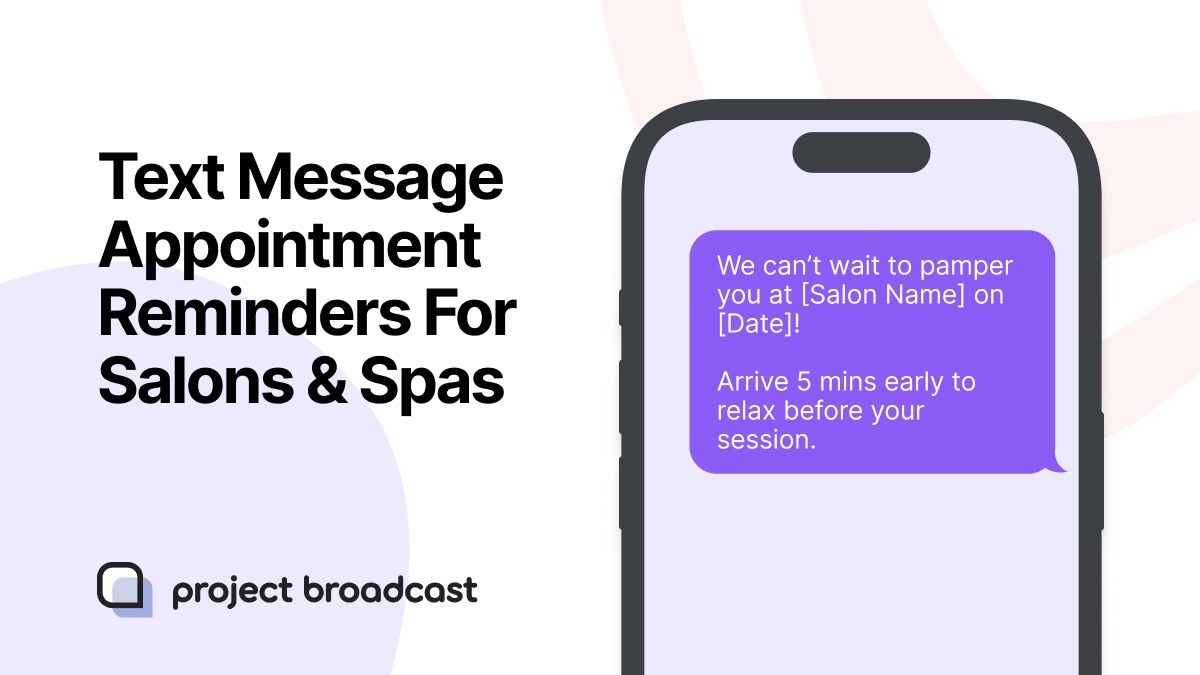
- “We can’t wait to pamper you at [Salon Name] on [Date]! Arrive 5 mins early to relax before your session.”
Gyms and Personal Trainer Appointment Templates
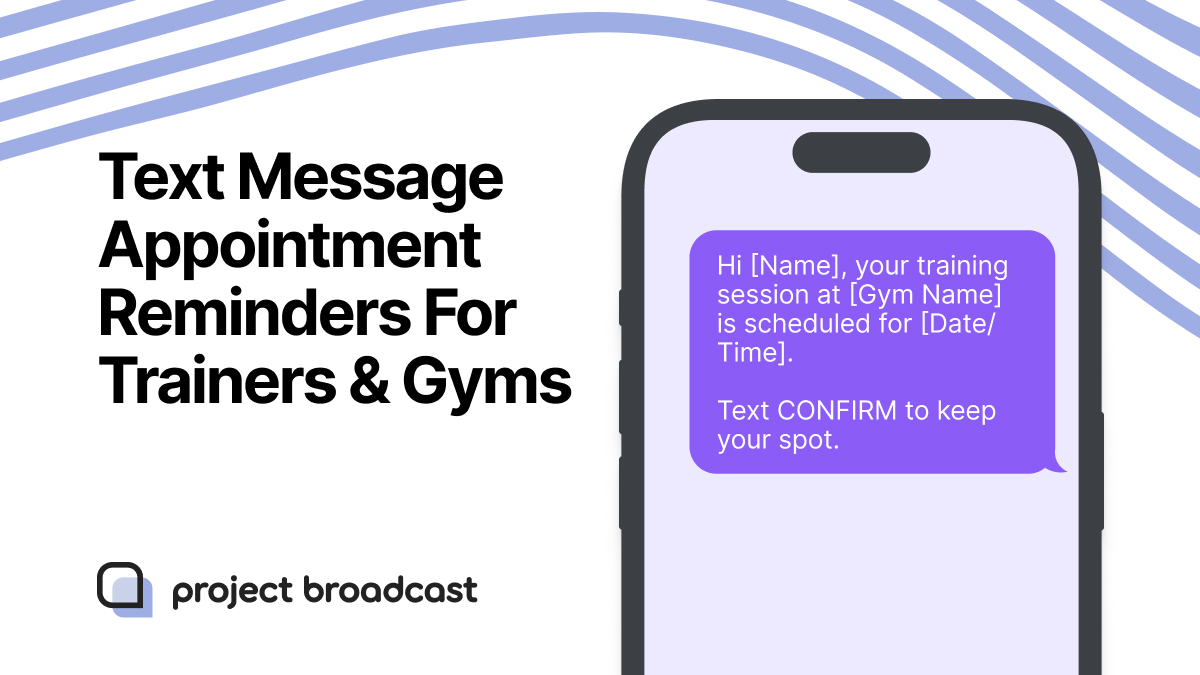
- “Hi [Name], your training session at [Gym Name] is scheduled for [Date/Time]. Text CONFIRM to keep your spot.”
- “Reminder: Your yoga class starts at [Time] on [Date]. Reply YES if you’re attending.”
- “Missed last session? Let’s get back on track! Confirm your appointment at [Time] tomorrow.”
Automotive and Service Industry Templates
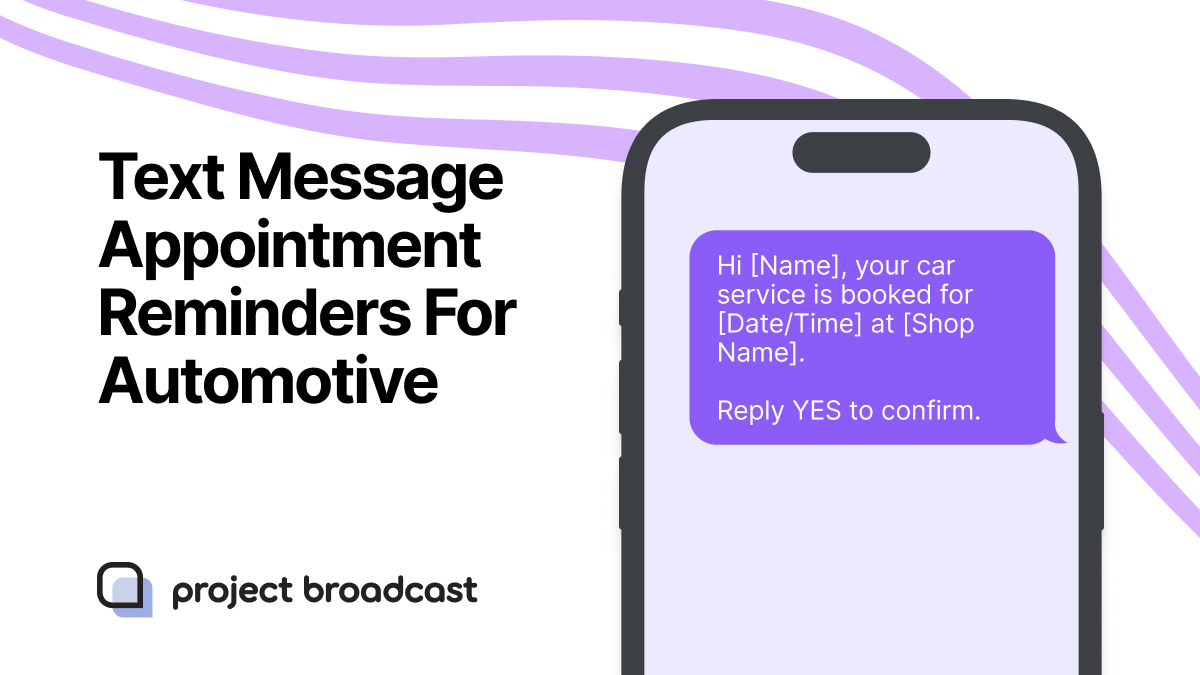
- “Hi [Name], your car service is booked for [Date/Time] at [Shop Name]. Reply YES to confirm.”
- “Reminder: [Shop Name] will see you tomorrow at [Time] for your oil change. Need to reschedule? Reply NO.”
- “Your appointment with [Mechanic Name] is on [Date] at [Time]. We appreciate your punctuality.”
Real Estate and Professional Services Templates

- “Hello [Name], your property viewing is set for [Date/Time]. Reply YES to confirm.”
- “Reminder: Your consultation with [Agent Name] is tomorrow at [Time]. Questions? Call [Phone Number].”
- “Hi [Name], we’re excited to meet you at [Address] on [Date/Time]. Reply YES to confirm or NO to reschedule.”
Customization Tips for Text Message Appointment Reminder Templates
Adding Branding and Contact Info
Always include your business name or signature to build trust. Example: “– The [Company Name] Team.”
Scheduling Automation and Triggers
Use platforms that send reminders automatically based on appointment time. Set triggers for 24 hours and 1 hour before appointments.
Two-Way Confirmation and Feedback Options
Encourage engagement by allowing replies for confirmation or rescheduling. You can also follow up with quick satisfaction surveys post-appointment.
Common Mistakes to Avoid When Using Templates
Overusing Generic Language
Avoid robotic or overly formal phrasing. Keep it conversational yet professional.
Sending Messages at Inconvenient Times
Never text outside of 8 a.m.–8 p.m. Sending reminders too early or too late reduces engagement.
Ignoring Opt-Out or Privacy Requirements
Always provide opt-out options and avoid sending reminders to clients who haven’t consented.
FAQs about Text Message Appointment Reminder Templates
1. Can I customize these templates for my business?
Yes. Every message template in Project Broadcast can be edited with your brand’s tone, logo, and contact details.
2. How far in advance should reminders be sent?
Send one 24 hours before and another 1 hour prior to the appointment.
3. Are automated templates compliant with privacy laws?
Yes, provided you obtain explicit consent and include an opt-out option.
4. Do SMS reminders work better than emails?
Yes. SMS has a 98% open rate compared to 20% for emails.
5. Can I integrate templates with scheduling tools?
Yes. Project Broadcast integrates seamlessly with Google Calendar, Outlook, and CRM systems.
6. How many reminder messages should I send?
Two reminders are ideal — one a day before, one an hour before the appointment.
Conclusion: Simplify Scheduling and Strengthen Client Relationships
Using text message appointment reminders templates is one of the simplest ways to enhance client communication and reduce missed appointments. With pre-built templates, businesses maintain consistency, save time, and keep every message compliant and professional.
Learn how to set up automated appointment reminders in Project Broadcast >>
In 2026, personalization and automation define customer success. Implementing smart reminder systems ensures you stay connected, efficient, and trusted in every client interaction.